
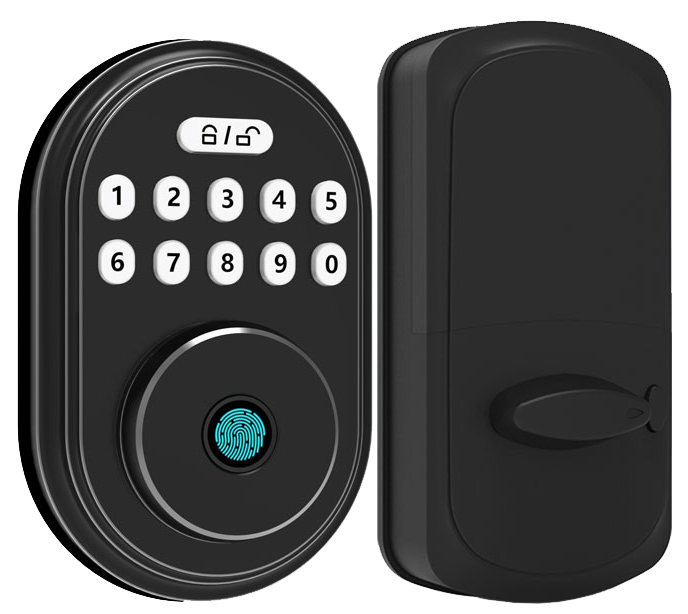
Hmm, what if your lockers could stand guard all day and night?
Picture a smooth metal faceplate glowing softly when you reach for it.
It’s like a tiny sentry watching over your stuff.
No more hoping you locked it right.
Solid.
Sixty percent of storage facilities still rely on old keys and numeric codes.
That leaves too much room for tampering.
Your valuables deserve better.
You deserve peace of mind.
Our smart locker locks change that.
They snap shut with a reassuring click.
They use a fingerprint reader (biometric fingerprint sensor: reads your unique fingertip pattern) and an RFID tap (radio-frequency identification, or a quick wave-to-open feature).
Unauthorized users don’t stand a chance.
You also get logs in real time and remote management.
You can see exactly who opened which locker and when.
No more blind spots.
Just simple, reliable tracking.
In this post we’ll show you how these high-tech sentries turn a plain storage room into a fortress of efficiency and trust.
Think of it as upgrading from a rusty padlock to a fully trained guard dog (minus the barking).
Key Buying Criteria for Smart Locker Locks
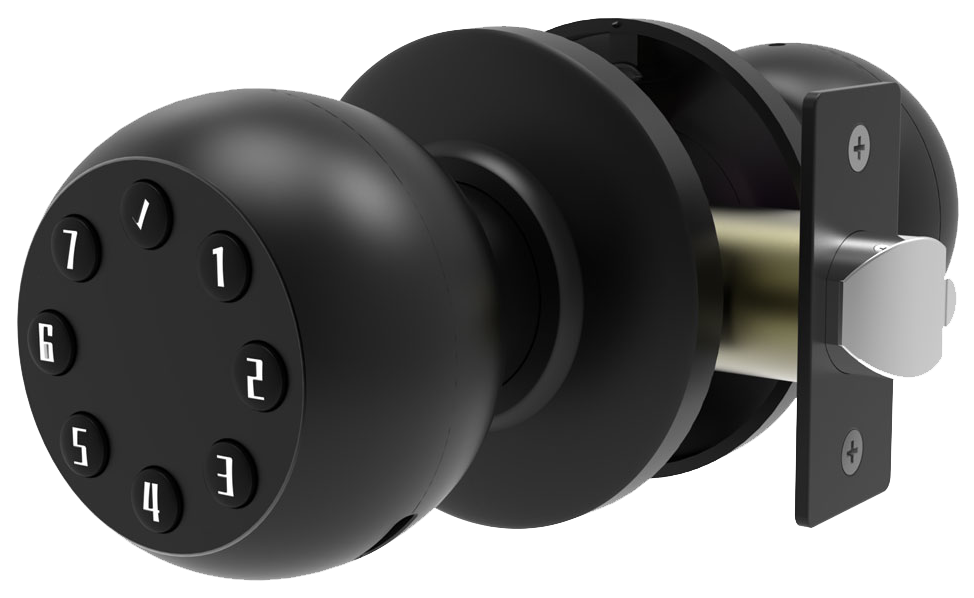
When you’re picking smart locker locks, start with a name you can trust. Starlight Hardware feels solid beneath your fingertips. We’ve built vandal-proof enclosures and waterproof modules (sealed to keep out rain or spills). And those tamper-resistant escutcheons (metal faceplates that block prying) give you extra peace of mind.
Authentication flexibility is key. You might use fingerprint scanners (biometric fingerprint sensor) or facial and palm recognition (biometric reader that checks your unique features). We’ve also got keypad entry for PIN codes and RFID-enabled doors you swipe or wave. Want to tap your phone? NFC authentication makes it as easy as tapping a credit card.
Starlight locks play nice with your devices. Bluetooth pairing works up to 30 feet, think of it like connecting your headphones to your phone. And if you need to open lockers from afar, Wi-Fi bridges link to our cloud-managed system.
Software and power round out the package. Real-time audit trails log every access event so you always know who was there and when. You can set one-time codes for guests or timed passes, handy, right? The locks run on AA batteries for 6 to 12 months, and there’s a mechanical key override in case the power really goes out. Warranty and support? We’ve got you covered long-term.
Never worry about being locked out.
Key factors to evaluate when comparing smart locker locks:
- Manufacturer reputation and CE certification
- Vandal-proof enclosures and waterproof modules
- Biometric access options and keypad entry
- RFID-enabled entry and NFC authentication
- Bluetooth connectivity (30 ft range) and Wi-Fi bridges
- Cloud-managed hardware with real-time audit trails
- AA battery life, mechanical key override, plus warranty and support plans
Top Smart Locker Lock Models and Brand Comparison
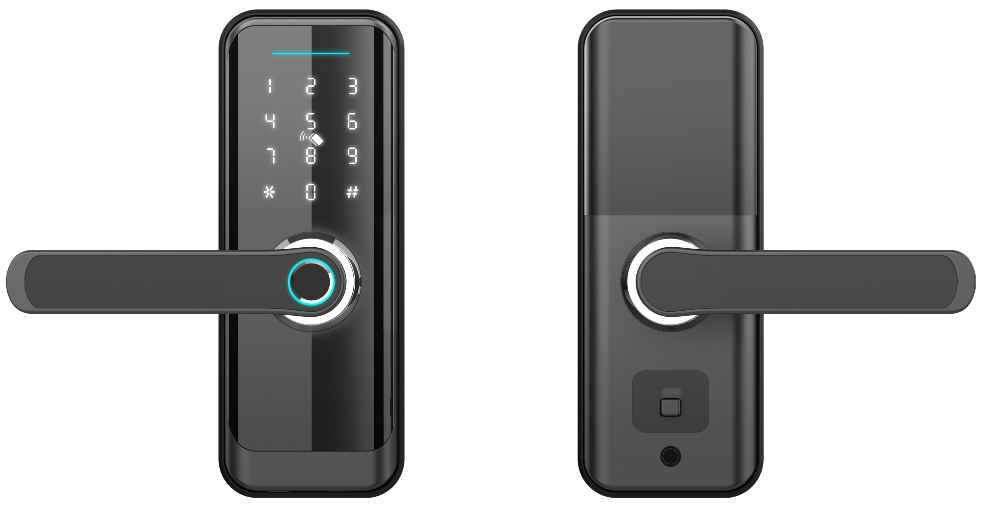
Here’s a quick look at four top locker locks. Each one brings its own flavor of security and ease. Let’s dive in.
StarLight Hardware’s SLL-500 shines with cloud-managed locker hardware (lock you control online). Its built-in RFID reader (radio frequency ID reader) and keypad give a smooth metal faceplate feel and a reassuring click. Developers get a friendly API (tools that let apps talk to the lock). Plus, you’ll get mobile audit logs and up to 12 months of battery life under a soft LED glow.
The Ultraloq U-Bolt LK keeps it budget-friendly under $130. It uses a biometric fingerprint sensor (reader checks your unique fingertip pattern) and a keypad with a crisp PIN-pad press. Bluetooth wireless pairing reaches about 30 feet, like connecting your phone to headphones. And with IP65 rating (dust tight, water jets resistance), it won’t mind a splash.
Lockly SecureLocker sits in the $140–$180 range. Its shifting keypad (numbers move so no one sees your code) feels a bit like a puzzle, but in a good way. You’ll hear voice prompts guiding you through each step. Smartphone control lets you set up one-time codes in seconds.
The Igloohome Smart Padlock 2 costs $110–$140. It pairs via Bluetooth, or you can add a Wi-Fi bridge for remote access. Scheduled and one-time codes show up in a clean web portal (online dashboard). Hmm, that reminds me, it’s great for mixed setups where some users need codes now and others later.
Each model fits different needs, from a small office to a busy gym.
Over 10,000 locks installed worldwide.
| Brand | Model | Key Features | Price Range |
|---|---|---|---|
| StarLight Hardware | SLL-500 | RFID & keypad, cloud API, 12-month battery, mobile audit logs | $150–$180 |
| Ultraloq | U-Bolt LK | Fingerprint & keypad, Bluetooth (30 ft), IP65 weather resistance | Under $130 |
| Lockly | SecureLocker | Shifting keypad, voice prompts, smartphone control, one-time codes | $140–$180 |
| Igloohome | Smart Padlock 2 | Bluetooth & Wi-Fi bridge, scheduled & one-time codes, web portal | $110–$140 |
Back to our fingerprint lock thoughts… If you want remote access and detailed logs, the SLL-500 is hard to beat. Ultraloq gives you solid biometric and keypad security. SecureLocker mixes fun shifting keys with voice nudges. And the Smart Padlock 2 blends Bluetooth and Wi-Fi for a versatile setup. Exactly the right pick depends on your scale and style.
Smart Locker Locks Boost Secure Storage Efficiency
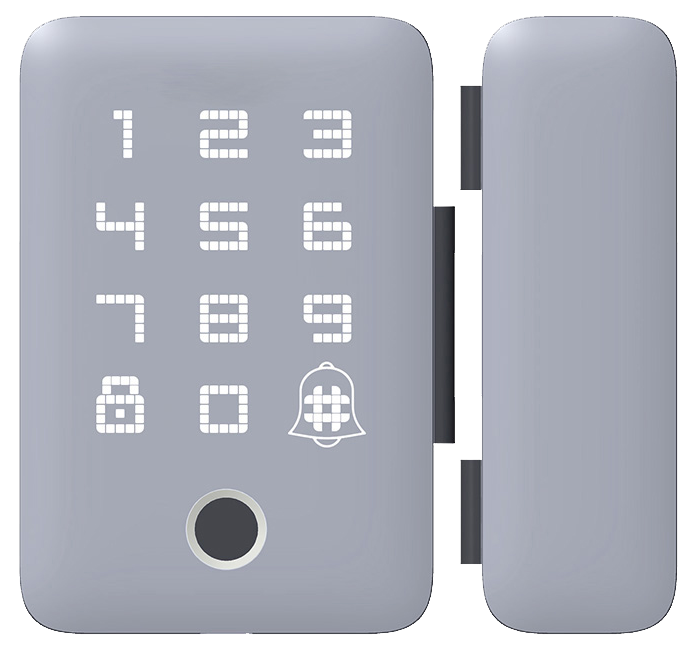
The digital core of our smart locker locks stands on strict rules like ISO27001 compliance (a top-level data protection standard) and OWASP testing (software security checks). We wrap every signal, Bluetooth or Wi-Fi, in military-grade AES 128-bit encryption (strong code that locks data tight). You’ll see a soft LED glow as it works, and you can trust your credentials and access tokens are safe.
We pair something you know, a passcode, with something on your phone, mobile app confirmation. Want to know a secret? Our two-step login is a game-changer. We keep a live audit trail you can watch on the admin dashboard. Spot a weird entry? You can act fast.
On the hardware side, we follow ANSI/BHMA lock grades (industry strength ratings). Grade 1 is built for heavy-duty commercial use. Grade 2 works great for homes or light commercial setups. Either way, you’ll hear a reassuring click as the bolt slides home.
Digital shields are nothing without tough steel. That’s why we craft hardened steel escutcheons (tamper-resistant metal covers) and anti-pry mechanisms to shrug off wedges and crowbars. We top it off with a vandal-proof enclosure, an extra coat of armor around your locker.
So you get a perfect mix of digital protocols and rugged hardware. Fewer break-ins. Fewer service calls. Just a smooth metal faceplate you can count on.
Installation Steps for Smart Locker Locks
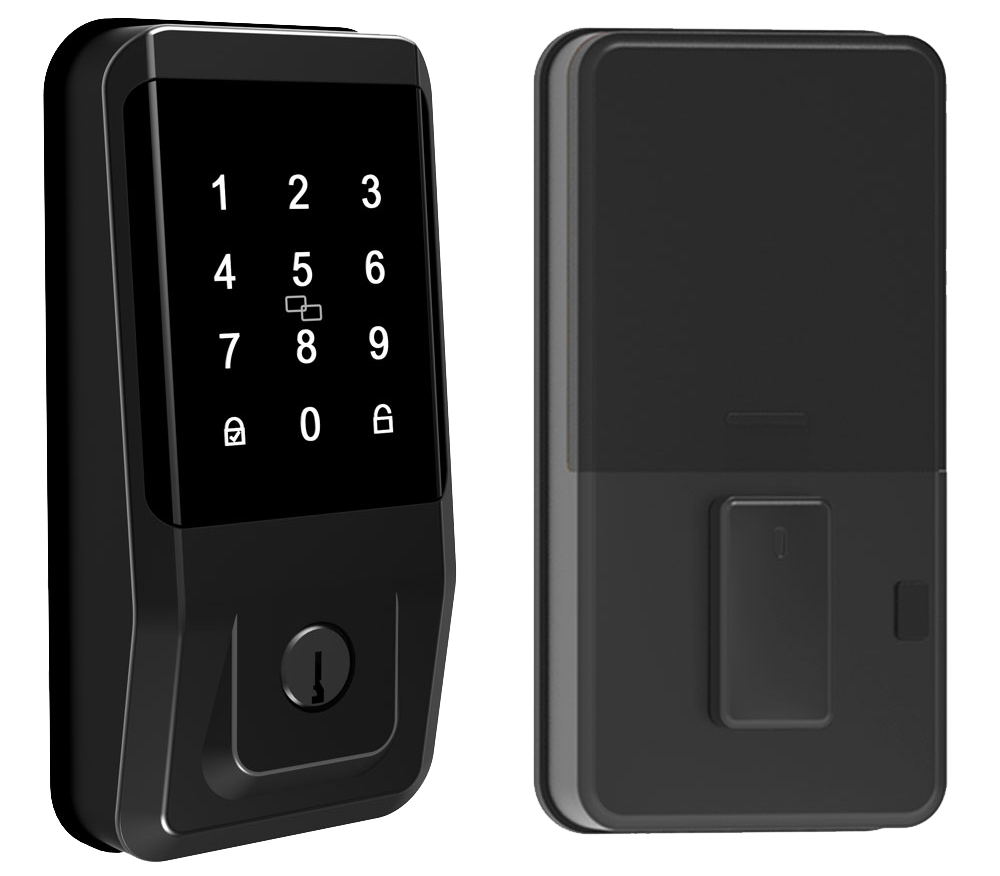
Getting these smart locker locks set up can be a quick weekend project, just 10 to 25 minutes and a Phillips screwdriver. If your locker has a standard pre-drilled hole, our retrofit-friendly design (built to fit existing openings) just slides in. But if you’ve got an odd-sized locker, it’s smarter to call a pro. They’ll save you time and headache.
The modular lock lets you swap mounting plates and faceplates like changing a phone case.
Next, you’ll want to line things up just right. Slide the bolt housing (the case that holds the locking bolt) into the cutout and set the strike plate (the metal catch) so the latch glides smoothly. Hand-tighten the screws until the lock sits snug against its frame. Give the bolt a twist and listen for a crisp click.
If it feels stiff, loosen the screws, realign, and try again. A neat fit now means fewer service calls later.
Once the lock hugs the door, it’s time to pair. Fire up our mobile app and follow the setup wizard to hook up Wi-Fi. Think of it like pairing your headphones. Tap, wait for a soft LED glow, and you’re connected. For big deployments, use secure API integration so your management software can push schedules and audit logs.
Last step is the emergency release test. Pop in fresh AA batteries, insert the mechanical override key, and turn it. That way, if the power ever fails, you can still open the door without a sweat. A quick test now keeps everything running smooth later.
Connectivity and Software Integration for Smart Locker Locks
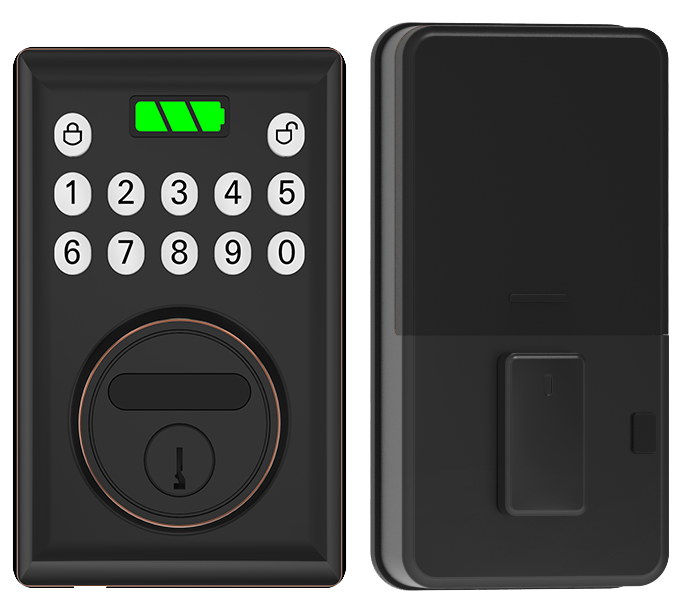
Integration Highlights
- API hooks (software links) for ERP (enterprise resource planning) and asset-tracking platforms. This keeps your inventory and locker data up to date, as smooth as a silent latch closing.
- Over-the-air firmware updates (firmware is the lock’s internal software) delivered via secure channels (a locked digital tunnel). No more on-site visits, just a reassuring click when the update lands.
- Two-way communication (data flowing back and forth) powering kiosks and self-service workflows. Users get that soft LED glow confirmation when they check gear in or out, all on their own time.
Cost Analysis and ROI for Smart Locker Locks
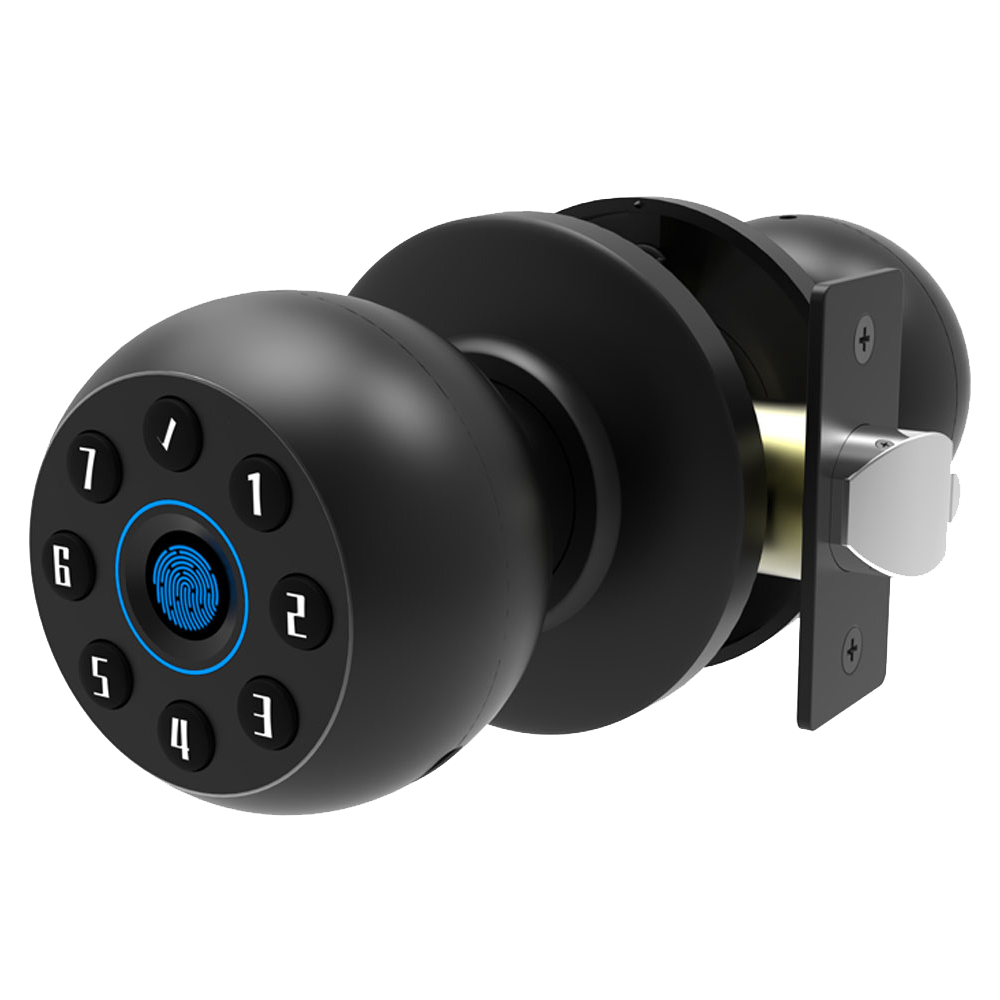
Entry-level smart locker locks start around $100. Premium models can top $200. Choose DIY installation and skip the $50–$100 per site labor fee. Battery swaps every 6–12 months cost about $5–$15 per AA battery kit (like changing batteries in your TV remote). You can also add a cloud subscription (remote management) for $5–$15 monthly.
Even budget locks pack modern features, audit trails and scheduled codes. They close with a reassuring click. The smooth metal faceplate and soft LED glow feel high-end. Sticker shock? It fades when you count fewer lost keys and vanishing lockout calls.
Let’s look at total cost of ownership. Pair those upfront costs with time and labor you save. Our quick ROI calculator shows management time can drop by up to 94% versus old-school key systems. Starlight Smart Locks come with a 2-year warranty. Extend coverage to three years with a service contract to cut maintenance costs.
Over two years, you’ll likely break even through lower rekey fees, fewer service visits, and streamlined access control. Smart locker locks pay for themselves long before the warranty expires.
Smart Locker Locks in Commercial, Residential, and Public Spaces
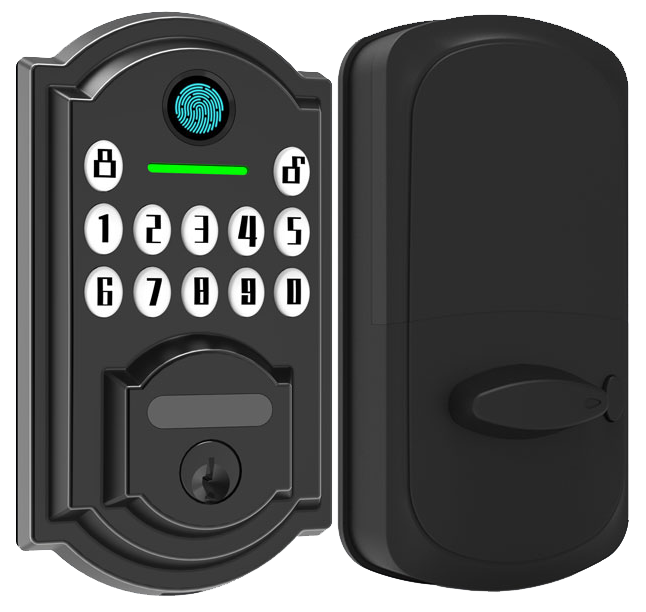
Corporate offices often bank rows of smart lockers for secure storage. Each locker greets you with a soft LED glow and checks your employee badge (or PIN). You hear a reassuring click as the smooth metal faceplate swings open. Managers can slice access by department and track multi-tenant usage across floors with real-time logs.
In residential lobbies, our CE certified package lockers make deliveries a breeze. A timed one-time PIN pops onto a tenant’s phone, unlocks the right compartment, then expires. Push alerts tell you “Your delivery has arrived!” Networks grow with your building, from a few dozen units to hundreds without a hiccup.
At gyms and fitness centers, you unlock your cubby with a mobile app or a temporary guest code that vanishes after you leave. Pressing the keypad feels like texting on your phone, complete with a crisp click and a soft LED wink. No more fumbling for keys or sweaty combinations. Solid.
Campus life gets easier with student lockers that auto-expire at the end of each semester. Administrators watch every lock and unlock in audit logs (records that show who did what and when). Lost keys? I guess that’s ancient history. Back to our lockers…
In public venues and coworking hubs, pay-per-use lockers guide you step by step on a kiosk screen. After payment, a one-time code beams to your display. You stash your bag and hear that familiar click. It’s like renting a bike, simple and self-service.
E-commerce delivery sites and apartment lobbies rely on our smart package lockers for parcels big and small. Timed PIN codes arrive on your phone and expire after use. No more missed deliveries. Smooth.
Hospitals lock down medicine dispensers and track life-saving equipment with compliance reports (official records) and audit trails (step-by-step logs). Our lockers scale from a handful of units to hundreds without missing a beat. They’ve been rigorously tested in sandy deserts and snowy peaks. We’re proud, with two decades of expertise in every reassuring click.
Maintenance and Firmware Update Guidelines for Smart Locker Locks
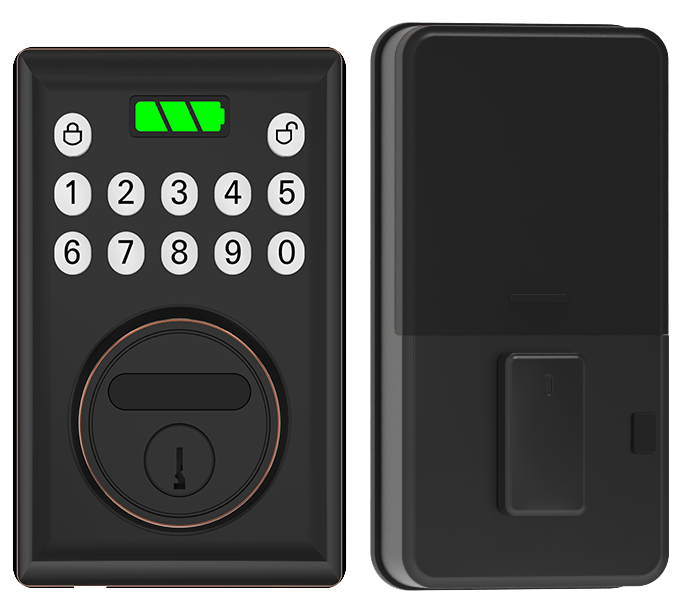
Wipe the smooth metal faceplate of your scanner and keypad every month with a soft, lint-free cloth. It’s like cleaning your phone screen to keep dust and fingerprints from messing with RFID (radio-frequency ID) or fingerprint scans (a reader that checks your unique fingertip pattern). A gentle wipe helps that soft LED glow stay crisp and reliable.
Swap out the AA batteries every six to twelve months. It’s a quick five-minute task: pop open the battery cover, slide in fresh cells, and you’ll hear a reassuring click. While you’re at it, launch firmware updates over the air in the mobile app or cloud portal every three to six months. Think of it like updating your phone. The lock downloads patches, restarts, and stays sharp against the latest security bugs.
After any bump or drop, realign the RFID and NFC (near-field communication) panels with the little calibration tool in your kit. If the lock flashes an error code – low battery, sensor fault, or network timeout – check the manual’s reset steps and follow along. Every quarter, give the mechanical key override and emergency power port a quick test so they’re ready if the electronics ever fail.
Um, if you hit a snag, pop into our online support portal for step-by-step troubleshooting and license renewal instructions. A little routine care now means fewer service calls later.
Final Words
We dove into core factors buyers should weigh, from maker reputation to durability, authentication, connectivity, software controls, power, and support.
Then we compared top smart locker locks models and security standards, walked through installation steps, and reviewed connectivity, software integration, and cost analysis.
Real-world use cases in offices, gyms, schools, and more showed how these solutions fit diverse needs. Plus, we covered simple maintenance and firmware updates to keep everything running smoothly.
Here’s to smarter, safer storage ahead with Smart Locker Locks.
FAQ
What are smart locker locks with a key backup?
Smart locker locks with a key backup combine electronic access and a mechanical key override for emergencies. You get PIN codes, RFID or Bluetooth access plus a smooth metal key slot for manual entry.
Which smart locker locks are top-rated?
Top-rated smart locker locks stand out for sturdy vandal-proof enclosures, Bluetooth or RFID access, audit logs, and long-lasting batteries. Look for tech-tested brands backed by two-year warranties for worry-free security.
How do gym locker digital locks improve security?
Gym locker digital locks improve security by replacing loose keys with PIN-pad codes or RFID tags. They offer scheduled guest access, tamper alerts, and waterproof modules, so sweaty gym days won’t compromise your locker.
What are built-in locker locks?
Built-in locker locks sit flush inside locker doors for a seamless feel. They offer PIN pads, RFID readers, or fingerprint sensors (a reader that checks your unique fingertip pattern), all behind a smooth metal faceplate.
What keyless and combination lock options exist for lockers?
Keyless and combination lock options include PIN-based digital locks, RFID or NFC authentication (tap-to-open), and mechanical combination dials. They free you from carrying keys while still offering a crisp click and secure metal housing.

