
Ever balanced bags of groceries on your arm while rooting around for your front-door key?
It’s a daily juggling act.
And it’s a pain you don’t need.
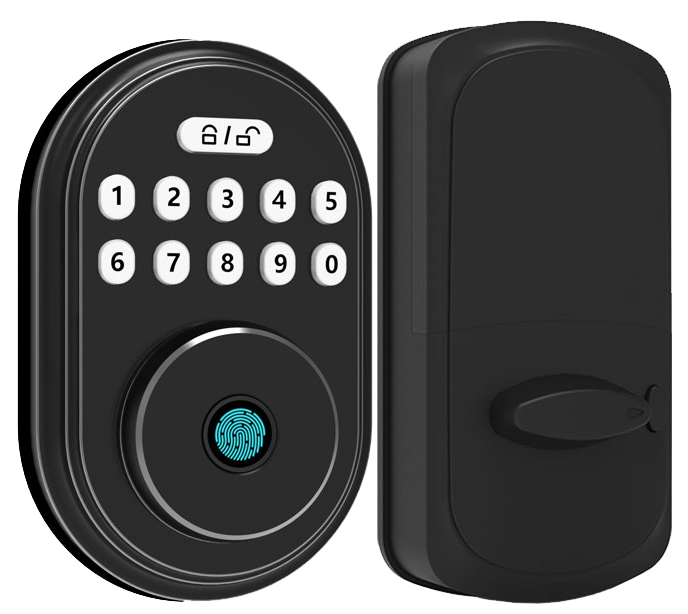
Smart deadbolt locks trade that hustle for a quick tap on the smooth metal faceplate or a simple app command.
Want to know a secret? You can punch in a PIN on the crisp PIN-pad or let the biometric fingerprint sensor (a reader that checks your unique fingertip pattern) take care of things!
We’ve tested five top smart deadbolts.
Each model blends AES encryption (a strong code that keeps intruders out), remote lock control, and seamless sync with your home automation system.
Solid.
No spare-key hideaways needed.
Smart Deadbolt Locks Overview: Key Features, Benefits, Price Tiers, and Compatibility
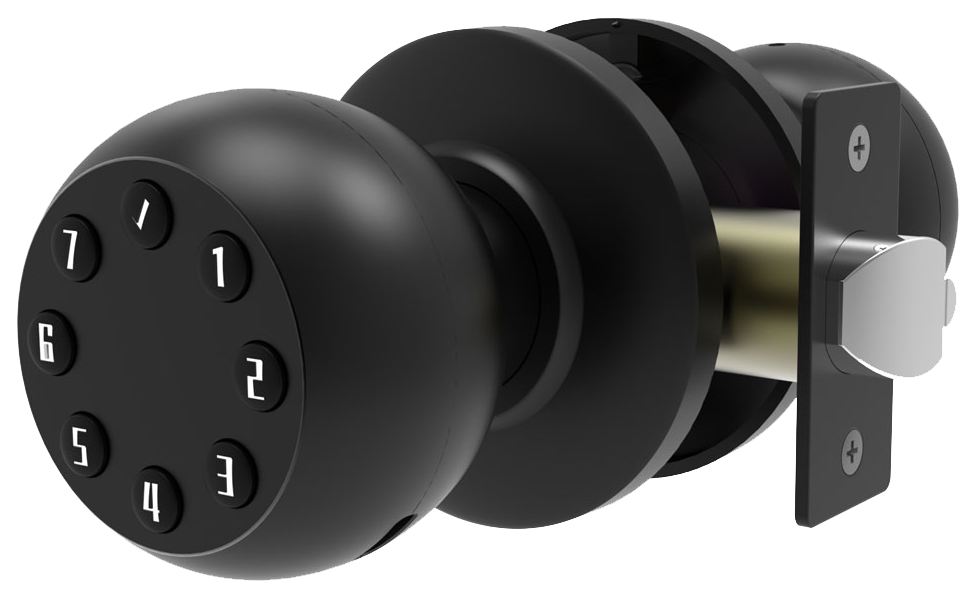
Smart deadbolt locks swap out your old tumbler and latch for an electronic locking system you control with a tap. Instead of turning a key, you touch a smooth metal faceplate or tap an app on your phone. Then a little motor nudges a reinforced bolt into the strike plate with a soft click. Solid.
But you know how life can get unpredictable. So our locks give you three ways in: the mobile app, a crisp PIN-pad, or a backup. That backup can be a physical key or a biometric fingerprint sensor (a reader that checks your unique fingertip pattern). It’s like carrying three keys in one sleek device.
Five reasons you’ll love smart deadbolts
- Enhanced security: AES encryption (secure data code) and activity logs keep tampering at bay.
- No more key chaos: no hiding spare keys under mats or in flower pots.
- Remote access: lock or unlock from anywhere, even poolside.
- Home-automation ready: sync with video doorbells, lights, or your smart thermostat.
- Visitor history: time-stamped records show who came and went.
Price tiers for every budget
- Budget models: $70-$150
- Midrange picks: $150-$300
- Premium options: over $300
Back to our locks: Starlight Smart Locks Pro Series brings CE certification, rigorous testing, and over 20 years of expertise. We take pride in every lock we build. You’ll get top-notch security that just works.
Smart Deadbolt Locks Connectivity: Wi-Fi, Bluetooth, Zigbee, Z-Wave, and Matter
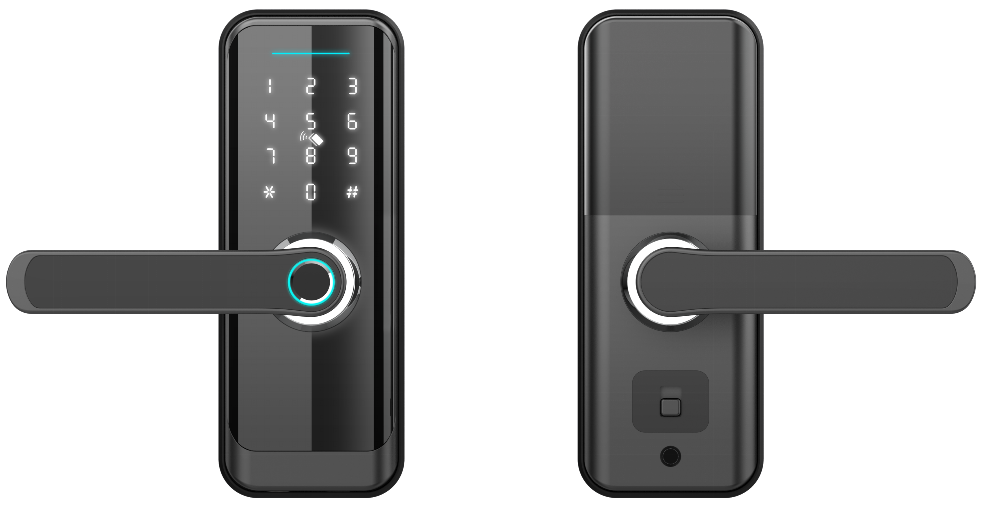
Connectivity is what links your deadbolt to the things you use every day. It shapes how long your battery lasts, how far you can be from the door, and whether you can lock or unlock it from anywhere.
Wi-Fi locks talk to your phone from anywhere, but they tend to need fresh batteries every 3 to 6 months. Bluetooth locks sip power slowly and usually last 8 to 12 months. But you’ll need a bridge (a device that connects your lock to the internet) if you want to control them on the go.
Mesh networks like Zigbee and Z-Wave chat with your home hub directly and pass signals through each node in the house. Bluetooth only reaches about 30 feet. That’s enough to hang out in the yard and still unlock your front door. Thread is the new option. It uses very low power and responds fast, making your lock part of seamless scenes and routines.
| Connectivity Type | Battery Life | Home Automation Compatibility |
|---|---|---|
| Wi-Fi | 3 to 6 months | Alexa, Google Assistant, direct app control |
| Bluetooth | 8 to 12 months | Bluetooth app and a bridge for remote access |
| Z-Wave | 8 to 12 months | SmartThings, Hubitat, Ring |
| Zigbee | 8 to 12 months | SmartThings, Hubitat, Wink |
| Thread and Matter | Up to 12 months | Native Matter platforms |
Our Starlight locks come with a modular design that grows with your home. Need Wi-Fi? Slide in the Wi-Fi module for direct remote control. Got a Z-Wave mesh? Swap in the Z-Wave module and join your network. Want Matter (a universal smart home standard)? Load the Thread firmware (software for Thread protocol) and you’re all set.
You’ll enjoy up to 12 months of battery life and a single sleek package. No more juggling apps or worrying about dead batteries. Plus, our next firmware update will make every model Matter-compliant, no extra hardware needed. You can test new modules and swap them in minutes. Handy.
Smart Deadbolt Locks Security Standards and Certifications
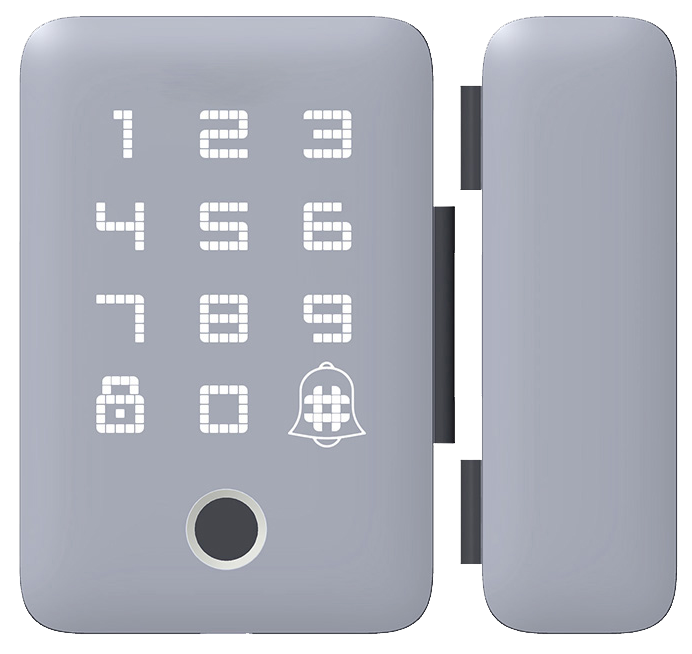
Smart deadbolts earn an ANSI/BHMA rating based on break-in resistance. Grade 1 is beefed-up for commercial doors. Grade 2 is built for your home’s front door. And Grade 3 handles light residential use.
UL certification adds more peace of mind. We’ve sent locks through crowbar and hammer tests and baked them in extreme heat and cold. Solid.
Our Starlight Hardware locks carry ANSI/BHMA Grade 2 and UL listings and meet CE/FCC certified smart locks standards for electromagnetic compliance.
Digital safety happens inside the smooth metal faceplate. We use AES-256 encryption (a 256-bit code-scrambling method) to lock down your access code, and you can switch on two-factor authentication (an extra check via app or code).
Tamper alert mechanisms (they sense prying or vibration) ping your phone if something’s off. Drill-resistant steel cartridges (block drill bits and metal cutters) and reinforced internal parts stand guard.
IP65 weather resistance (dust- and water-resistant rating) means a soft LED glow and a reassuring click work from -4°F to 140°F.
- ANSI/BHMA Grade 2 & UL Listing
- AES-256 encryption with two-factor authentication
- Tamper alert mechanism & drill-resistant steel cartridge
- IP65 weather resistance from -4°F to 140°F
Smart Deadbolt Locks Installation and Compatibility Guide
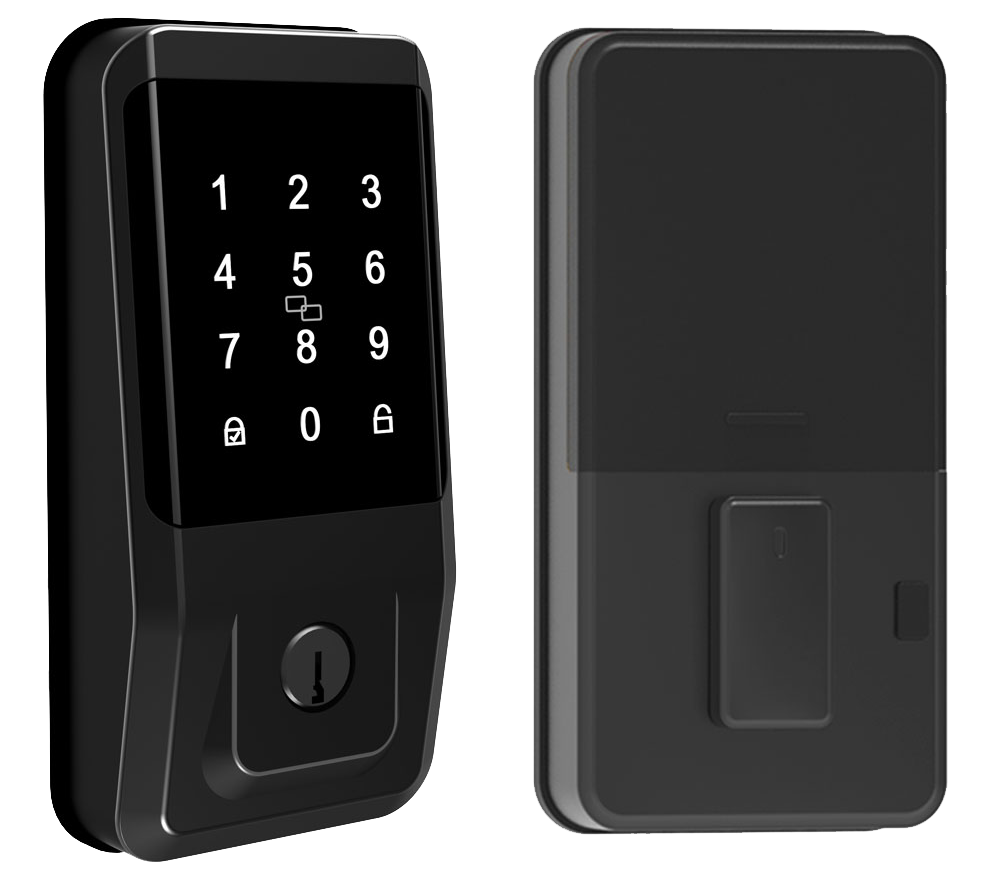
Installing a smart deadbolt usually takes about 30 minutes. You only need a screwdriver and the door prep that’s already there. We’ll swap out the old latch and bolt for the new electronic module. It’s like giving your door a smooth metal faceplate and a reassuring click.
Solid.
Here’s the step-by-step:
-
Measure door specs
- Check door thickness (1-3/8" to 2") and backset (the distance from the door edge to hole center, usually 2-3/8" or 2-3/4").
- Feel the crisp edge of your tape measure as you go.
- Note hinge placement and knob clearance so nothing blocks the bolt.
-
Pick retrofit or full-replacement
- Retrofit models clamp over your current deadbolt. Fast. Renter-friendly.
- Full-replacement kits swap out both latch and bolt for a sleek, factory-installed look.
-
Prep the door
- Remove the old deadbolt and clean out the mortise (the pocket in the door edge).
- Align the new latch plate so the bolt slides with a reassuring click.
- Let me rephrase that…make sure it’s smooth and silent.
-
Secure the strike plate
- Swap in the reinforced strike plate (the metal plate on the door frame).
- Use three-inch screws that reach the wall stud for extra strength.
-
Test it out
- Punch in a code, tap your phone app, try the key, or scan your fingertip sensor (a reader that checks your unique fingertip pattern).
- Cycle the lock a few times, watch the soft LED glow, and listen for that click.
- Everything should feel smooth and auto-lock on schedule.
Starlight offers drilling templates, clear video tutorials, and optional on-site setup plans backed by our smart lock manufacturer China expertise. DIY tool costs usually run $0 to $50. Professional setup services range from $100 to $200. A pro will fine-tune measurements, reinforce strike plates, and double-check your door specs. Then voila. A flawless smart lock, ready to go.
Smart Deadbolt Locks Top Model Comparison and Starlight Pro Series
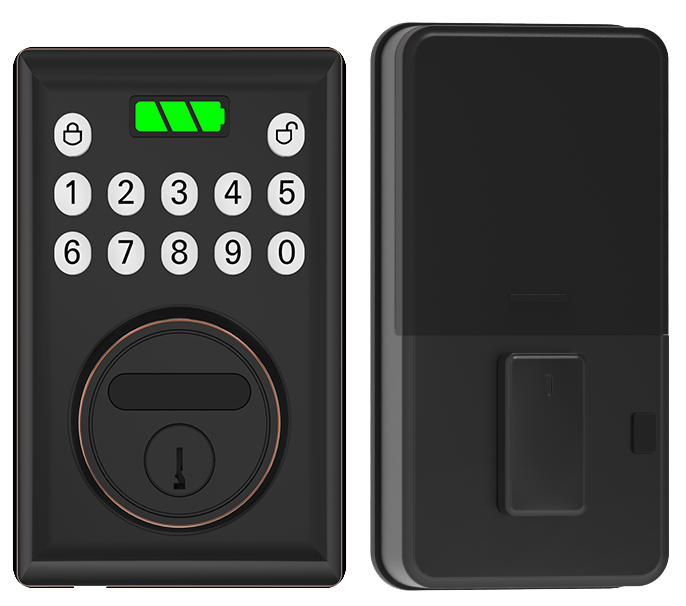
You know, picking the right smart lock can feel overwhelming. So we made a quick chart comparing five top models for 2023. You’ll see their main features, battery life, how they connect, and what they cost, all in one place. From simple retrofits to biometric powerhouses, we’ve got you covered.
The Ultraloq Bolt NFC has a smooth metal faceplate and a soft LED glow around the keypad. You can punch in a code, tap your phone or card thanks to NFC (near-field communication), or use built-in Wi-Fi for locking and unlocking from anywhere.
Kwikset Halo Select is like having a guard that knows when you’re home. It auto-unlocks based on your phone’s location and lets you choose Wi-Fi or Thread (a low-power mesh network) to stay connected. No extra hubs required.
Yale Assure 2 Touch brings a biometric fingerprint sensor (a reader that checks your unique fingertip pattern) right into its touchscreen panel. It also uses Bluetooth for nearby access and offers swap-in modules for Z-Wave or Wi-Fi. We even tested it in rain and in bright sun, reliable every time.
August Smart Lock slips over your existing deadbolt on a rechargeable battery pack. It links up with Bluetooth for app control and works with voice assistants you already use. If you love a no-fuss retrofit, this one’s for you.
And here’s our pride and joy: the Starlight Smart Lock Pro. It uses AES-256 encryption (strong data scrambling) and greets you with fingerprint, keypad, and app entry. The click of the buttons feels reassuring, and you can swap in Wi-Fi or Thread modules whenever you want, future ready.
| Model | Key Features | Battery Life | Connectivity | Price |
|---|---|---|---|---|
| Starlight Smart Lock Pro | AES-256 encryption, fingerprint + keypad + app | 12 months | Wi-Fi or Thread | $249 |
| Ultraloq Bolt NFC | Keypad + NFC tap-to-unlock + Wi-Fi | 6–12 months | Wi-Fi | $249 |
| Kwikset Halo Select | Auto-unlock via location | 6–12 months | Wi-Fi or Thread | $279.99 |
| Yale Assure 2 Touch | Fingerprint + Bluetooth, swappable modules | 6–12 months | Bluetooth (Z-Wave/Wi-Fi module) | $279.99 |
| August Smart Lock | Retrofit design, app & voice control | Rechargeable pack | Bluetooth | $149 |
Of all these picks, the Starlight Smart Lock Pro shines. It brings top-grade security, versatile unlocking methods, and a swap-in Wi-Fi or Thread module for the future, all at a midrange price.
5 Smart Deadbolt Locks Deliver Effortless Keyless Security
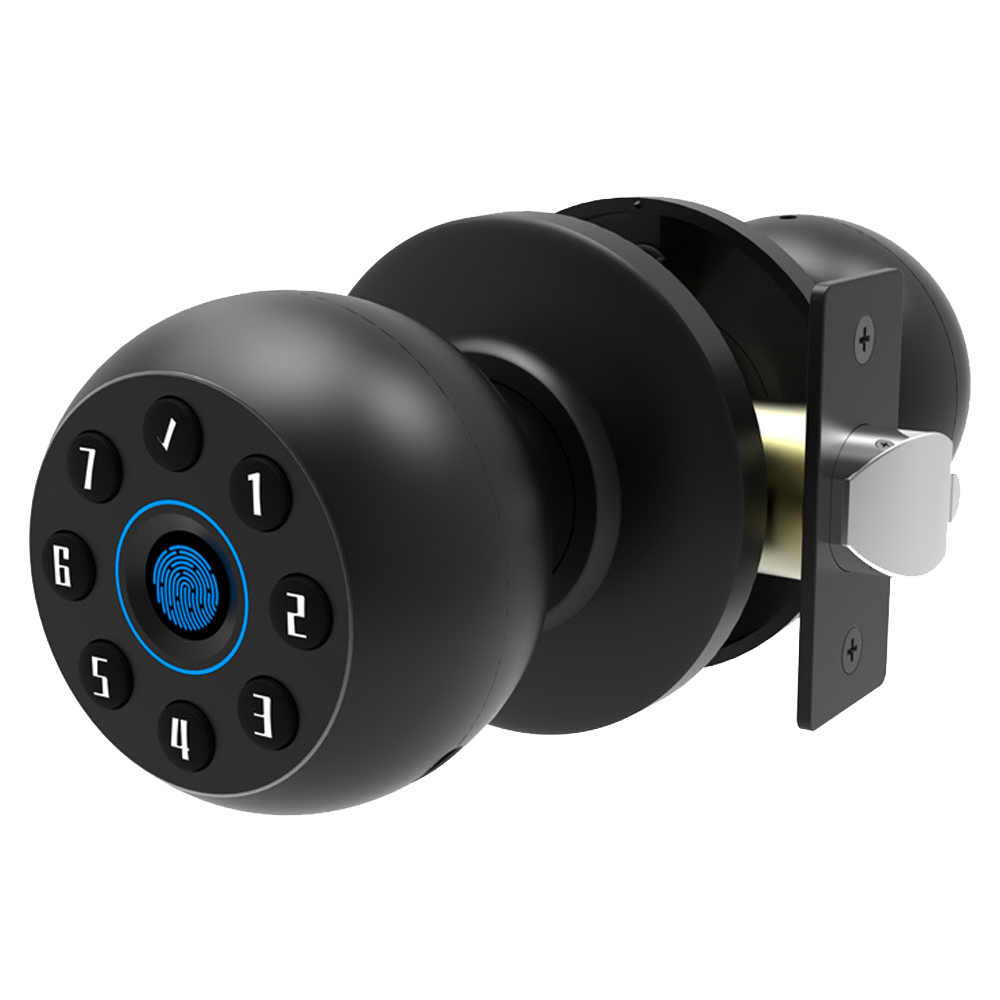
Budget-friendly smart deadbolts start at about $70 (think Wyze Lock Bolt). They cover the basics: PIN code (a number-based door code) entry and app control. You still get that smooth metal faceplate and a soft LED glow around the keypad. Perfect if you just want to ditch your keys without breaking the bank.
Midrange options sit between $150 and $300. Here you’ll find fingerprint sensors (a reader that checks your unique fingertip pattern) or swappable modules, swap in a keypad or an RFID fob reader in seconds. They feel a bit more solid, with a reassuring click when you lock up.
Premium locks run north of $300. These come with built-in Wi-Fi, Matter support (a universal smart-home connectivity standard), and advanced encryption (data scrambling tech). Think of it like upgrading from a hatchback to a luxury sedan, you get next-gen features and peace of mind.
Seasonal promotions can shave up to 20 percent off the MSRP. It’s like grabbing a high-end model at midrange prices. Timing your purchase right can score you serious savings.
- Amazon: huge selection and next-day shipping
- Home Depot: in-store demos and Pro Desk pickup
- Lowe’s: hands-on displays and installation advice
- Manufacturer’s site: full lineup and direct product support
- Online distributors: bulk ordering with 10–15 percent off B2B pricing
Buying direct from Starlight also unlocks 10–15 percent off bulk orders and priority access to seasonal deals. Security made simple, and affordable.
Smart Deadbolt Locks Maintenance, Troubleshooting, and Firmware Updates
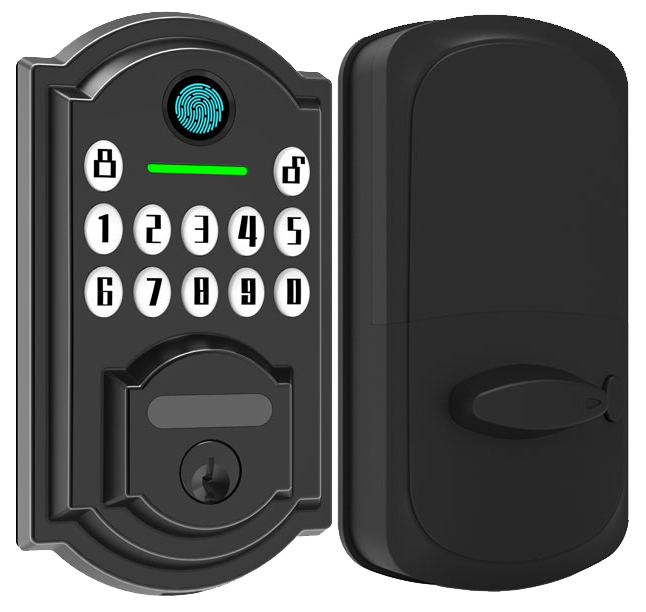
Smart deadbolt locks keep things simple. When your battery dips below 20 percent, you get a low battery alert in the Starlight app. And every month, we push a firmware patch to keep your lock sharp. You’ll see a soft LED glow during updates. Solid.
Most locks run on standard AA batteries for about 6 to 12 months. If you use our rechargeable battery pack, add another 2 to 3 months of life. Miss an alert? No problem. A quick boost via the smooth USB-C port (think charging your phone) or a 9 V battery on the emergency terminal brings it right back.
- Replace batteries
- When you see that warning, pop off the battery cover and swap in fresh AA cells or your charged pack.
- Open the Starlight app and follow the Battery Replacement Guide to reset the level indicator.
- Emergency power backup
- If the lock dies flat, plug in a USB-C cable or clip a 9 V battery to the external terminal.
- Then enter your PIN or tap in the app to unlock with a reassuring click.
- Firmware update process
- Launch the Starlight app, go to Firmware Update, and tap “Check for Updates.”
- Download and install while the lock stays powered. You’ll see the progress bar slide, easy.
- Connectivity troubleshooting
- If Bluetooth or Wi-Fi stalls, hold the reset pin for 10 seconds to reboot the lock.
- Re-pair it in the app or power cycle your mesh hub if needed.
A few simple care tips:
- Wipe the keypad with a soft, damp cloth, no sprays or solvents.
- Add a drop of silicone-based lubricant (a gentle oil that won’t gum up) to the bolt once a year.
- Move your hub or shift any noisy electronics if you notice spotty Bluetooth or Wi-Fi.
Back to business. Your lock is ready to protect what matters, smooth, silent, and secure.
Final Words
We covered how smart deadbolts swap out old mechanical bolts for electronic locks, and three ways to get in: app, keypad, or key and fingerprint backup.
We listed five top benefits, stronger security, easy routines, remote control, automation links, and access logs, then mapped out budget, midrange, and premium price points plus major platform compatibility.
You now have a clear guide to pick the right option and see why Starlight’s Pro Series stands out for quality and reliability.
Here’s to safer doors and simpler access with Smart Deadbolt Locks.
FAQ
Which are the best smart deadbolt locks?
The best smart deadbolt locks include Starlight Smart Lock Pro Series, Schlage Encode, Kwikset Halo, Yale Assure Lock 2, and August Smart Lock, known for reliability, security, and seamless integration with Alexa, Google, and HomeKit.
What are the downsides of smart locks?
The downsides of smart locks include battery replacements every 6–12 months, occasional connectivity glitches, possible vulnerability if they’re not updated regularly, and a higher upfront cost compared with a basic mechanical deadbolt.
What locks do police recommend for doors?
The locks police recommend for doors often carry ANSI Grade 1 or 2 ratings, feature reinforced strike plates, drill-resistant steel cores, and strong tamper alerts to withstand forced entry and meet safety standards.
Is a smart lock better than a deadbolt?
A smart lock can be better than a traditional deadbolt by adding remote access, activity tracking, and custom user codes, while still offering mechanical key backup for security if electronics fail.
What popular smart deadbolt models should I consider?
Popular smart deadbolt models to consider include Kwikset Halo Wi-Fi, Kwikset Home Connect 620, Yale Assure Lock 2, Kwikset SmartCode 915, Ultraloq Bolt NFC, and August Smart Lock for varied features.
What features do top brands like Schlage and August offer?
Schlage offers built-in alarm sensors, keypad entry, and HomeKit compatibility, while August adds easy retrofit design, auto-unlock by phone, and door-state alerts for seamless daily use.
What is a smart lock deadbolt and handle combo?
A smart lock deadbolt and handle combo combines a touchscreen deadbolt with an electronic handle, offering keyless entry by code, fingerprint, or app plus a single integrated fixture for modern door styling.
How does a keyless entry door lock with handle work?
A keyless entry door lock with handle works by using a built-in keypad, fingerprint reader, or smartphone app to verify credentials and then triggers the handle’s motor to open the latch without a physical key.
Can I install a smart lock over my existing deadbolt?
Installing a smart lock over your existing deadbolt is possible with retrofit models, which clamp onto the interior thumbturn and use your current cylinder, letting you keep the original exterior escutcheon.
Where can I buy smart deadbolt locks on Amazon?
You can buy smart deadbolt locks on Amazon from top brands like Starlight Hardware, Schlage, Kwikset, Yale, and August, often with user reviews, fast shipping options, and seasonal deals for savings.

