
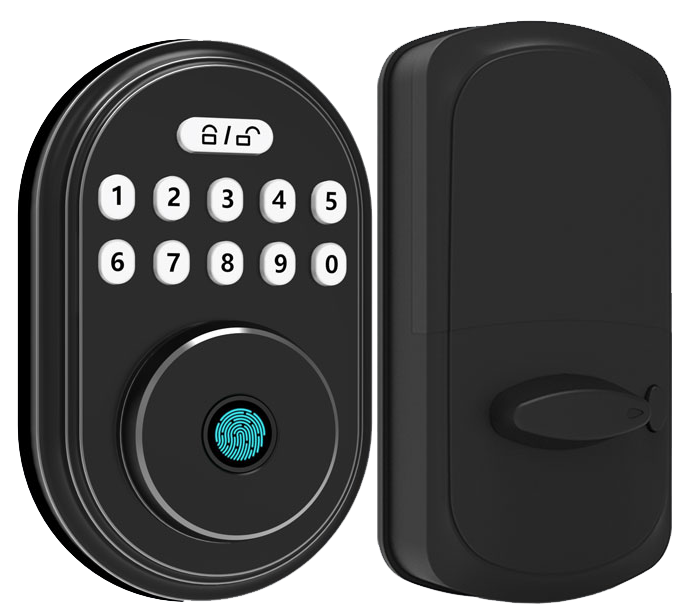
Think a keyless lock is just a neat trick? Imagine sliding a slim card – the size of your credit card – across a smooth metal faceplate and hearing a reassuring click.
RFID (radio frequency identification) smart door locks let you tap and go without fumbling for keys. They log every entry so you can check who came in and when. Hmm, want to know a secret? The soft LED glow feels like a friendly nod!
In this guide, we’ll walk through five top RFID smart door locks that make your home safer and your life simpler. Expect that familiar click, the soft LED glow, and entry logs right at your fingertips.
Let’s get started.
How RFID Smart Door Locks Work for Secure Access
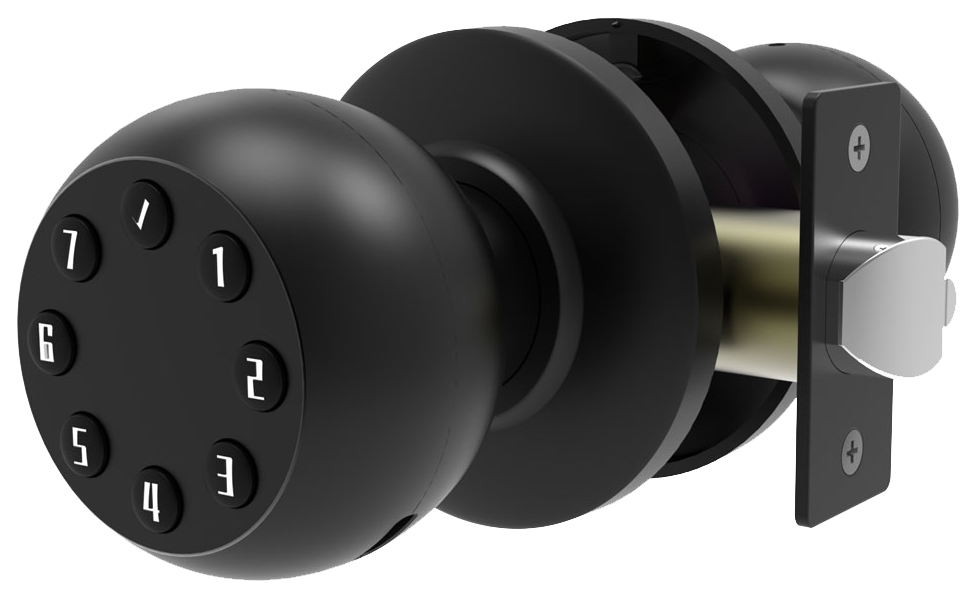
RFID smart door locks let you tap a key fob or card to unlock doors. They use radio frequency identification (RFID) to send data over small radio waves. Ever fumbled for keys at night? This tap-and-go feature feels like swiping a credit card, fast and hands-free.
The system has three key parts. A tiny RFID tag sits in your card or fob (an electronic label that holds your ID). A reader with an antenna hides behind a smooth metal faceplate. And a control panel (the lock’s brain) stores all the approved codes.
When you tap your card, um, the reader sends a quick burst of energy to power the tag. The tag replies with its ID, and the control panel checks if it’s allowed. You’ll see a soft LED glow and hear a reassuring click if it’s good. Want to know a secret? Adding or removing users takes just seconds.
You’ll find two tag types in these systems. Passive tags draw energy from the reader’s field and work up to about 4 inches (10 cm). Active tags carry a tiny battery, so they talk up to about 300 feet (100 m). Both types log every tap, perfect for property managers who crave flexibility.
You can retrofit these locks over your existing deadbolt to keep that trusty metal key and add tap entry. They fit standard door bores, so installers love how quick they are to set up. Or you can pick a fully electronic model with no keyhole. Credential problems? They’re resolved in seconds.
RFID smart door locks shine in apartments, gyms, coworking spaces, and office suites. Nearly 47 percent of US multifamily buildings use them. Stand-alone or networked, they record every event for audit logs and peace of mind. Secure. Simple. Solid.
Core Features and Security Advantages of RFID Smart Door Locks
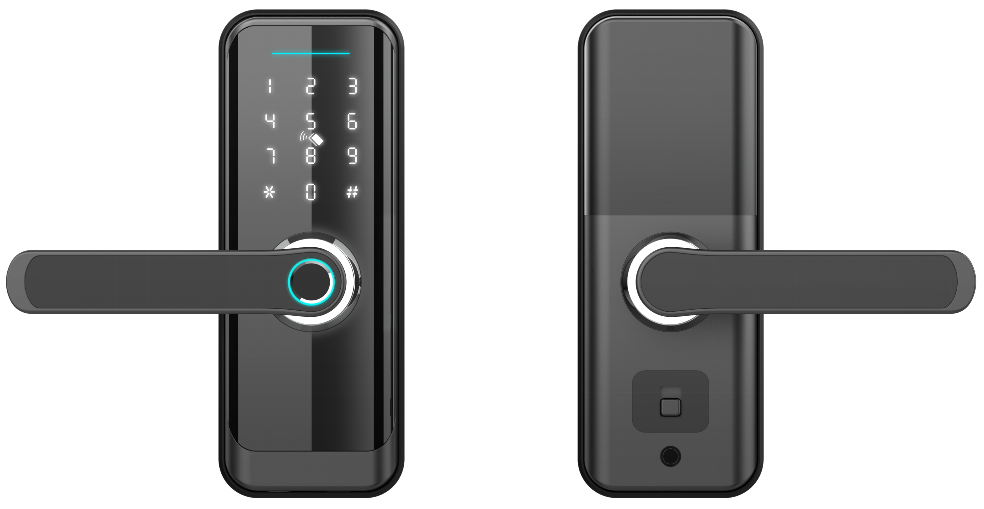
Shop for secure entry? Um, look for locks with strong RFID encryption. Encryption is like a secret code that jams data to stop copying. Pick AES encryption (a data-scrambling method) or DESFire encryption (a top-tier cipher governments trust). That keeps your credential info locked down. Cheap systems with weak tweaks are easy pickings for hackers.
A good lock also watches for tampering with a tiny sensor tucked behind its smooth metal faceplate. The RFID lock tamper alarm (a sensor that warns of forced entry) can send a silent alert to your security team. You’ll want a battery that hums along for months on standard AA cells, no more frantic hunts for replacements. And auto-locking gives you that reassuring click before you even step away from the door.
Most brands pair time controls with strong RFID encryption to keep schedules private. Time-based controls let you lock up outside set hours and unlock only when you need. Imagine gym doors bathed in a soft LED glow at 6 am and clicking shut at 9 pm. It cuts risk when no one’s around.
Backup entry methods keep you moving if your card goes AWOL. Look for a PIN keypad (a number pad for code entry) or a smartphone app. Builders often use a smart door lock with keypad and key so guests punch in a one-time code (a pass you toss later). Admins can instantly deactivate lost credentials.
Finally, audit logs (records of access events) record every scan and code entry, capturing forced-handle attempts along with any tamper alarms. Those logs build a clear event trail for your security team so you can spot odd patterns and see who came and when. They rely on that long-lasting battery to log every moment without gaps. It’s like having a digital guard dog on patrol.
Installing and Integrating RFID Smart Door Locks
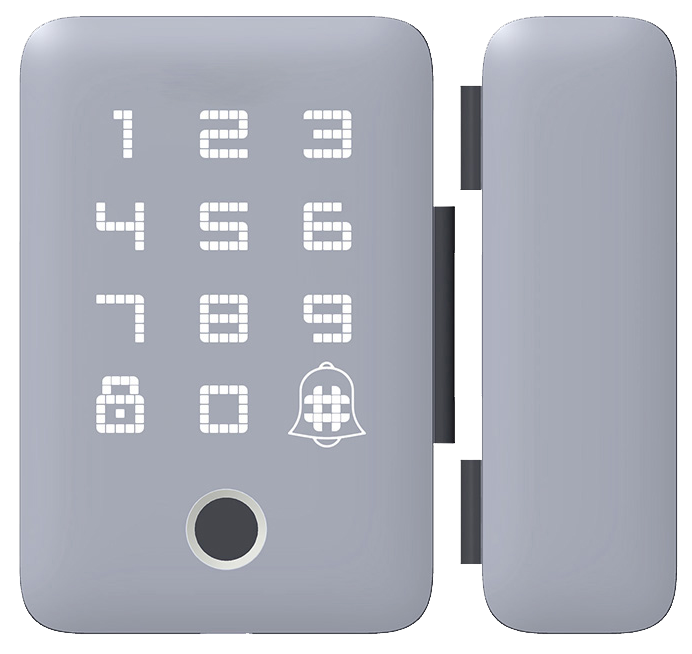
Installing an RFID smart door lock is easier than you think. You’ll choose retrofit or a full electronic deadbolt. Retrofit swaps the parts behind your smooth metal faceplate. A full replacement slides into a standard door bore and leaves no old keyhole behind.
Most DIY RFID lock kits come with a paper template and a simple wiring harness. They often let you store up to 1,000 users offline on AA batteries. If you want real-time monitoring, pick a module that supports PoE (Power over Ethernet) or networked access. It’s like giving your door its own Ethernet jack.
Mounting the credential reader (the reader that checks your card or fob) near the door frame takes about 15 minutes. Then you wire it back to a control panel or standalone module.
After wiring, you program each user’s card and test the lock. Want to know a secret? Testing catches glitches before they become a headache.
Solid.
| Step | Action | Time |
|---|---|---|
| 1 | Mount reader and lock chassis | 15 min |
| 2 | Wire to control panel or module | 20 min |
| 3 | Program credentials | 10 min |
| 4 | Test functionality | 5 min |
Offline locks store tags locally and hum along on AA cells. Online locks use Wiegand (a network protocol) or other wired options for real-time integration. That lets admins update permissions from a central dashboard, pull entry logs on demand, and keep every event at their fingertips.
Comparing Top RFID Smart Door Lock Models, Featuring Starlight Smart Locks
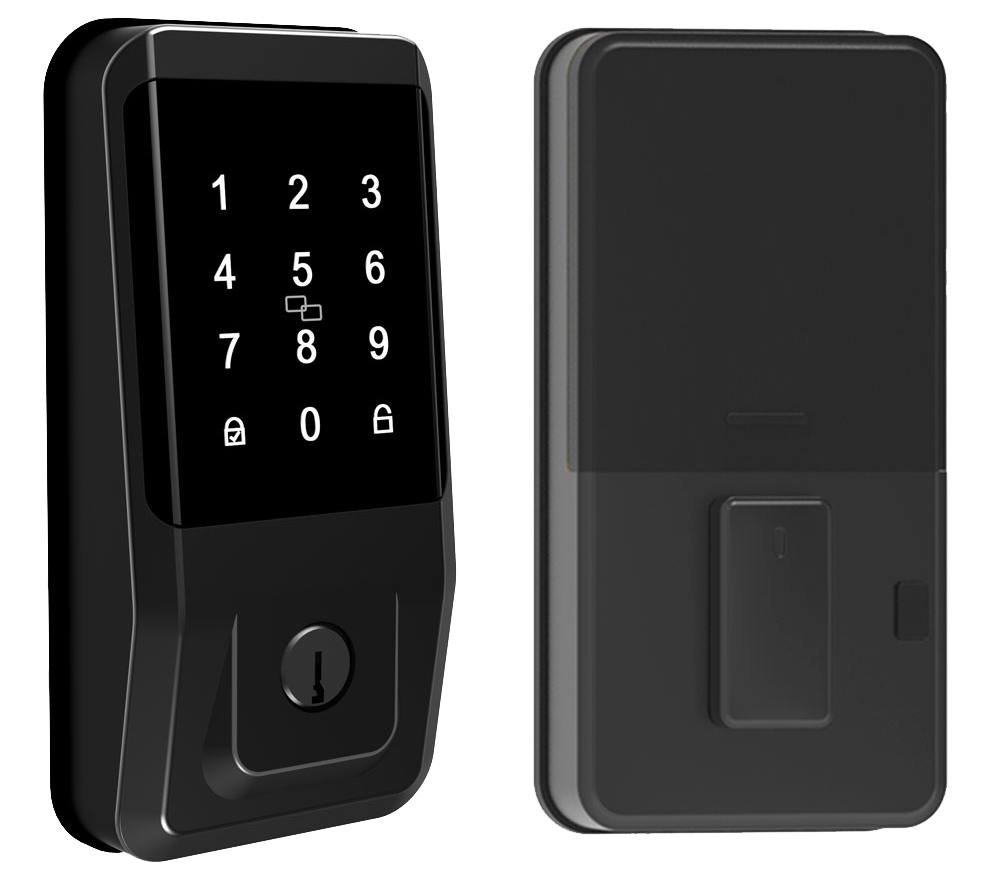
Today, a few RFID smart locks really stand out. Each one uses its own security tricks and talks to cards or fobs in a slightly different way.
Take the SALTO KS XS4. It reads multiple RFID cards, MIFARE, DESFire and iCLASS. So if you’re a property manager dealing with different badge types, this lock keeps things simple. It plugs into your network and gives you real-time audit logs.
Then there’s Lockly Secure Lux. It pairs RFID entry with a fingerprint scanner (a reader that checks your unique fingertip pattern). You also get Bluetooth for remote unlock and a spare key if you ever need it. The smooth metal faceplate and soft LED glow make it feel premium.
Prodigy SmartLock MaxSecure is built tough. It’s ANSI Grade-2 certified (a US lock rating for moderate security and durability). The rugged chassis stands up to heavy use, ideal for busy buildings that need extra muscle.
Cost-wise, these locks fall into a few ranges. SALTO sits around $350 – $450. Lockly is $200 – $300. Prodigy runs $250 – $350. And Starlight Smart Locks land at about $220 – $320, right in the sweet spot between affordability and advanced encryption.
For tap-and-go simplicity, each model reads your card from about 1 inch up to 1 foot. It’s like swiping a credit card but hands-free. Five seconds after you close the door, they auto-relock, so you never have to worry.
Powered by AA batteries, they last around 8 – 12 months. You’ll get an alert when it’s time to swap cells. And every lock logs each access event, giving you a clear audit trail. Plus you can set time-based schedules to limit entry after hours.
Starlight Smart Locks go one step further. They use MIFARE DESFire encryption (a secure data-scrambling method) on the common 13.56 MHz ISO14443 standard (the frequency most contactless cards use). You get free remote firmware updates through a cloud portal, so your lock stays up to date. And there’s a backup keyhole for those “just in case” moments.
| Model | Encryption & Protocols | Key Features | Price | Battery Life & Auto-Relock |
|---|---|---|---|---|
| SALTO KS XS4 | Multi-protocol (MIFARE, DESFire, iCLASS) | Network integration, audit logs | $350 – $450 | 10 – 12 mo; 5 sec |
| Lockly Secure Lux | RFID, fingerprint, Bluetooth | PIN-pad, mobile app | $200 – $300 | 8 – 10 mo; 5 sec |
| Prodigy SmartLock MaxSecure | MIFARE Classic, AES | ANSI Grade-2, rugged chassis | $250 – $350 | 10 – 12 mo; 5 sec |
| Starlight Smart Locks | MIFARE DESFire, ISO14443 | Cloud updates, backup keyhole | $220 – $320 | 8 – 12 mo; 5 sec |
Drawbacks and Troubleshooting of RFID Smart Door Locks
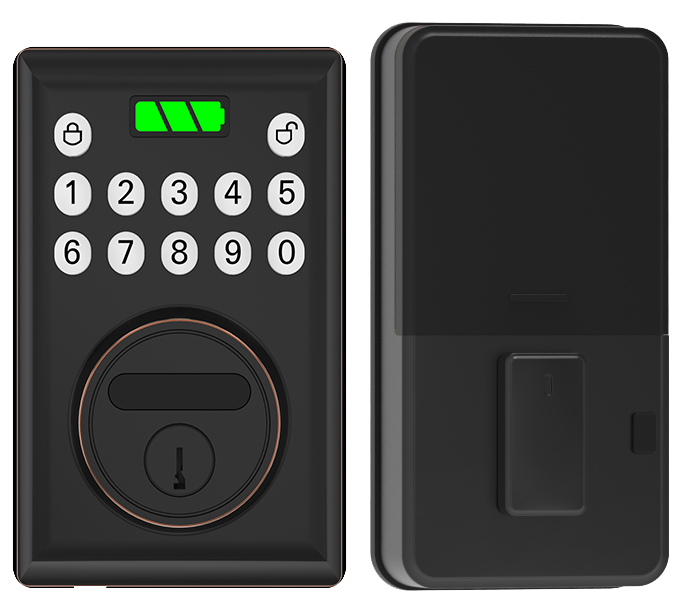
RFID locks blend old-school hardware vibes with modern tech. The smooth metal faceplate, a reassuring click, and a soft LED glow feel familiar. But a few hiccups can still catch you off guard.
Lost cards mean you’re locked out until you reprogram or replace credentials. It’s just like losing keys, but you’ll need to act fast to keep doors secure. Batteries can die without warning, leaving you stranded at the doorstep. And older encryption schemes can be cloned by cheap readers, giving intruders a backdoor.
Here are some quick fixes for common RFID hiccups:
- Clean the reader lens (the surface that reads cards or fobs). Wipe away dust and smudges with a soft cloth. Misreads often stop after a quick polish.
- Update firmware (the internal software). Follow your vendor’s secure update steps. This patches bugs that cause freezes or false alarms.
- Reprogram card IDs after a lost-card incident. Delete the old tag ID in the control panel. Then issue a new card or fob to block the missing one.
- Check reader power. Inspect wiring and swap backup batteries if the soft LED glow flickers or the reader won’t light up.
Want a pro tip? Preventive care keeps your lock humming.
- Dust the reader housing (the casing around the antenna) every three months.
- Swap in fresh AA batteries every 6–12 months or when low-battery alerts appear.
- Test card scans and auto-relock cycles once a season, like a mini checkup to spot odd behavior early.
Regular care and quick fixes let your RFID lock guard your door without surprises.
Over 20 years of CE-certified testing are behind every lock.
Smart Home Compatibility with RFID Smart Door Locks
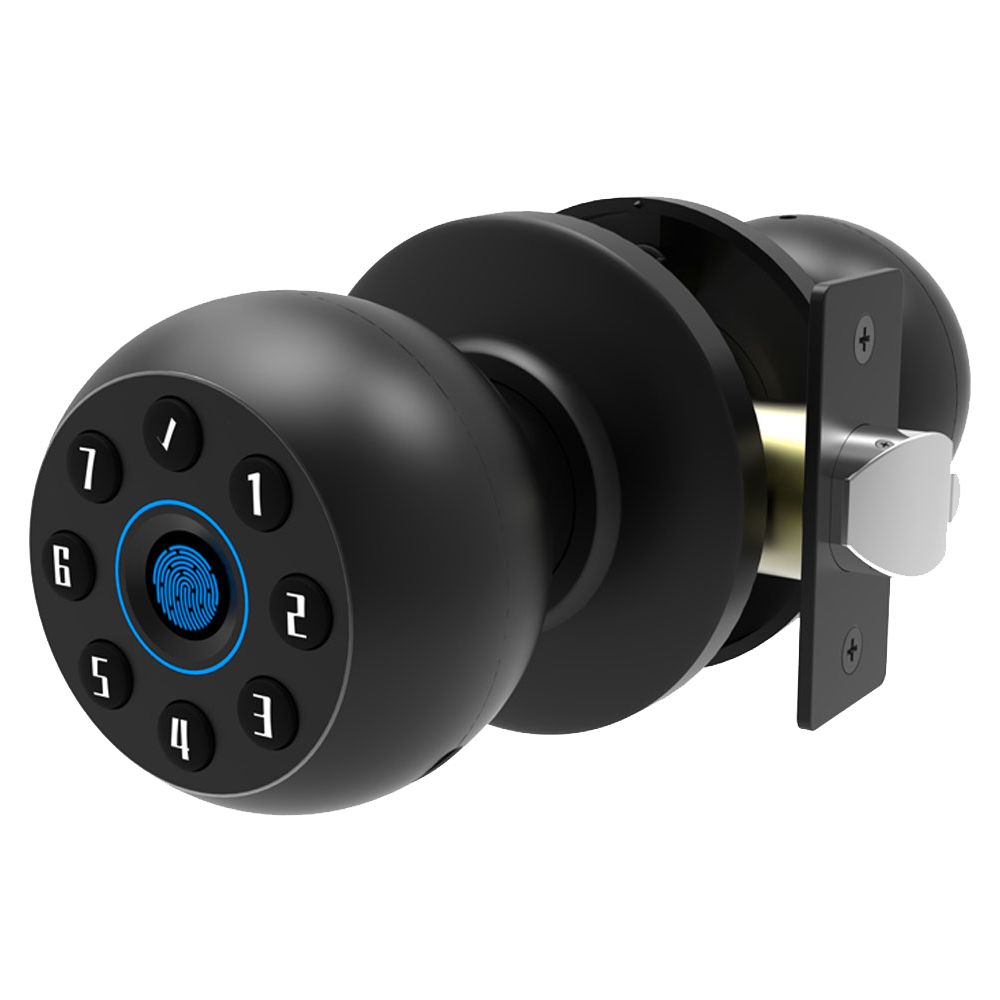
Many RFID locks connect to your smart-home hub over Wi-Fi, Zigbee, or Z-Wave (wireless links). The lock’s smooth metal faceplate lets it chat with Apple HomeKit, SmartThings, or Google Home. Now, opening your door feels like flipping on a light.
Think of the mobile app as a garage-door remote in your pocket. Tap to unlock from anywhere. You’ll hear a reassuring click, then see a soft LED glow. You can also share virtual keys with family and get a push notification (an instant alert) when someone comes or goes.
When a key fob sweeps over the biometric reader (a scanner for fobs), your IP camera (internet video camera) springs to life. It records a short clip so you can verify who’s at the door. You’ll catch that video on your phone, whether you’re on the couch or grabbing coffee across town.
Larger setups turn to a cloud dashboard (an online admin portal) to track entry logs, group user permissions, and manage dozens of locks across multiple properties. Admins can add or revoke credentials in seconds. Solid.
And we’re not stopping there. Next up are voice commands, “Hey Google, unlock the front door”, and NFC-to-RFID bridging (using your smartphone instead of a fob). RFID integration keeps evolving, making secure entry feel as natural as a chat with your devices.
Selecting and Buying RFID Smart Door Locks: Why Starlight Hardware
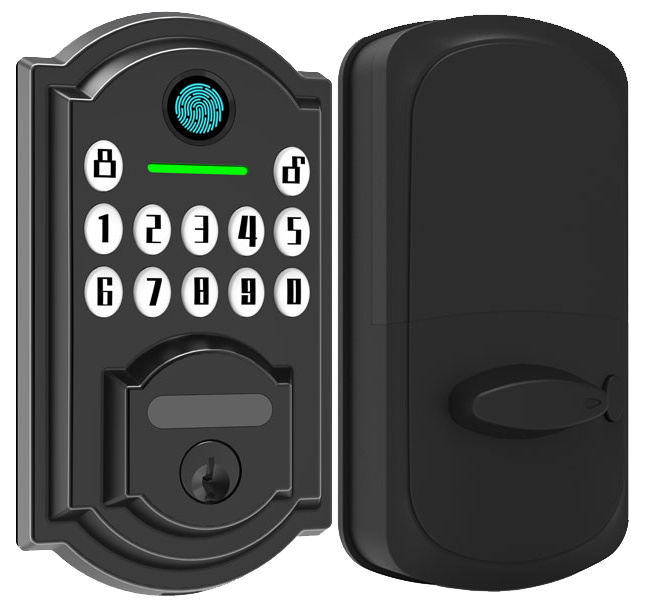
Thinking about an RFID smart lock? Basic offline models start around $150, using low frequency (125 kHz) tech. High frequency (13.56 MHz) versions run $300 to $400, and networked systems cost more. Cards and battery-powered fobs (small devices you clip to your keys) can nudge the price up or down.
At Starlight Hardware, we’ve nailed the sweet spot. Our locks, CE certified and FCC approved, cost $220 to $320. Each one offers auto-locking (hear that reassuring click), time-based access, and mobile app control (tap your phone to unlock).
We include a two-year warranty and free over-the-air firmware updates (automatic security patches). Buying in bulk? You’ll see volume discounts shrink the per-unit price.
Every lock rolls off our ISO 9001 certified line in China, cutting lead times and dodging shipping headaches. Choose from authorized resellers nationwide or work directly with our factory sales team. Need 50 for a new office? We’ve got you covered with fast turnaround.
Um, our support team speaks English and Mandarin, ready to guide you through setup – no bots, promise. With long battery life (think months, not weeks), clear audit logs, and rugged metal construction, you’re investing in peace of mind that won’t break the bank.
FAQs About RFID Smart Door Locks
What frequency standards do RFID smart locks use?
Smart locks talk in three RFID radio bands:
- LF 125 kHz band (low-frequency radio at 125 kHz). It reads tags up to about 4 inches (10 cm) away and handles nearby metal without fuss.
- HF 13.56 MHz band (high-frequency radio at 13.56 MHz). It reaches up to 3 feet (1 m) and works with most contactless cards.
- UHF 900 MHz band (ultra-high-frequency radio at 900 MHz). It can read tags as far as 300 feet (100 m), though it may pick up more background noise.
How are firmware updates applied securely?
We use two safe update paths to keep your lock firmware fresh and secure. Uh, it’s as easy as copying files or tapping a button.
- USB drive update (standard flash drive). You copy a signed firmware file onto it, plug it in, and the lock scans the digital signature before installing.
- Over-the-air update (OTA, wireless download). Think of it like streaming a song. The lock connects, pulls the new code, and then checks the digital signature to make sure nothing was tampered with.
Want to know a secret? OTA updates even work over a shaky Wi-Fi link.
Final Words
In the action, we covered how RFID smart door locks talk to tags, readers, and control panels. We walked through strong encryption, tamper alarms, auto-lock, and easy install vs retrofits. Then we sized up top brands and tackled misreads with simple fixes.
We showed smart-home hookups, ran through pricing tips, and answered FAQs on frequencies, batteries, offline backups, and secure firmware updates. Armed with all that, you can choose RFID Smart Door Locks for smooth, reliable entry every time.
FAQ
What are the best RFID smart door locks?
The best RFID smart door locks come with AES encryption (strong data guard), a reassuring auto-lock click, tamper alerts, access logs, and timed entry windows.
What does an RFID door lock kit include?
An RFID door lock kit includes a reader with antenna, lock chassis, control panel module, wiring, mounting hardware, and user guide—giving you all parts to fit and program your new lock.
How do I install an RFID smart door lock?
Installing an RFID smart door lock means mounting the reader and lock, wiring to the control panel, programming credentials, then testing the smooth metal latch—typically done in under an hour.
What commercial RFID door lock options exist for offices and hotels?
Commercial RFID door locks for offices and hotels support multiple cards, time-scheduled access, and audit trails. Many models also offer smartphone override and backup PIN keypads for smooth guest and staff flow.
Can I use an RFID lock on a gun cabinet?
You can use an RFID lock on a gun cabinet to replace a traditional key. Look for models with encrypted credentials, tamper alerts, and sturdy metal mounting to keep your cabinet secure.

