
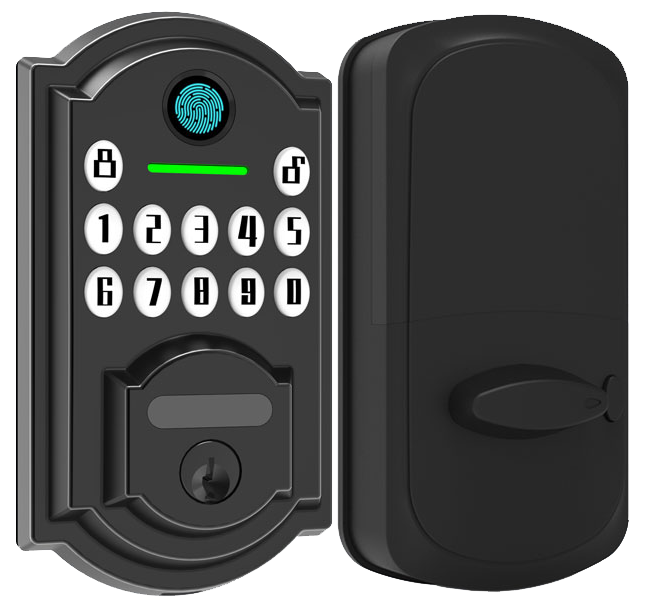
Ever stood at your front door with armfuls of groceries, fishing for keys in the dark? Bluetooth-enabled locks turn your phone into a digital key. With a single tap, you’ll see a soft LED glow and hear a reassuring click as the deadbolt glides into place.
No more spare-key hideouts. And no more crawling around under porch lights after sunset.
These locks run on bank-grade encryption (a strong code that keeps hackers out). They also let you set temporary PIN codes (short-lived number codes you share with guests).
Next, we’ll show you five Bluetooth-enabled smart locks that bring solid security and a few handy surprises you’ll actually use. Ready? Let’s dive in.
Why Bluetooth Enabled Door Locks Are the Top Choice for Modern Access Control
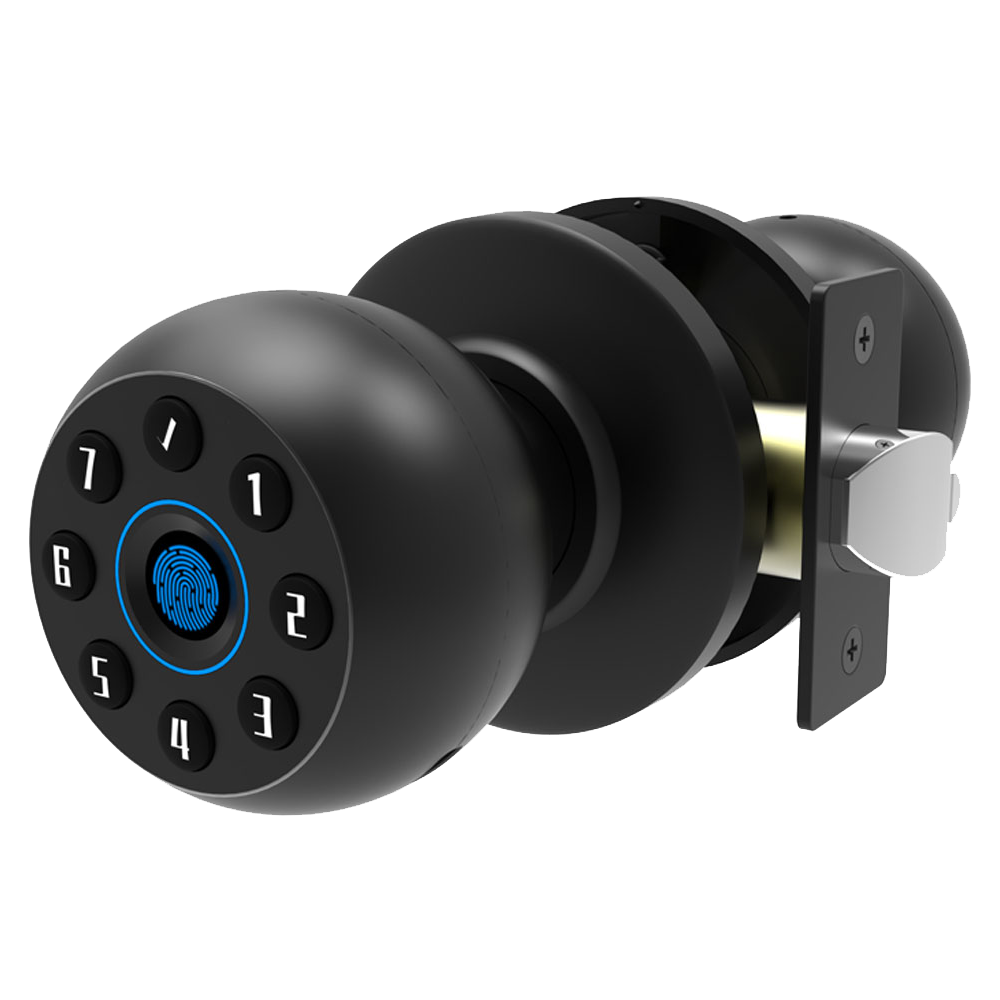
Bluetooth-enabled door locks turn your phone into a digital key. Simply tap an app and hear a reassuring click as the auto-lock Bluetooth deadbolt glides into place. No more jingling keys or fumbling in the dark. Psst, auto-lock mode is a game-changer.
You’ll enjoy features like:
- Bank-grade encryption (strong code that keeps hackers out) plus guest code management (temporary PINs for visitors)
- Hands-free auto-unlock via proximity sensors (just walk up and the door welcomes you in)
- Up to 12 to 18 months of battery life on a single set of batteries
- Easy wireless retrofit into standard bore holes, no extra drilling beyond your door’s existing opening
- Models priced from about $100 for entry-level to $300 for premium smart-lock setups
Most Bluetooth smart locks fall between $100 and $300, so homeowners and small businesses can find a solution that fits their budget. For a side-by-side look at top brands, check out A Complete Buying Guide for Smart Locks in Hotels, Apartments and Offices. Then dive into the technical nitty-gritty in Section 2. Behind those smooth metal faceplates, you’ll find tamper alerts and a real-time activity log (a list that shows who locked or unlocked, and when).
Bluetooth Smart Lock Features and Encryption Standards
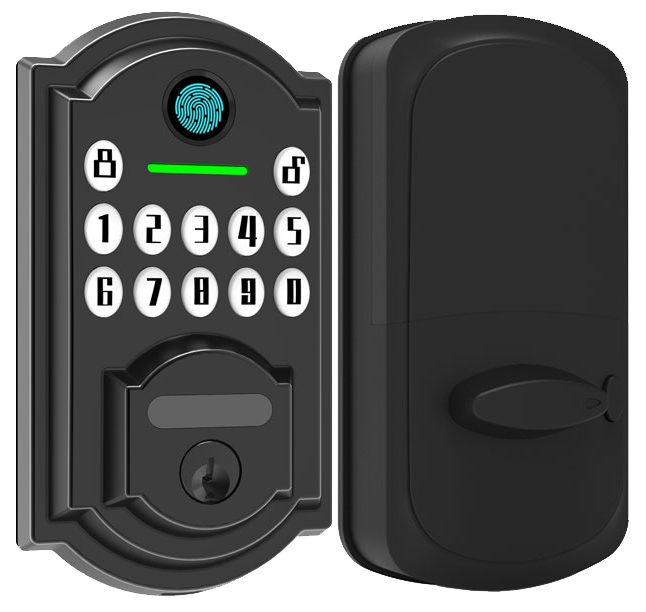
Bluetooth smart locks blend easy daily use with tough defenses. Imagine tapping the smooth metal faceplate and hearing a reassuring click. Our locks even auto-unlock when a proximity sensor (a reader that detects your phone nearby) spots you. And the anti-peep keypad (numbers shuffle on the screen) keeps prying eyes guessing.
Cloud lock management (remote lock control) means you can lock or unlock from anywhere. Built-in breakout-prevention bolts (extra-strong metal bars) resist forced entry with a solid thud. You also get real-time status updates and firmware security patches (software fixes that close security gaps).
- Mobile access through a smartphone app with a soft LED glow
- Custom PIN codes (personal numbers) for family members and guests
- A real-time activity log showing who entered and when
- Instant tamper alerts to warn of any forced entry attempts
- Emergency backup key for power-outage peace of mind
Exactly.
Under the hood, AES-128 encryption (a strong code that keeps your wireless signals safe) protects every Bluetooth handshake. You can add two-factor authentication (a PIN plus a smartphone confirmation) for sensitive areas. We push regular firmware updates so new exploits don’t stand a chance. And our ANSI Grade 2 deadbolt hardware (industry-tested for strength and durability) blends modern smarts with tried-and-true security.
Peace of mind.
Smartphone Pairing, App Interface, and Guest Access Controls in Bluetooth Enabled Door Locks
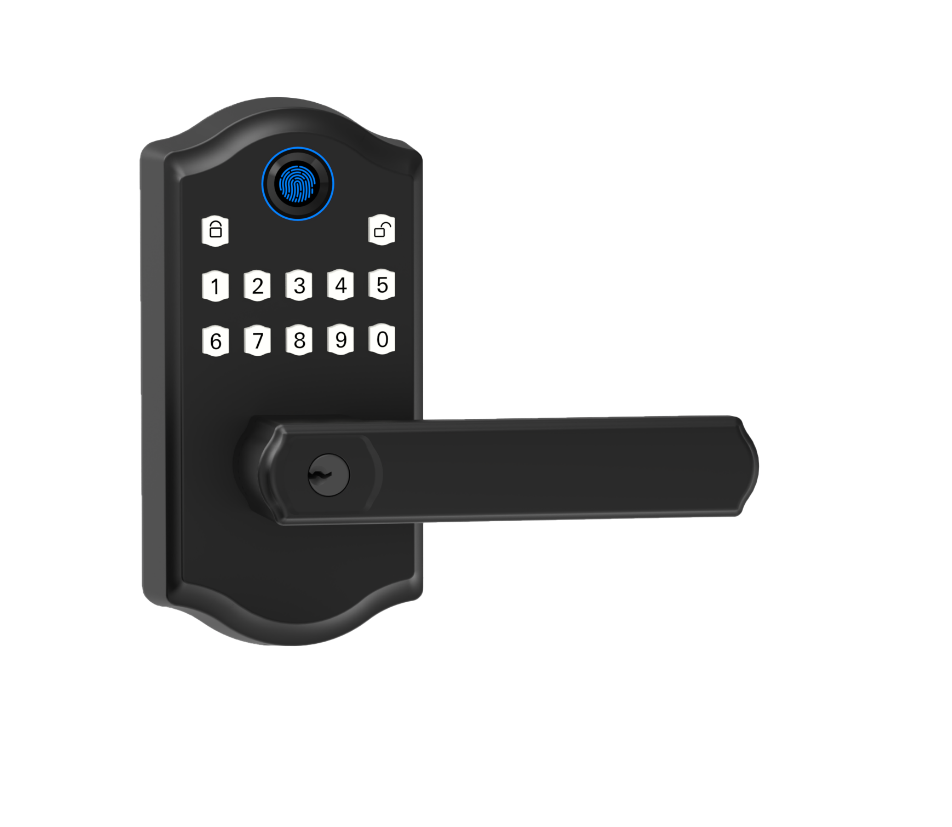
Pairing your new lock is as easy as opening up the app on your phone. When you launch Starlight Mobile, it scans for nearby Bluetooth (short-range wireless) locks in seconds. Tap your lock’s name, punch in the default PIN (a simple four-digit code), and give it a name, you’ll feel a reassuring click and see a soft LED glow on that smooth metal faceplate.
That quick setup turns your phone into a snug digital key. On the home screen you’ll spot signal-strength bars and a little battery icon. It’s your everyday hub for checking status and keeping your door locked tight.
And here’s the fun part, guest access. You can create temporary PIN codes for friends, housekeepers, or delivery folks. Set start and end dates or custom time windows, um, like daily service visits. If plans change, tap revoke and access ends instantly. Every unlock shows up in your log so you know who came in and when. Simple.
- Open Starlight Mobile and sign in to your account.
- Select your lock under “My Devices.”
- Tap “Manage Access” to open guest settings.
- Choose “Create Guest Code” and type a temporary PIN (four-digit code).
- Pick start and expiration dates for each one-time code.
- Tap “Revoke” next to a code to cancel access on the spot.
Installation, Door Compatibility, and Retrofit Guide for Bluetooth Enabled Door Locks
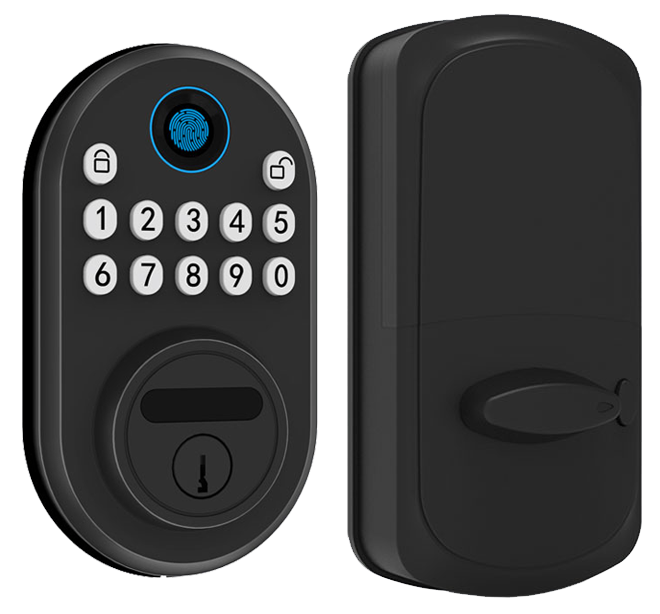
Retrofit an old deadbolt without fiddling with wires. You simply remove the old parts and snap in a new Bluetooth smart lock. It’s quick, 15 to 30 minutes from start to finish. All you need is a screwdriver, a drill, and an alignment plate to keep things straight.
First, make sure your door plays along. Doors with standard ANSI Grade 1 or 2 holes work best. Wooden doors need a smart lock fit plate (a thin metal piece that lines up the lock). Metal doors call for self-tapping screws (screws that cut their own threads in the metal). And if your door is extra thick, up to 2³⁄₈ inches, just check your extension spindle length (the little rod that connects both sides).
| Door Type | Bore Size | Mounting Tips |
|---|---|---|
| Wood | 2⅛ inches | Use a wooden fit plate for a snug metal faceplate feel |
| Metal | 2⅛ inches | Grip it with self-tapping screws for a secure fit |
| Existing Deadbolt | ANSI Grade 1 or 2 | Swap in the new thumbturn module (the little metal knob inside) |
| Thick Doors | Up to 2⅜ inches | Measure your extension spindle (the connecting rod) |
Got your door ready? Great. Let’s install.
- Remove the old deadbolt and interior thumbturn.
- Set the alignment plate (it’ll give you that reassuring click).
- Drill small pilot holes where your screws will go.
- Mount the exterior keypad, feel the crisp press of the buttons.
- Slide in the interior lock module and secure it.
- Screw on the strike plate (it catches the latch).
Now power up the lock, pair it in the app (think of pairing like connecting your headphones to your phone), and give it a test. You’ll see a soft LED glow and hear that satisfying click. Solid. Back to our Bluetooth lock, your front door just got a serious upgrade.
Integrating Bluetooth Enabled Door Locks with Smart Home and Voice Assistants
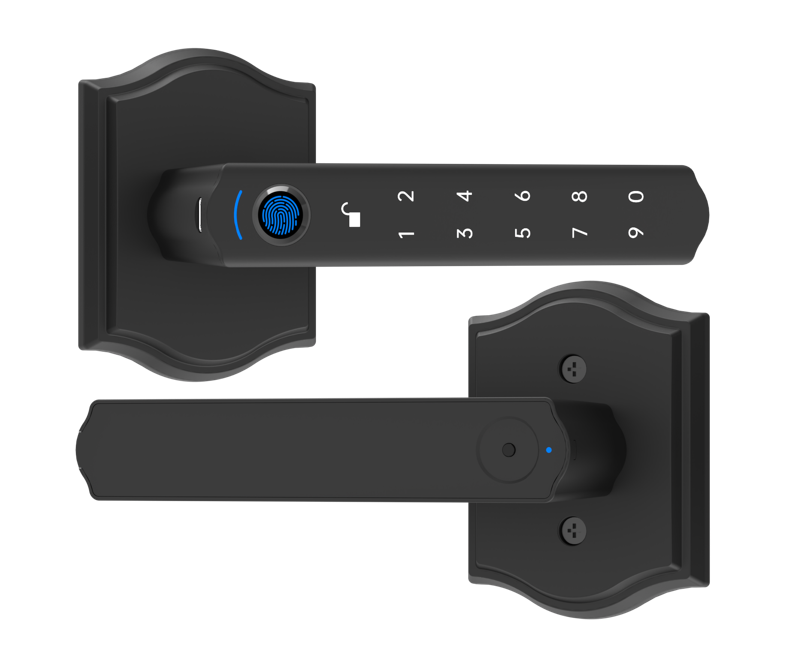
With a Bluetooth lock (a door lock that uses short-range wireless), you can pair right with Siri Shortcuts, Google Home, or Alexa – no extra hub required. Just say “Lock the front door” and you’ll hear a reassuring click. The smooth metal faceplate may even glow softly to show it’s secure.
Some models include built-in Wi-Fi (wireless internet) for remote access via Amazon Echo or Google Nest devices. But most locks shine in hub-free setups that cut out extra gadgets. It’s as easy as asking your voice assistant to check the lock while you’re pouring coffee.
Apple HomeKit lock support brings your door into the same app where you dim lights or set the thermostat. And if you want more, you can tap into MQTT (a simple messaging tool for smart devices) or custom APIs (application programming interfaces) to craft alerts. Want your living room bulb to flash or a camera to snap a photo when someone opens the door? You got it.
And routines handle the rest. Set a nightly auto-lock and let geofencing (using your phone’s location) unlock the door as you pull into the driveway. It’s like having a digital butler at your service.
- Ask Siri “Lock the front door” for hands-free security
- Say “Alexa, is the back door locked?” and lock it with simple voice commands
- Use Google Home door control in your morning or bedtime routines
- Create a nightly auto-lock routine in your smart home app
- Set up geofencing unlock so the door opens as you arrive
Comparing Bluetooth Versus Wi-Fi Smart Locks: Range, Power, and Remote Access
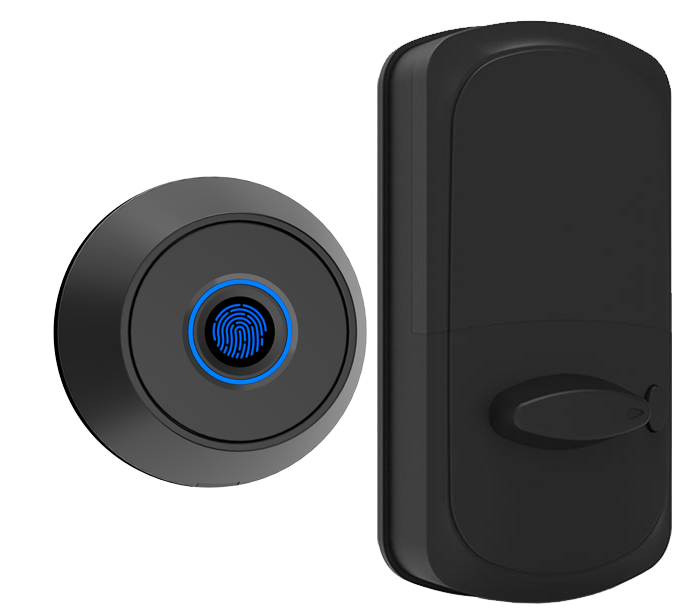
Bluetooth and Wi-Fi locks differ in how far they work, how long their batteries run, and where you can lock or unlock your door.
Bluetooth is like tapping a friend on the shoulder. It uses short-range wireless (a way gadgets chat nearby) to light up a soft LED glow on the lock’s smooth metal faceplate and deliver a reassuring click. You’ll get up to 150 feet of reach. And because it sips power, the lock keeps running for 12-18 months on one set of batteries with fewer low-battery alerts.
Um, it even stores backup codes you can punch into the keypad if your phone wanders out of range. Solid.
Wi-Fi, on the other hand, hooks into your home internet network (a way to link over the web) so you can check and change lock status from anywhere. It drinks more juice. Plan on 3-6 months per set of batteries. And it could pause if your network hiccups.
| Protocol | Range | Power Usage | Remote Access | Notes |
|---|---|---|---|---|
| Bluetooth | Up to 150 ft | Low draw (12-18 month battery life) | Local unlock (within Bluetooth range) | Offline access codes available |
| Wi-Fi | Unlimited (over internet) | Higher draw (3-6 month battery life) | Global remote monitoring | Needs stable network |
Bluetooth keeps your door working even if the internet quits. Wi-Fi wins for true anywhere control but you trade runtime and face a network risk. If you want more details, check out The Difference Between WiFi, Bluetooth, and Zigbee Smart Locks.
Starlight Smart Locks: Leading Bluetooth Models, Pricing, and Manufacturer Reliability
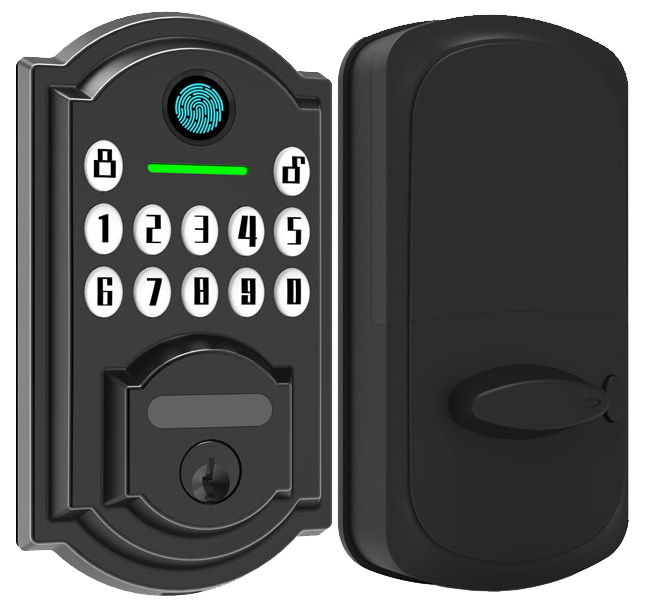
We’ve tested our locks from sun-scorched deserts to frozen peaks for over 20 years! Every Starlight lock carries CE certification and FCC approval, so you know it’s passed tough safety checks. We even do OEM runs, custom finishes and big orders are no problem.
Meet the SLM100 Basic. At $129, it uses AES-128 encryption (a strong code that scrambles your data) and has an auto-lock deadbolt. Just hear that reassuring click after you step away.
Want a step up? The SLM200 Pro is $199 and reads your fingerprint with a biometric fingerprint sensor (a reader that checks your unique fingertip pattern). It also unlocks itself when your phone enters its geofence (it checks your phone’s location). No keys. No fuss.
Or go all-in with the SLM500 Elite at $299. It pairs over both Wi-Fi and Bluetooth, so you can tap the smooth touchscreen interface or use an app from anywhere. Think of it like pairing your earbuds, only it’s your lock.
Over 10,000 doors trust Starlight every day.
| Model | Key Features | Price |
|---|---|---|
| SLM100 Basic | AES-128 encryption (a strong code that scrambles your data); auto-lock deadbolt | $129 |
| SLM200 Pro | Biometric fingerprint sensor (a reader that checks your unique fingertip pattern); geofence unlock (auto-unlock when your phone’s nearby) | $199 |
| SLM500 Elite | Hybrid Wi-Fi/Bluetooth; smooth touchscreen interface | $299 |
Final Words
We dove right into why Bluetooth Enabled Door Locks lead modern access control, covering bank-grade encryption, auto-lock convenience, and core features. Then we walked through smartphone pairing, guest code management, and a simple DIY installation guide.
We also showed how to link locks with Alexa, Siri, and Google Home, compared Bluetooth vs Wi-Fi range and power, and highlighted Starlight’s top models and pricing tiers.
You’re set up for smoother guest check-ins, better security, and seamless smart home integration. Embrace the future with Bluetooth Enabled Door Locks.

