
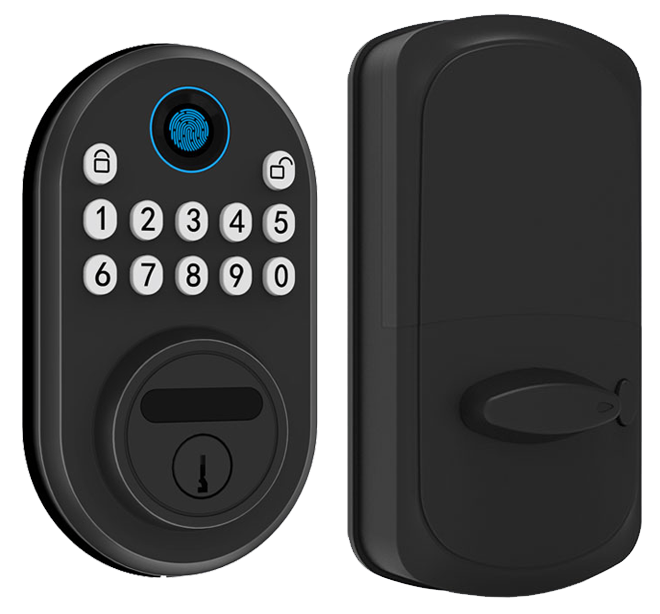
Still fumbling with your keys while your phone stays buried in your pocket?
Tired of that awkward key shuffle?
Imagine tapping a button and hearing that reassuring click as the smooth metal bolt slides home.
Solid.
Internet-connected door locks put you in total control.
You set an auto-lock schedule (a timer that secures the door behind you).
You share guest codes in seconds.
These smart deadbolts (an electronic lock replacing your traditional deadbolt) turn your front entry into a secure digital gateway.
Here are five top picks that bring real peace of mind.
Lost keys become a thing of the past.
Internet Connected Door Locks: Key Features for Smart Home Security
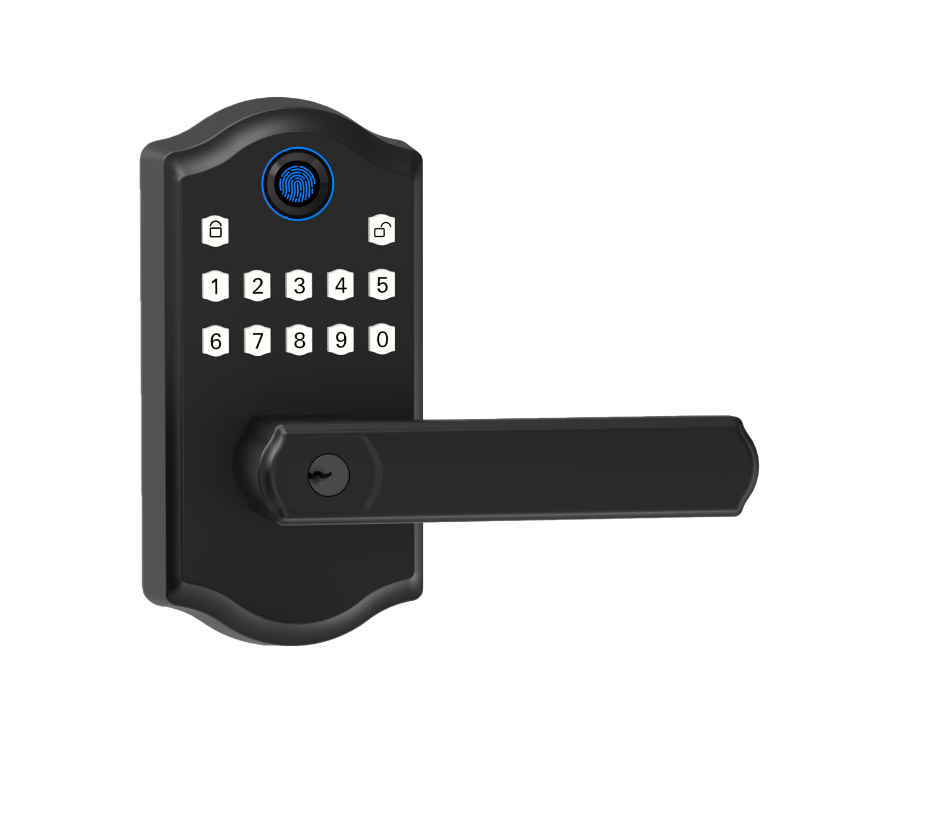
Smart locks swap out or retrofit your old deadbolt, bringing in a keypad or smartphone entry so you’re not hunting for a metal key. You still get that reassuring click as the latch slides into place. And with a smart lever or adapter, any doorknob becomes a digital portal without major drilling.
With an internet connection, you can tap your phone from anywhere and see a soft LED glow as you arrive. Instant notifications buzz your smartwatch or pop into your inbox whenever the door opens. Most battery-powered models run about six months on four AA batteries (easy to swap). And if those fade faster, a hidden keyway waits as backup.
- Smartphone control from anywhere
- Keyless deadbolt access
- Auto-lock and geo-unlock scheduling
- Create guest PIN codes
- Personalized lock/unlock alerts
- Audit trail of door events (log of when and who opened)
- Physical key backup
- Low-battery notifications
In a busy household, you want peace of mind, no more juggling a ring of keys or resetting codes by hand. With these features, you can set a one-night PIN for the housekeeper, email a temporary code to a friend, or block access at any time.
Curious who came in and when? The audit trail lays it out, showing every latch movement. Low-battery alerts pop up days before you need to swap batteries.
Auto-lock schedules secure your door after a set time. Geo-unlock works like pairing your headphones to your phone, door opens as you approach. You can even customize alerts, say a gentle chime when the kids get home.
Choose from PIN pads, smartphone taps, NFC badges (small cards you tap like a subway pass), or good old metal keys. If your Wi-Fi hiccups, local Bluetooth or that hidden keyway has your back.
Landlords and short-term hosts love this setup. You send a digital pass without ever handing over a key. Easy check-ins and secure stays, right at your front door.
Internet Connected Door Lock Connectivity Options: Wi-Fi, Bluetooth, and Z-Wave
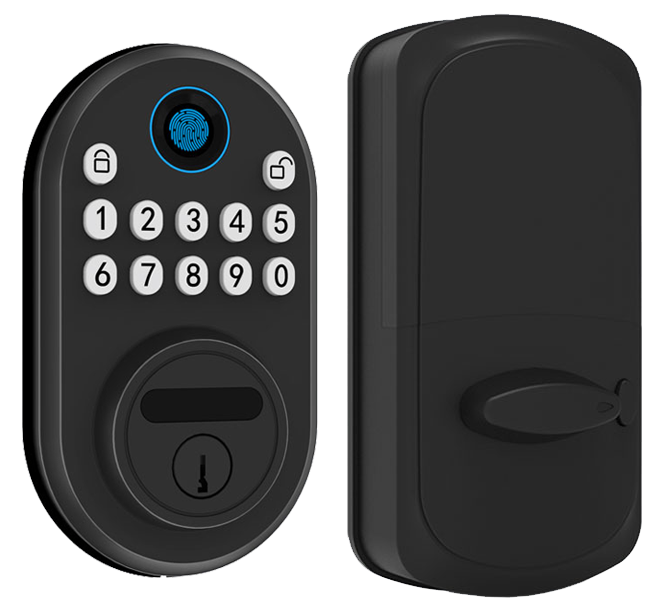
Choosing the right connection shapes how far you can lock or unlock and if you need extra gear. Wi-Fi on a smart lock feels like a soft LED glow you can reach from anywhere (no hub needed). Bluetooth is a solid local link up to about 30 feet (just you and the lock). Z-Wave and Zigbee slip into your home mesh like puzzle pieces, but they need a hub.
Um, want hub-free? Pick a lock with built-in Wi-Fi. If you go Z-Wave or Zigbee, you’ll add a bridge or hub. Extra device, extra step. Solid.
| Connectivity | Range | Hub Required | Remote Access |
|---|---|---|---|
| Wi-Fi (2.4 GHz/5 GHz) | Unlimited* | No (built-in) or Bridge | Yes |
| Bluetooth | 30 ft | No | Local Only |
| Z-Wave/Zigbee | 100 ft | Yes (Hub) | Yes (via Hub) |
The Difference Between WiFi, Bluetooth, and Zigbee Smart Locks
Each choice has pros and cons. Bluetooth pairs in a snap, but it stops at your door. Z-Wave and Zigbee stretch about 100 feet in your home, yet demand a hub. Solid.
Wi-Fi gives you straight-in access from anywhere with minimal kit. Easy.
Internet Connected Door Locks Integration with Smart Home Platforms
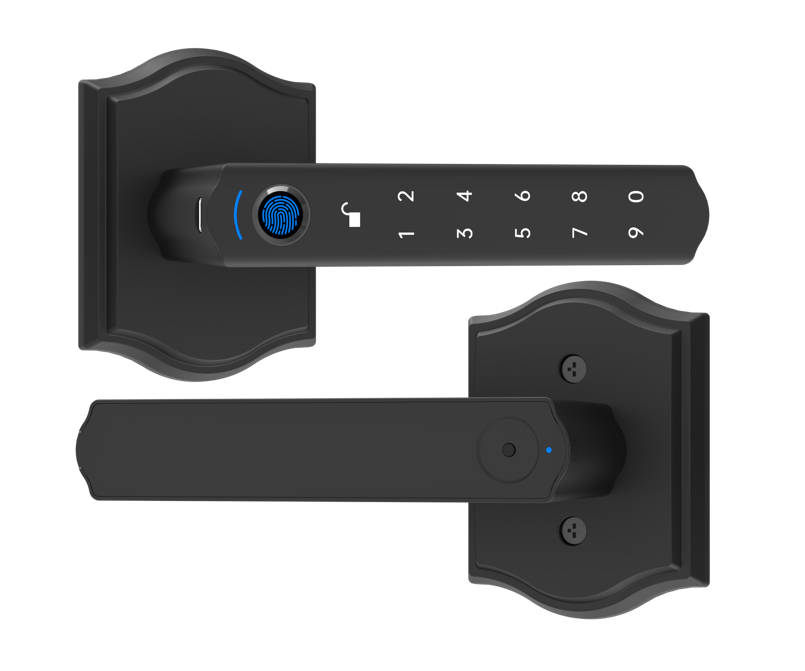
A door lock that chats with your smart home makes everyday life feel a bit magical. Imagine your hallway light glowing softly the moment the latch clicks open. Or picture your thermostat resetting itself when you dash out the door. With cross-platform workflows (automated setups across devices), all your gadgets stay in sync. No more juggling apps.
Back to our locks and property management systems: see Integrating Smart Locks with PMS / Smart Home Systems.
Amazon Alexa Integration
You simply say, "Alexa, unlock front door," and hear that reassuring click of the smooth metal faceplate. Most locks, like the Schlage Arrive, ask you to enable a skill in the Alexa app (an add-on feature). Once linked, you can build a bedtime routine: lock the door and turn off the hallway light with one voice command. Echo Show even shows you status on its screen – handy if you want visual feedback.
Google Home Compatibility
Grouping your lock with other devices in the Google Home app is as easy as making a playlist. After linking accounts, a quick "Hey Google, lock the back door" keeps your hands free. You can add your lock to an Away routine so leaving home triggers auto-lock and lowers blinds (think of it like a final bow on stage). The Schlage Arrive and Yale Assure Lock 2 both play nicely in this setup.
Apple HomeKit and Matter
Apple fans love the Schlage Encode Plus for its built-in Home Key support (digital keys stored in Apple Wallet). Setup in the Home app is a breeze: scan the code, pick rooms, and you’re set. Note that HomeKit does not handle PIN codes (numeric entry codes), so you still use your lock’s own app for that step. The Aqara U100 brings in Matter support (a new smart home standard) for cross-vendor compatibility – though you might need an Apple Home hub or a separate bridge (a device that links gear).
Pick a lock that matches your favorite ecosystem. That way every voice command, routine, or app control feels like second nature.
Internet Connected Door Locks: Installation and Setup Guide
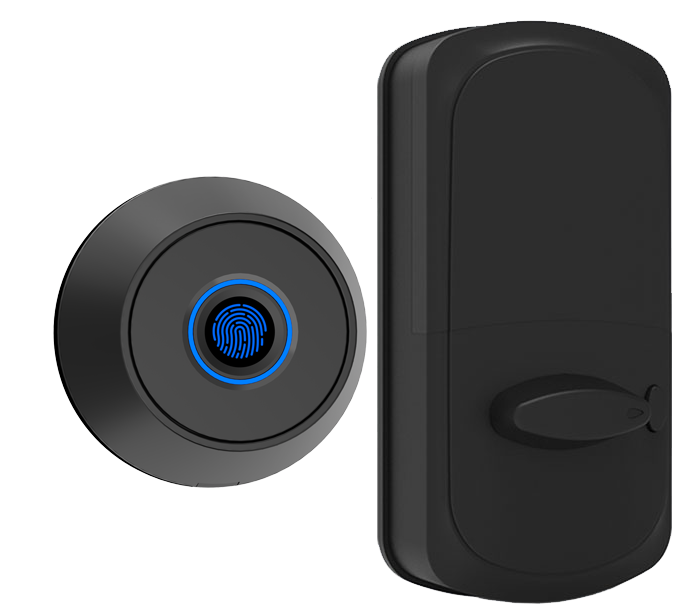
Choosing between a retrofit adapter (a clamp that fits over your current deadbolt) depends on your door. A retrofit adapter like August snaps on in about 10 minutes with no extra wiring. A full replacement takes up to 25 minutes. It swaps out the whole deadbolt, giving you a sleek new faceplate and latch.
Easy.
Start by taking off the interior cover plate with a screwdriver. On Schlage locks you’ll see little clips and cable guides for a neat install, just slide the clips aside and tuck the cables in.
Next, slip the latch into the door edge. Line up the strike plate so the bolt glides in smoothly. Then secure the exterior keypad or lever for a quick and tidy finish.
Now let’s pair the lock. Open the lock’s app on your phone, tap Add Device, and follow the Bluetooth prompts, just like pairing your Bluetooth headphones. When it asks for Wi-Fi credentials (your network name and password), go ahead and enter them. Then watch for a soft LED glow or an app notification. That means your lock is online and ready.
Time to test. Enter your code or tap Lock/Unlock in the app. Want to start fresh? Press and hold the inside program button for ten seconds until the LED blinks. That resets the lock to factory settings.
If the lock won’t connect, check your Wi-Fi signal strength at the door. Also make sure the strike plate isn’t misaligned and binding the bolt. That usually does the trick.
Internet Connected Door Locks Security and Encryption Standards

Smart locks start with tough cases rated by ANSI/BHMA for hardened performance. Schlage deadbolts hit Grade 1, Yale locks earn Grade 2, and Aqara gets Grade 3 for homes. You’ll see a solid steel bolt, a thick metal faceplate, and reinforced strike plates that resist kicking or prying. Each lock sits in a weather-ready shell built to stand up to rain, heat, or cold.
Solid.
Every command you send is wrapped in AES-256 encryption (an advanced encryption lock method) inside SSL/TLS tunnels (secure sockets layer and transport layer security). That keeps your code or mobile key from floating in the open. Even the app’s initial handshake uses the same secure key exchange protocol. If someone sniffs the signal, it just looks like gibberish without the right keys.
You pick a PIN in the app and can turn on two factor lock authentication (2FA) for an extra step. Need to let in a guest or a service pro? Issue a temporary code and then revoke it with a tap. Some locks even add a voice code or a fingerprint tap as a second factor.
The lock never stores your main password in plain text. It stays hidden inside its own secure vault.
Firmware updates roll out on a regular patch schedule to fix bugs and add security tweaks. Privacy safeguards follow GDPR and CCPA compliance so your personal info isn’t sold off to strangers. Starlight Hardware also backs its locks with CE/FCC certified smart locks.
They’ve passed electrical safety and radio interference tests in Europe and the US. And each unit goes through in-house stress tests in sandy deserts and snowy peaks.
Internet Connected Door Locks Price, Warranty, and Support
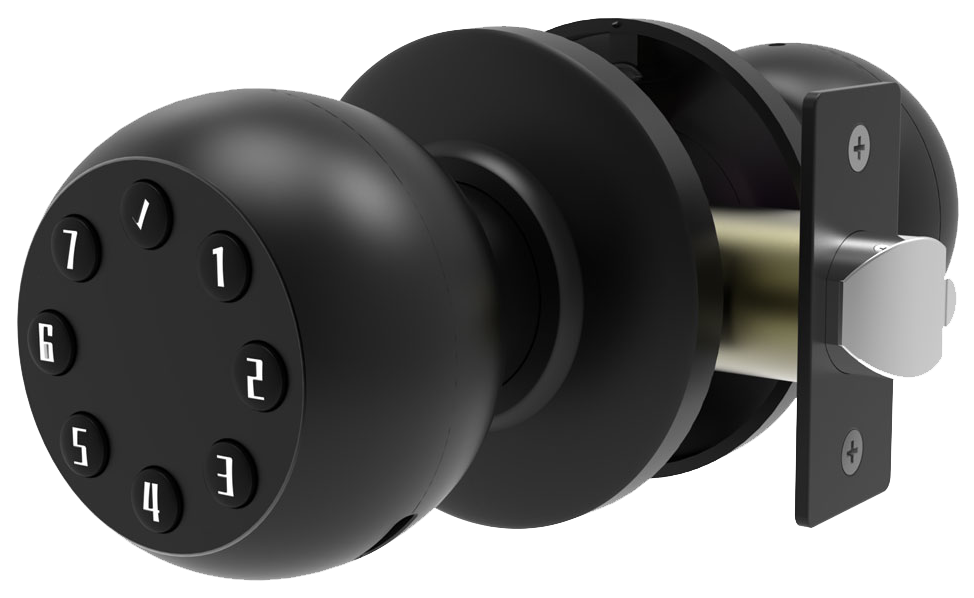
Smart locks cover a wide price range. Entry-level Wi-Fi deadbolts start around $100, giving you keypad or app control without emptying your wallet. Step up to models with a built-in camera or biometric fingerprint sensor (a reader that checks your unique fingertip pattern), and prices land in the $200–300 zone.
Most locks work subscription-free for basic cloud features like activity logs. A few video-enabled versions ask for $5–10 per month for extra storage or advanced alerts. Easy to start. Easy to manage.
Warranties typically run one to three years, depending on brand and model. And, um, support comes by email, live chat, phone hotline, or clear online tutorials. We’ve earned CE certification after rigorous testing, so you know it’s solid.
Firmware updates roll out every few months. They keep encryption fresh and patch any security bugs. Your lock keeps getting smarter over time.
You’ll get about six months of battery life from four AA batteries. The app sends low-battery notifications days before power runs out. No more surprises when you’re rushing out the door.
For total peace of mind, every internet-connected lock includes a mechanical override (the old-school keyway). Just slide in your key, feel that smooth metal turn, and you’re in. Solid.
Choosing Starlight Smart Locks for Internet Connected Door Locks
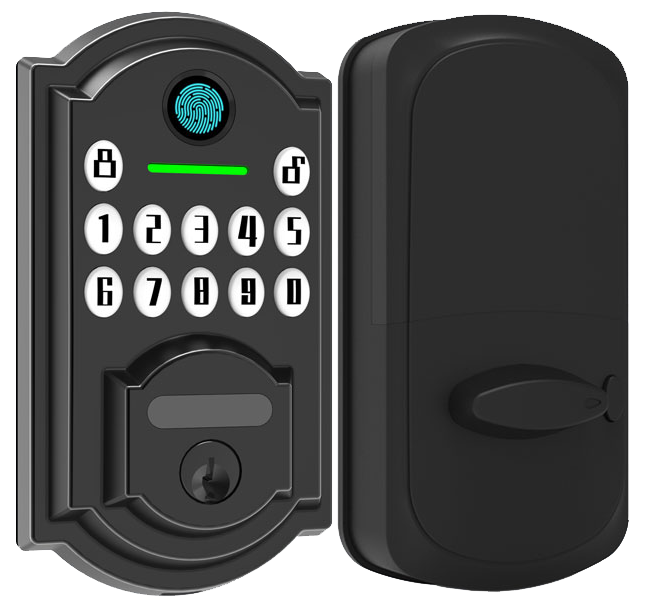
Starlight Hardware has built its name as a reliable OEM partner and smart lock manufacturer China. We ship CE and FCC certified locks that meet ANSI standards and stand up to everyday wear. Each lock arrives ready for export with end-to-end encryption (secure data lock), weatherproof housing, and an IP65-rated cover. We’re proud of our two-decade expertise.
Starlight Smart Deadbolt
This Grade 1 Wi-Fi deadbolt feels solid in your hand. The smooth metal faceplate and sturdy steel latch snap shut with a reassuring click. Inside, AES-256 encryption (top-level data scramble) keeps digital keys locked down.
You can use the app to set auto-lock schedules, peek at door status, or send one-time codes. Think of it like texting your door. Four AA batteries power it for about six months, and we flash low-battery alerts days before you need new cells. Want a secret? Our auto-lock mode is a game-changer.
Starlight Smart Lever
Got a door without a deadbolt? Swap in this retrofit lever lock in minutes, no drilling required. It feels just like a normal handle – until you punch in a PIN (your personal code) or tap your phone.
Pairing with your voice assistant is a snap, so you can tell your speaker to lock up before you dash out. With built-in Wi-Fi, there’s no hidden hub. And that smooth handle hides an IP65 shell, keeping rain and dust out.
Starlight Retrofit Adapter
Already love your deadbolt? This adapter kit clamps onto nearly any single-cylinder lock. Clip it on, pair via Bluetooth (think of it like connecting your headphones), then share mobile keys or custom codes through the app.
You control how long each code works and can revoke access anytime. It tucks cables neatly inside, so your door still looks clean.
Starlight Smart Locks blend rock-solid hardware, user-friendly apps, and export-ready certifications. Whether you’re swapping a single lever or upgrading every exterior door, they deliver security and value you can trust.
Final Words
We’ve explored the core features of smart locks, from remote smartphone control to guest codes and battery alerts.
Then we covered connectivity choices like Wi-Fi, Bluetooth, and Z-Wave, and how they link with Alexa, Google Home, and Apple Home.
You learned simple install steps, data safety with AES-256 (a strong way to hide your data), and steps to fix common setup hiccups.
Lastly, we broke down costs, warranties, and why Starlight CE-certified locks give you reliable peace of mind.
Here’s to worry-free entry with Internet Connected Door Locks.
FAQ
What are wireless internet connected door locks?
Wireless internet connected door locks replace or adapt deadbolts with a smart mechanism you control from anywhere. You get remote unlock, real-time alerts, and simple code sharing for guests.
Do internet connected door locks come with physical keys?
Internet connected door locks come with physical keyways for backup. You still get the smooth feel of turning a metal key if batteries run low or your network goes down.
What features do popular Schlage and Yale internet connected door locks offer?
Schlage and Yale models—like the Encode WiFi Deadbolt, Yale Approach Lock, and Assure Lock 2—offer AES-256 encryption, auto-lock schedules, touchscreen keypads, physical key override, and voice control via Alexa, Google, HomeKit, or Matter.
Where can I find reviews of the best internet connected door locks and buy them online?
You can find hands-on reviews on tech blogs and retailer sites like Amazon, which also lists top-rated smart locks. Compare user ratings, price, and feature lists before making a purchase.
What is a WiFi door lock with handle and how do app-enabled keyless entry locks work?
A WiFi door lock with handle integrates the lever and lock cylinder, letting you control access over your home network. App-enabled keyless locks use WiFi or Bluetooth so you can share codes and view lock logs right from your phone.

