

Ever dashed out the door and then, halfway to the car, wondered if your front lock really clicked shut? That little doubt can stick with you all day.
Imagine swapping that jangling key ring for an app on your phone. You tap a button and hear the bolt slide, just like swiping a credit card. It’s security with a soft LED glow telling you all is well.
We picked five top WiFi smart door locks to give you real peace of mind. They let you lock or unlock from anywhere, use AES-128 encryption (a strong code that keeps hackers out), and send instant tamper alerts right to your phone. You get the smooth metal faceplate and a reassuring click each time the deadbolt slides in place.
Each lock logs every entry and lets you create guest codes in seconds. Want to buzz someone in from across the country? Just ask Alexa, Google Assistant, or Siri. It’s like having a doorman in your pocket.
Read on to find the lock that fits your home security needs.
Core Features and Benefits of WiFi Smart Door Locks
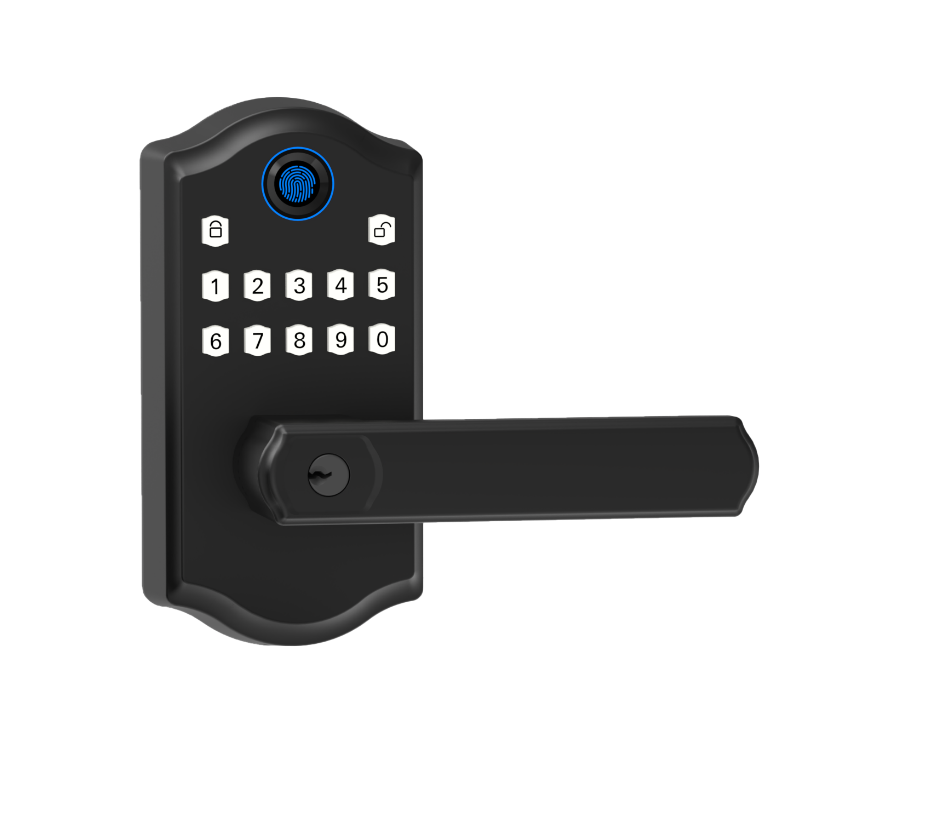
A WiFi smart door lock hooks your deadbolt up to your home WiFi. You can see if your door is locked and control it from anywhere.
You get three big wins: remote control in our app, rock-solid security with AES-128 encryption (a strong code that keeps hackers out) and tamper alerts, plus the freedom of keyless entry so you never fumble for keys.
Our Starlight Smart Locks use end-to-end AES-128 encryption (that means your data stays safe) and meet ANSI/BHMA standards for homes or small businesses. We partner with a smart lock manufacturer in China to make sure each lock is built to last.
They keep a simple activity log so you know who’s coming and going. Need to let in a friend? Create, or revoke, a guest code in seconds. Just ask Alexa, Google Assistant, or Siri to lock or unlock the door. Our smooth metal faceplate hides four AA batteries that run for three to six months before you need to swap them. Top models even earn ANSI/BHMA Grade 1 or Grade 2 certification for ultimate strength.
- Remote control in our app over your WiFi
- Auto-unlock when you get home (geofencing)
- Voice commands with Alexa, Google Assistant or Siri
- Set up temporary or scheduled guest codes
- Get real-time activity and tamper alerts
- Choose auto-relock timing so your door clicks shut on its own
- Works seamlessly on iOS and Android
All these features team up to give you peace of mind and make life smoother. Scheduled auto-relock means your door locks itself after you walk away. Geofencing auto-unlock welcomes you home. You don’t need spare keys, guest codes take care of that. And with real-time alerts, activity logs, voice commands and your phone as a key, security has never been so easy.
Step-by-Step Installation Guide for WiFi Smart Door Locks
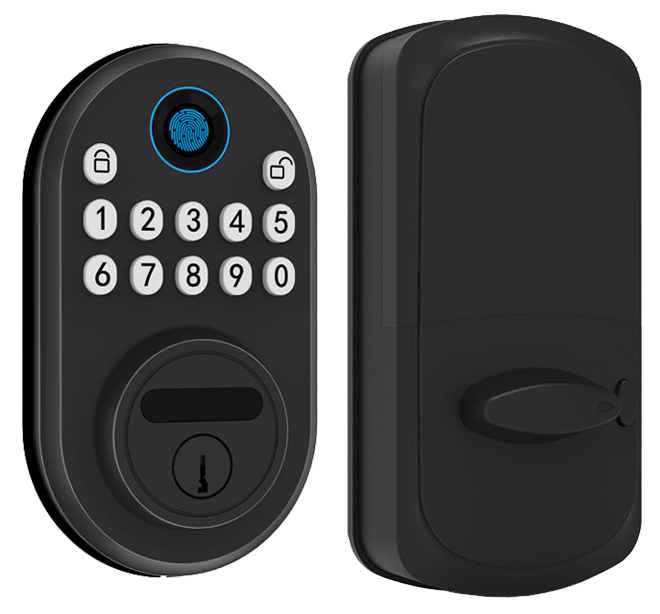
You can install most WiFi smart door locks in 10 to 30 minutes with a Phillips screwdriver. They run on four AA batteries (not included).
Want to know a secret? Our retrofit kits slip over your existing deadbolt – no drilling needed. For new doors, the kit comes with an adjustable strike plate and a backset template (backset is the distance from the door edge to the lock center). It handles doors 1-3/8" to 2-1/4" thick.
Grab your lock housing, mounting plate, strike plate, four fresh AA batteries, and your smartphone.
- Remove the old deadbolt and strike plate. Just unscrew and pull them out.
- Use the paper template to check the door thickness and backset (1-3/8" to 2-1/4" thick, 2-3/8" or 2-3/4" backset).
- Snap on the mounting plate and secure the lock housing with the provided screws. You’ll hear a reassuring click and see a soft LED glow.
- Attach the interior assembly, replace the strike plate on the frame, and test the latch. Solid.
- Open the mobile app and pair the lock to your home WiFi network. Think of it like connecting your headphones to your phone.
If your door prep matches standard specs and you’re handy with a screwdriver, you’ll feel pretty proud. But for reinforced doors or odd cutouts, professional installation adds extra peace of mind.
Want a visual guide? Starlight’s video tutorial library in our app walks you through each step with friendly voice instructions and close-up shots.
Security Standards and Best Practices for WiFi Smart Door Locks
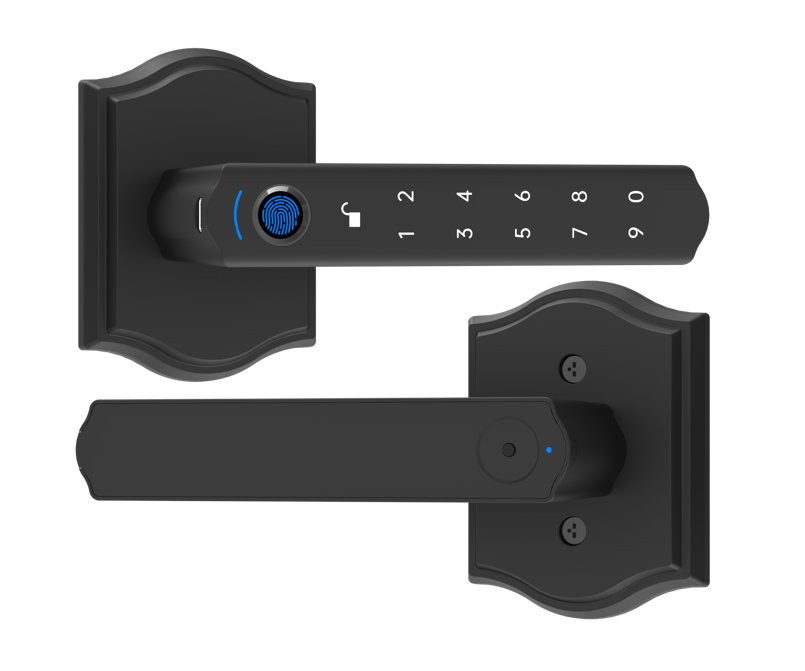
Most high-end WiFi smart door locks protect your data with AES-128 encryption (a code that scrambles your signals) or even beefier AES-256 encryption (an extra-strong scramble). They use TLS (a secure-link protocol) to keep the back-and-forth between your lock and the app locked tight. And thanks to the smooth metal faceplate, they feel reassuringly solid.
Locks that earn ANSI/BHMA Grade 1 or Grade 2 certification (tested against drilling and bumping) mean you can rest easy. Many also meet UL 294 standards (fire-tested by Underwriters Laboratories) to prove they can take a hit. Peace of mind.
Inside, a solid metal cylinder (the core mechanism) is built to resist picking. Tiny anti-pick pins (metal bits that frustrate lock picks) stand guard. And if someone tries to force the latch, a tamper sensor will trigger an alert. Exactly.
You can add two-factor authentication (a push notification plus a PIN code) for extra peace of mind. It’s like having a second lock on your door. Our two-factor setup is a game changer.
Think of your lock like any other gadget on your WiFi. Give it its own SSID on your router just for IoT gear. Pick a strong WPA3 password (the latest WiFi shield) and change it often. And always turn on multifactor auth in the app if it’s there.
Don’t forget to check for firmware updates each month. Those updates keep your lock sharp and secure.
Starlight Smart Locks bundle all this: top-tier encryption, ANSI/BHMA and UL certifications, plus real-time tamper alerts. It’s security from start to finish. Solid.
Smart Home Integration and Voice Control with WiFi Smart Door Locks
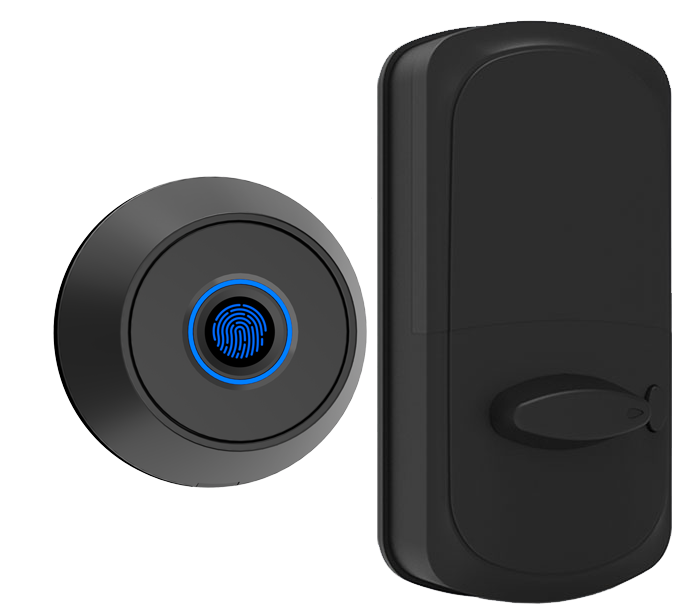
Modern WiFi smart door locks slide onto your home network like a fresh gadget on the shelf. Their smooth metal faceplate and soft LED glow tell you they’re ready. They pair right away with Amazon Alexa, Google Assistant (voice assistant software that listens to your commands), or Apple HomeKit.
Say “Alexa, lock the front door” as you pour your morning coffee. Or ask Google Home, “Is the back door locked?” as you rush out. It’s as simple as talking to a friend. No tech jargon required.
Head to the Amazon Alexa Unlock Command section in the Alexa app or the Google Home Lock Control section in the Google Home app. A couple of taps and you’re all set.
On your iPhone, open the Home app. Tap Add Accessory and scan the code on the lock. The Apple HomeKit setup steps are crystal clear. You’ll breeze through pairing in minutes.
Digital Home Keys live in Wallet (a digital passholder on your phone). Just tap to open. Express Mode even works when your phone’s low on power. Um, it’s really that easy.
For custom scenes, link your lock to IFTTT recipes (automated tasks triggered by events). Make the lights flash when your kids get home. Or have the thermostat turn down at bedtime. Some locks also work with Zigbee or Z-Wave bridges for Matter (a smart home standard).
No extra hubs needed. Starlight Smart Locks come with built-in WiFi and step-by-step voice assistant guides in the app. You get a seamless setup every time.
Battery Performance, Power Options, and Emergency Access
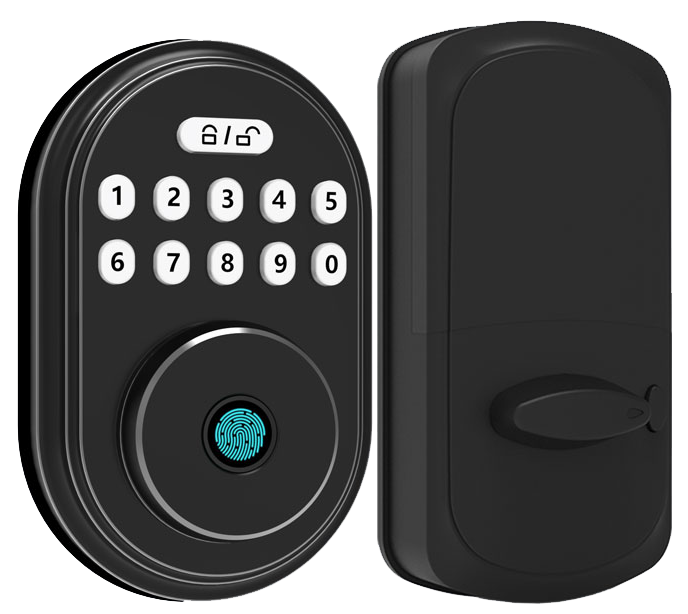
Most Wi-Fi smart deadbolts sip power from four AA batteries. They usually last three to six months. Thread-enabled locks stretch that runtime to about a year. You’ll see a low-battery push alert in the app about two weeks before the lights go dark. Gives you enough time to grab fresh cells without hunting for tools.
When the batteries finally die, you can power up the lock from outside. Use the 9V port (for a clip-on battery) or the USB-C port (like your phone charger). Think of it as an emergency juice-up button. And if your Wi-Fi drops, Bluetooth fallback keeps your phone working as a local key.
Every unit also includes a mechanical key override, just like a smart door lock with keypad and key. We’ve packed low-battery alerts, an external power port, and an integrated keyway into Starlight Smart Locks. So you’re never left standing outside.
Never stuck outside.
Comparing Top WiFi Smart Door Locks: Models, Features, and Pricing
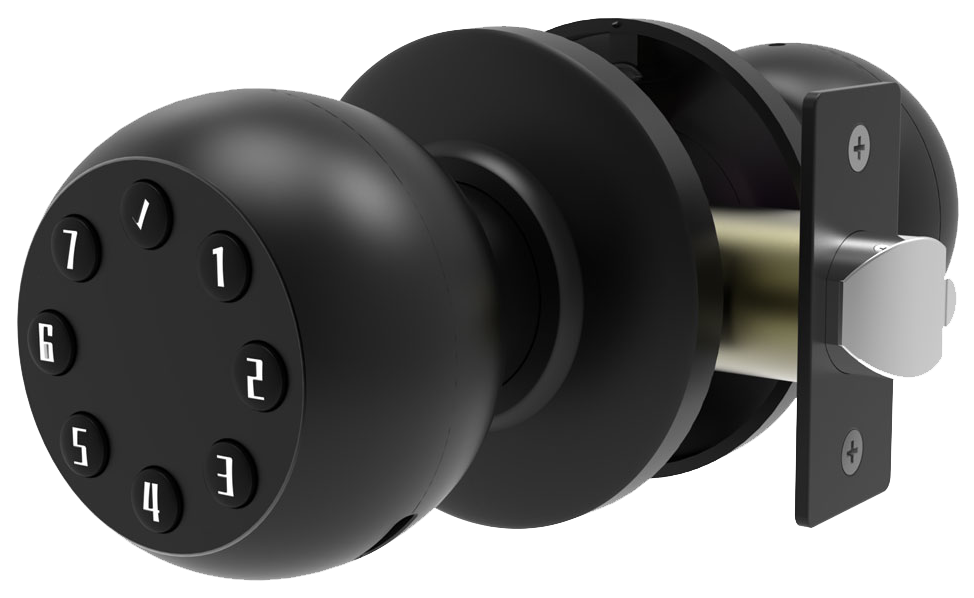
WiFi smart door locks split into three price tiers. Entry-level models sit around $100. They let you lock and unlock using an app, set keypad codes, and meet ANSI Grade 3 security. Mid-range locks cost $150 to $250. You get extras like a biometric fingerprint sensor (a reader that checks your unique fingertip pattern), activity logs, mobile alerts, and voice assistant support. Premium locks start at $350. They add things like video feeds, palm vein recognition (a sensor that reads the blood vessel patterns in your palm), shifting keypads, and new network options like Thread and Matter.
Our Editors’ Choice picks are hard to beat. The Ultraloq Bolt Fingerprint is $199, with reliable scans and a smooth app interface. The Yale Assure 2 costs $279.99 and slides right into HomeKit. Lockly Visage runs $350 and wows you with its dynamic “Genie” keypad. If you want a built-in camera plus high-precision vein scans, check out the Eufy FamiLock S3 Max at $400.
| Model | Price | Key Features |
|---|---|---|
| Ultraloq Bolt Fingerprint | $199 | Fingerprint & keypad access, mobile app control, ANSI Grade 2 |
| Yale Assure 2 | $279.99 | Keypad & HomeKit support, Apple Home Keys, optional Z-Wave module |
| Lockly Visage | $350 | Face recognition, shifting keypad, Apple Home Key, WiFi |
| Eufy FamiLock S3 Max | $400 | 2K camera, palm vein recognition (blood-pattern reader), keypad, Home Key |
| Basic WiFi Model | $100 | App control, keypad entry, auto-relock timing, ANSI Grade 3 |
If you’re watching your budget, the Basic WiFi Model at about $100 is a solid start. It handles remote lock and release, code sharing, and auto-relock timing. Need a fingerprint scanner on a mid-range budget? The Ultraloq Bolt gives you multi-user codes and a durable ANSI Grade 2 build. Apple fans with about $250 will like the Yale Assure 2’s clean look and HomeKit keys.
For a techy twist, Lockly Visage adds face recognition and that moving keypad. And hmm, if you’ve got extra room in your budget, the Eufy FamiLock S3 Max pairs a crisp 2K camera with palm recognition and on-device storage (no subscriptions needed). Mix and match features you really use. That way you won’t overspend on extras you’ll never try.
Troubleshooting and Firmware Management for WiFi Smart Door Locks
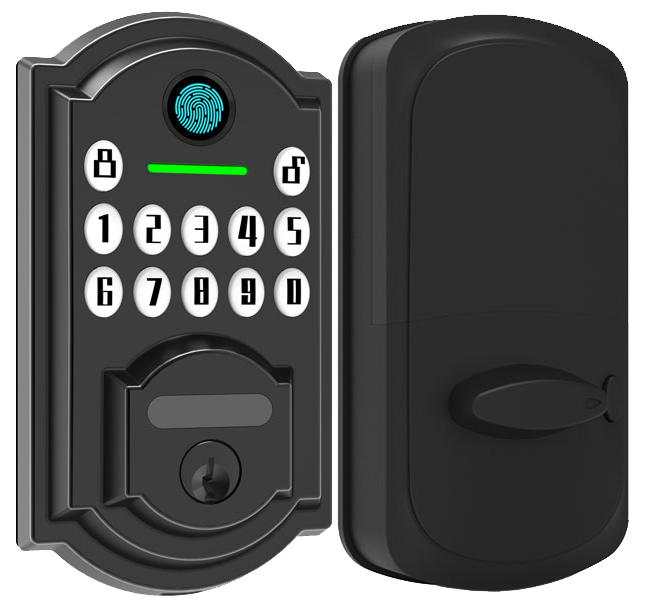
Firmware updates (software fixes installed on your lock) happen over-the-air through the Starlight app in under five minutes. Tap the update button. Watch the soft LED glow as your lock gets its newest fixes. It’s like a quick tune-up for your front door. We recommend checking for updates once a month. That way you stay one step ahead of glitches.
When the lock acts up, try these fast fixes:
- Wi-Fi dropouts: the lock goes silent when the signal fades. Move your router closer or reboot it.
- Pairing errors: your phone and the lock won’t talk. Close and reopen the app. Then pair again.
- Motor stalls: the bolt won’t budge. Turn the latch by hand, clear away dust, and make sure it’s lined up.
Ever had an update hiccup right when you needed to get in? Use the remote firmware rollback option. It restores the last stable build in seconds. Solid.
Need a full reset? Hold the interior button for ten seconds. Your lock snaps back to factory settings. And if you ever feel stuck, Starlight’s app walks you through guided troubleshooting. Plus, our 24/7 live support chat is always ready to help.
Practical Buying Tips and Selection Criteria for WiFi Smart Door Locks
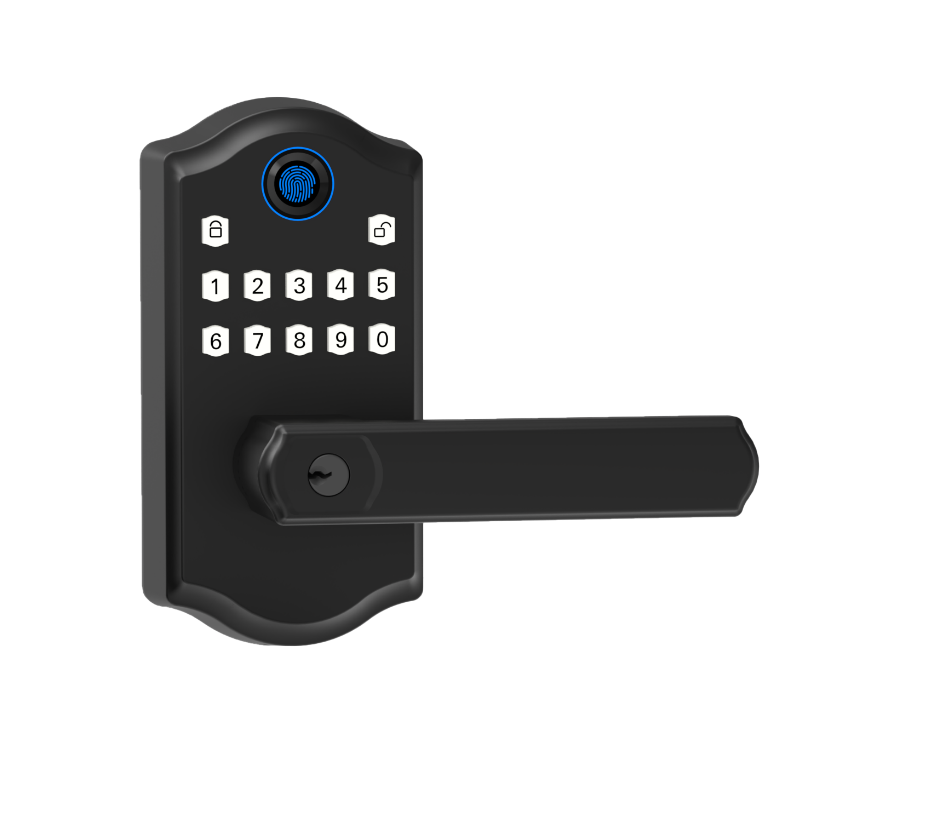
When you’re matching a smart lock to your home, think about how many doors you need to secure. One app is fine for a front door. But if you’ve got a garage, side entrance or back gate, you’ll want a system that grows with you. Look for multi-user management (separate PINs or digital keys for each person). That way you’re not hiding spare keys or scrambling for codes.
App usability is as important as the lock’s build. Check for a clear menu, push notifications and a quick-set guest-code feature. Notice the smooth metal faceplate, the reassuring click when it locks and the soft LED glow around the keypad. Your lock should also pair easily with Amazon Alexa, Google Home, Apple HomeKit or Matter, no extra hubs needed.
Privacy matters. Read the data privacy and GDPR compliance statements so you know how access logs and location data are stored or deleted.
Don’t skip warranty and support. Warranties usually run one to three years. But fast technical help and step-by-step video guides can save the day. Starlight Smart Locks come with a two-year warranty, GDPR-ready cloud services and 24/7 live chat. That’s true peace of mind.
Final Words
We’ve covered core features, installation steps, security standards and smart home integration with WiFi smart door locks.
You’ll now have the know-how to pick, install, and manage the right lock for any project.
With remote app control, guest code management and real-time alerts, you’re set to streamline guest check-in and reduce unauthorized entries.
Ready for simpler access and top-tier security? Time to bring WiFi Smart Door Locks on board.
FAQ
What are the best wireless WiFi smart door locks?
The best wireless WiFi smart door locks offer remote control, strong encryption, and easy installation. Top picks include Schlage Encode, Yale Assure Lock 2, August Wi-Fi Smart Lock, and Kwikset Halo.
What features do Schlage Encode WiFi locks offer?
The Schlage Encode WiFi locks feature built-in WiFi, touchscreen keypad, ANSI Grade 2 security, customizable access codes, and compatibility with Alexa and Google Assistant for hands-free locking and unlocking.
How do WiFi smart door locks with mechanical keys work?
WiFi smart door locks with mechanical keys combine electronic access—app control, touchscreen, or fingerprint—with a traditional key override, so you stay in control even if batteries run low.
Can you buy WiFi smart door locks on Amazon?
You can buy WiFi smart door locks on Amazon, where brands like August, Yale, Schlage, and Kwikset offer fast shipping, customer reviews, and occasional bundle discounts.
How does the August Wi-Fi Smart Lock stand out?
The August Wi-Fi Smart Lock stands out by fitting over your existing deadbolt, enabling remote app control, auto-unlock via geofencing, and seamless integration with Alexa, Google Assistant, and HomeKit.
What are the benefits of Yale’s WiFi touchscreen locks?
Yale’s WiFi touchscreen locks, including the Approach and Assure Lock 2, provide built-in WiFi, responsive touch keypad, temporary guest codes, real-time activity alerts, and a sleek metal faceplate.
How does the Kwikset Halo Wi-Fi Smart Lock differ?
The Kwikset Halo Wi-Fi Smart Lock offers a smooth touchscreen deadbolt, app management for up to 250 user codes, auto-lock scheduling, and voice control through Alexa and Google Assistant.

