
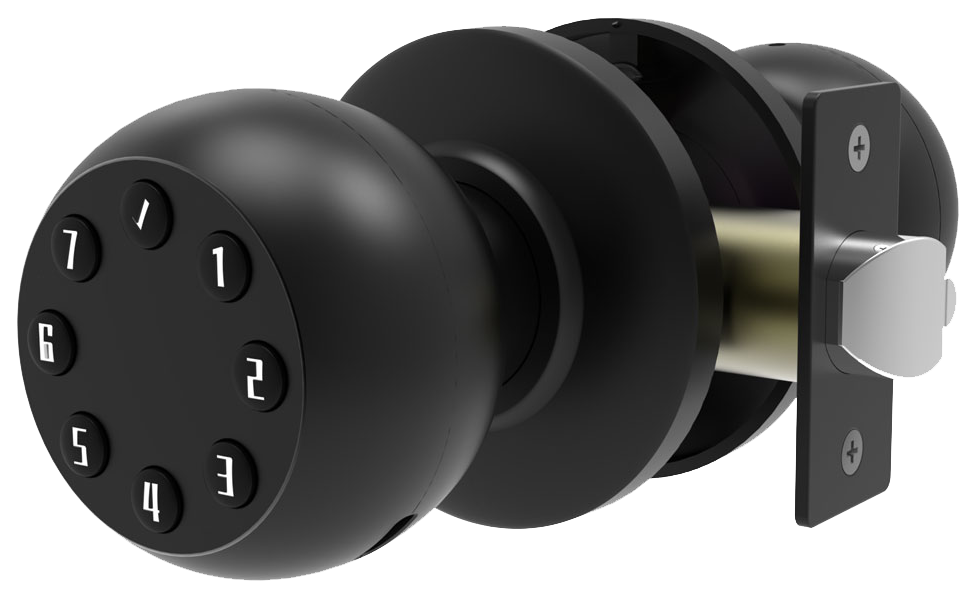
Think hiding a spare key under your doormat is clever?
Most burglars check that spot first.
But don’t rely on that trick.
Switch to a smart WiFi lock with a smooth metal faceplate.
It replaces the doormat routine with encrypted codes and remote taps on your phone.
These locks pair with your phone like a loyal guard dog.
And they come with a biometric fingerprint sensor (a reader that checks your unique fingertip pattern).
No more fumbling for keys in a downpour.
One-tap entry, a reassuring click, and a soft LED glow guide you inside.
In this post, we spotlight seven smart WiFi locks that mix sleek design, real-time alerts, and rock-solid security.
How Smart WiFi Door Locks Enhance Home Security and Convenience
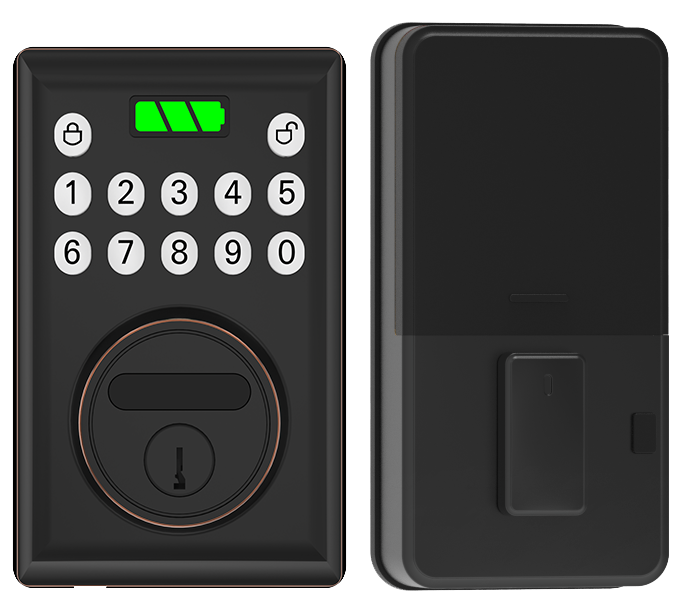
Ever fumbled your keys in the rain? So let’s swap that bulky metal bunch for your phone. Smart WiFi door locks feel like a smooth metal faceplate with a soft LED glow. A quick tap on the mobile app unlocks or locks your door from anywhere.
And they do more. You can punch in a PIN code or use a biometric fingerprint sensor (a reader that checks your unique fingertip pattern). Voice commands work with Alexa, Google Assistant, or HomeKit. Bluetooth backup kicks in if your network goes down.
You can pick up a basic model for about $100, while advanced versions with tamper alarms or push alerts run about $200. These locks hum along on AA batteries that last eight to 10 months. Power outage? The built-in battery keeps you moving. Some even include a USB port for emergency power.
- Keyless mobile app entry
- Multiple unlock methods (fingerprint, keypad, voice)
- Auto lock and geofencing
- Real time notifications and audit logs
- Battery backup and emergency power ports
Starlight Smart Locks set the bar for quality as a leading smart lock manufacturer China. We build hardware under CE and FCC rules and meet ANSI Grade 1 security tests. You get eight to 12 months of battery life and built-in multi-factor authentication (a code or fingerprint on top of the app). Every time the door shuts, you hear a reassuring click.
But here’s a fun fact. We’ve spent over two decades testing locks in sandy deserts and snowy peaks. So you know, we mean business.
Key Security Features and Encryption in WiFi Smart Locks
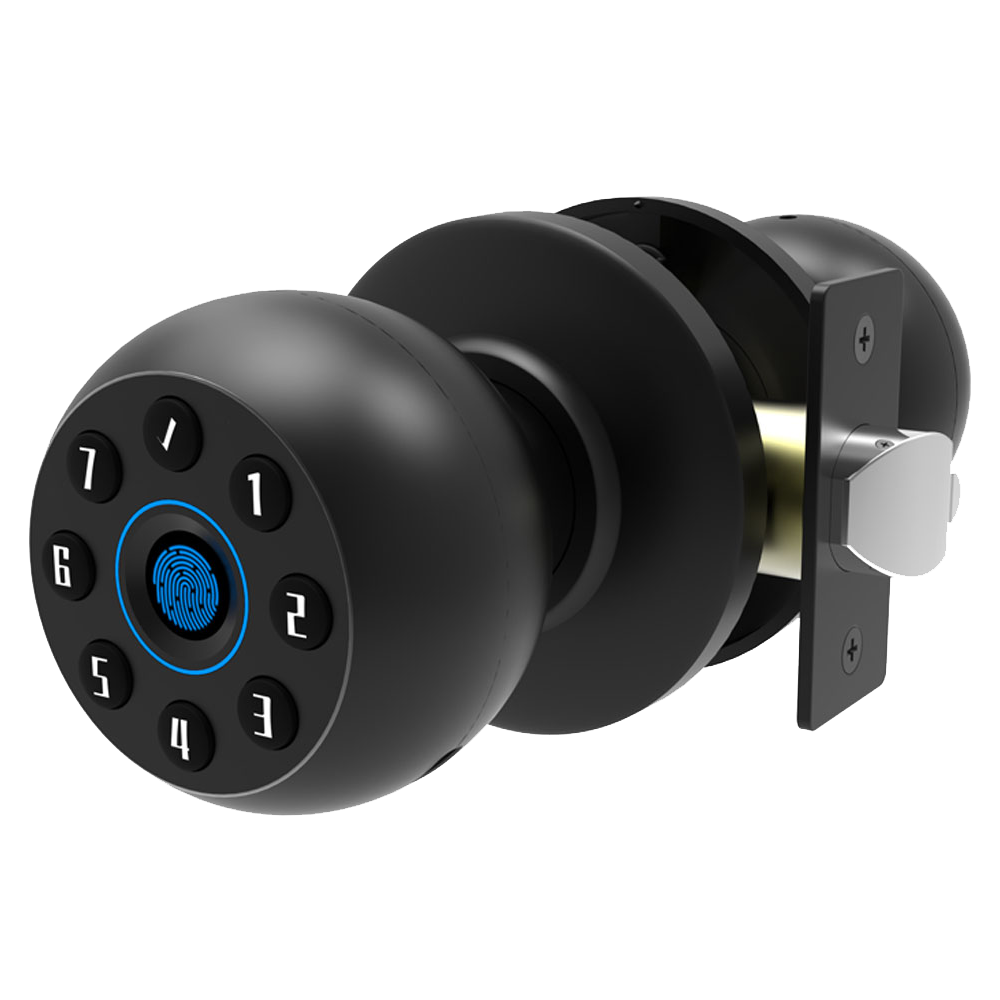
Encryption starts with AES-128 (a block cipher that scrambles data into unreadable code) or RSA key exchange (a method that safely shares bigger secrets). Each lock wraps your access code in a sealed, encrypted tunnel, like sending messages in a locked briefcase, to keep eavesdroppers out.
We use a challenge-response handshake (a quick back-and-forth check) to confirm the lock and your app really are who they say they are. Many of our models meet CE/FCC certified smart locks standards for reliable performance.
Tamper-resistant hardware modules guard against chip-level attacks.
But encryption is just one piece. Two-Factor Authentication routines ask for both your mobile app and a PIN or biometric fingerprint sensor (a reader that checks your unique fingertip pattern). It’s like needing two keys to start a car and stops thieves from guessing codes or stealing phone data.
Our protocols follow industry standards like OATH HOTP (time-based one-time passwords). That’s the same tech banks use to send you a code.
Solid.
- AES or RSA encryption
- Two-factor login (app + code or biometric scan)
- Tamper and forced-entry alarms
- Offline failsafe access (keypad or physical key)
When Wi-Fi drops, Offline Mode switches to Bluetooth (a short-range wireless link) or your physical key. Many include a USB port or a 9-volt battery terminal for a quick power boost if the lock runs out of juice.
And firmware patches close security gaps as soon as they pop up. It’s smart to install updates right away and test your backup options every few weeks.
Step-by-Step Smart WiFi Door Lock Installation and Setup Guide
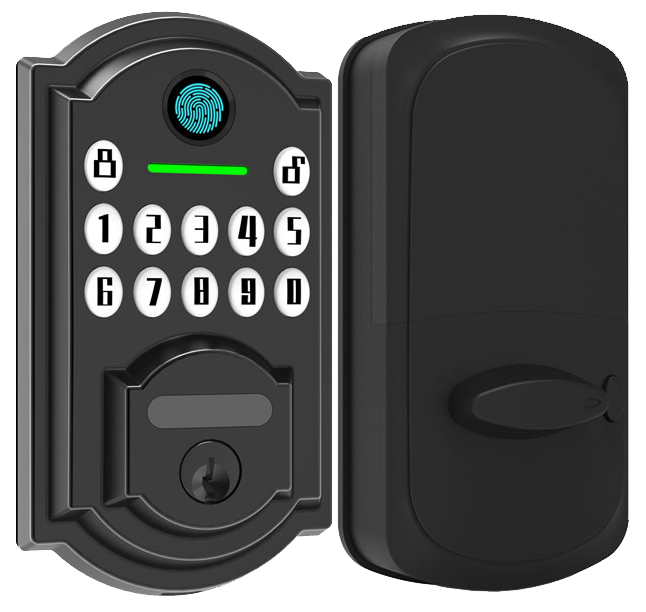
Grab your Phillips screwdriver, fresh AA batteries, the lock kit with mounting screws, a measuring tape, and your smartphone loaded with the lock’s app. Clear the work area. And don’t forget to disable auto-lock on your old hardware. Umm, that makes the swap smoother.
- Remove the existing lock.
- Align the new backplate (the smooth metal faceplate) with the paper template. Make sure it sits flush against the door.
- Secure the deadbolt assembly (the part that slides into the door frame) to the door edge with screws. You should feel a reassuring click as it settles in.
- Attach the interior mechanism. Tighten the mounting screws until snug. Solid.
- Install the batteries. Close the battery cover until you hear a soft click. You’ll see a gentle LED glow (small light) when power’s on.
- In the app, join your 2.4 GHz band (a common Wi-Fi frequency for longer range). Think of pairing like connecting your Bluetooth headphones to your phone.
- Follow the app prompts to sync the lock with your smartphone. Then tap lock and unlock in the app to test. You’ll hear the smooth metal faceplate engage.
Check that your router’s signal is strong at the door. If it dips, place a mesh Wi-Fi node or range extender about 10 to 15 feet from the lock. This simple trick keeps your lock responsive and reliable.
Integrating Smart WiFi Door Locks with Home Automation Ecosystems
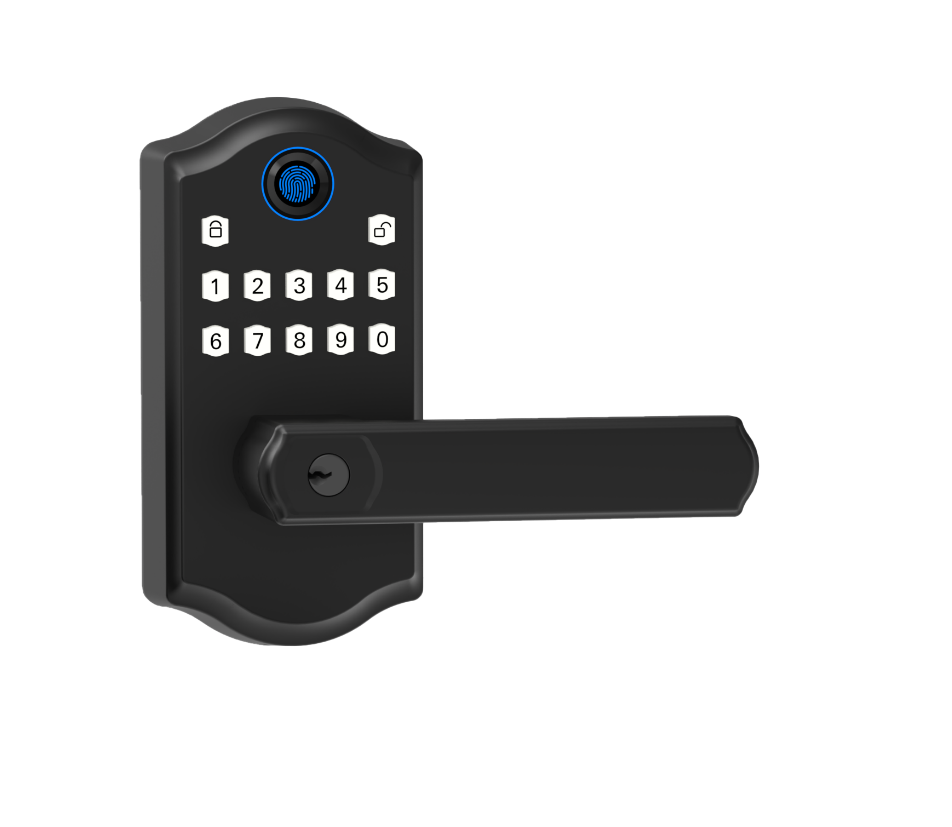
Leading WiFi-enabled door locks plug right into Amazon Alexa and Google Assistant. Just enable the Alexa skill (a tool that lets Alexa control your lock) or link the device in the Google Home app. Then enjoy hands-free access with a simple voice cue.
Many models also work with Apple HomeKit. You can lock or unlock with Siri voice commands and tap your iPhone or Apple Watch using Home Key (Apple’s secure entry feature). The soft LED glow on the lock faceplate shows you it’s all set.
Using Samsung SmartThings? No problem. A cloud connector (a service that links your devices online) or a physical hub gets you up and running. Back to your routines, you can unlock doors remotely or sync them with motion sensors and lights.
Some locks need a Thread border router (a small hub that links devices on a private network). Others use a Wi-Fi bridge (a tool that brings your lock onto your home network). You’ll also find IFTTT (If This Then That) support so you can script custom triggers. For a step-by-step guide, check Integrating Smart Locks with PMS / Smart Home Systems.
- Alexa skill setup
- Google Home device linking
- HomeKit pairing and Home Key
- SmartThings integration via cloud connector
- IFTTT applets for custom triggers
- Matter over Thread with border router
Matter is a future-ready standard that helps locks work across ecosystems without juggling apps. Soon you’ll set up routines like auto-unlock when a smoke alarm trips or locking doors at bedtime, all in one place.
All your locks in one app.
Top Recommended WiFi Smart Locks for 2025: Starlight’s Best and Alternatives
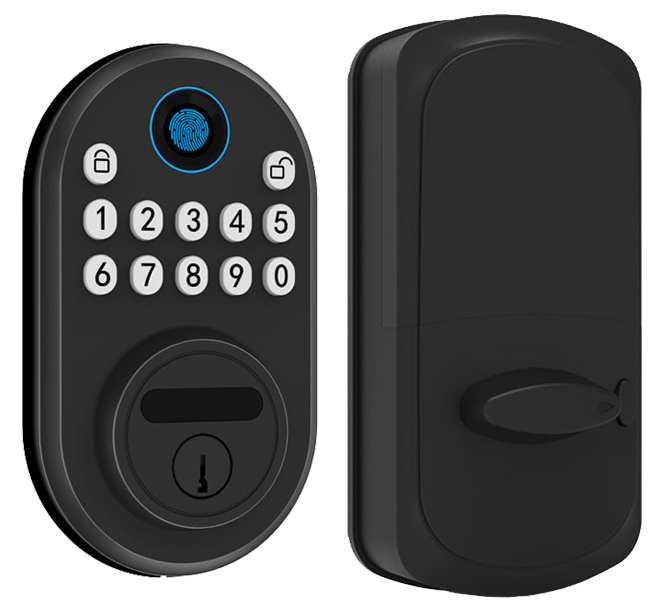
Our new S200 and S300 locks feel like the future of home security. The S200 has Wi-Fi, a keypad, and a biometric fingerprint sensor (reader that checks your unique fingertip pattern), plus an app you control from your phone. It’s built with a smooth metal faceplate, gives a reassuring click, and meets ANSI Grade 1 security (top residential standard). Best part? You can go months, up to ten, before swapping batteries.
And the S300? It adds geofencing (it locks or unlocks as you walk away or return) and built-in two-factor authentication (extra code after your fingerprint). Want to know a secret? Geofencing is a game-changer for busy families and small offices. It still works with Alexa, Google Assistant, and Apple HomeKit for easy voice or app control.
Solid.
| Model | Price | Battery Life | Ecosystem Support | ANSI Grade |
|---|---|---|---|---|
| Starlight S200 | $189 | 10 mo | HomeKit/Alexa/Google | 1 |
| Starlight S300 | $249 | 8 mo | + IFTTT/Matter | 1 |
| Ultraloq Bolt | $249 | 6 mo | Alexa/Google | 1 |
| Kwikset Halo Select | $279.99 | 12 mo | Alexa/Google/Matter | 1 |
We tested all these locks side by side. The S200 is our best budget pick, real-time audit logs (who locked or unlocked) and multi-platform support at $189. The S300 is our premium suggestion, with Matter and IFTTT, plus time-based auto-lock and geofencing alerts. The Ultraloq Bolt holds its own with a solid fingerprint reader and six-month battery. And the Kwikset Halo Select sneaks ahead with a year-long battery life and Thread compatibility.
Whether you’re upgrading a cozy home or streamlining a small office, these locks cover the full range, budget to high-tech. Over 10,000 doors locked worldwide. We’re proud of our two decades of testing in deserts and snowy peaks so you can trust your front door.
Troubleshooting and Maintenance for Smart WiFi Door Locks
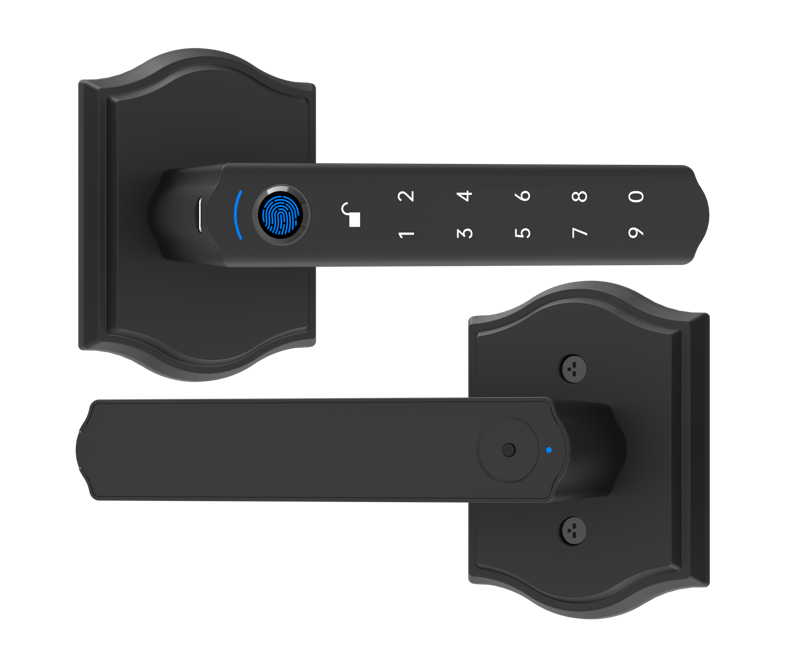
Routine upkeep keeps your lock humming. Literally. Wi-Fi models sip power from four AA batteries for about three to six months. Bluetooth locks can stretch to twelve months.
When you catch the soft LED glow flickering or the auto-unlock feeling sluggish, it usually means low power.
Check firmware (the software behind the scenes) about once a month. And give your lock a quick feel. Press on the smooth metal faceplate. You should get that reassuring click. It’s a small touch, but I guess it matters.
Then make sure your lock’s Wi-Fi signal is solid. A weak link can cause pauses or dropouts. Sometimes a quick router reboot does the trick.
Here’s your routine checklist:
- Check battery status in the app
- Run a firmware update monthly
- Verify Wi-Fi signal strength and reboot your router
- Test alternate entry methods (keypad or physical key)
- Keep a USB-C cable or 9-volt battery handy for emergency power
If you still notice odd behavior, unresponsive buttons, network dropouts or anything weird, reach out to Starlight support. We log your lock’s power levels, firmware history, and error codes to spot issues fast.
Solid.
Final Words
In the action, we explored how Smart WiFi Door Locks bring keyless access and remote control to your front door. We covered industry-leading encryption layers and multi-factor authentication for robust protection day in, day out.
We walked through a quick install guide and smooth ecosystem integrations with Alexa, Google Assistant, and HomeKit. You also met Starlight’s top picks, from budget-friendly S200 to feature-rich S300, plus maintenance tips to keep things running without a hitch.
Here’s to smarter, safer homes with Smart WiFi Door Locks.
FAQ
What are the best smart Wi-Fi door locks?
The best smart Wi-Fi door locks balance security, convenience, and price. Top picks include Starlight S200 series for ANSI Grade 1, Yale Assure series for reliable touchscreens, and August Wi-Fi retrofit models for easy upgrades.
Which smart Wi-Fi door locks include a physical key?
Smart Wi-Fi locks with physical keys like Starlight S200, Schlage Encode, and Yale Assure models offer keypad, app control, and a backup key slot to assure access during power outages or connectivity issues.
Where can I buy smart Wi-Fi door locks on Amazon?
You find smart Wi-Fi door locks on Amazon by searching brand names like Yale, August, Schlage, or Starlight. Read user reviews, compare prices, and look for free shipping or bundled installation kits for the best deals.
What makes Schlage smart Wi-Fi door locks stand out?
Schlage smart Wi-Fi door locks impress with ANSI Grade 1 security, built-in alarm sensors, Z-Wave connectivity, and easy Alexa or Google Assistant voice control. Durable metal faceplates and long battery life add peace of mind.
Are DoorSmart door locks on sale?
DoorSmart door locks often go on sale during home improvement events on Amazon and major retailers. Watch for seasonal promotions, subscribe to newsletters, and compare price trackers to snap up discounts on keyless entry models.
What is keyless entry with an app?
Keyless entry door locks with app control let you lock and unlock from your smartphone, share temporary access codes, and receive real-time activity logs. It’s like handing a digital key to trusted family or guests.
What benefits do keyless entry door locks with handles offer?
Keyless entry door locks with handles add seamless grip-style operation and ergonomic design. Their integrated lever lets you pull to enter once authenticated via app, keypad, or fingerprint—ideal for busy hands or parcels.
What features does the Yale Approach Lock with Wi-Fi and keypad touch have?
The Yale Approach Lock with Wi-Fi and keypad touch combines Alexa and HomeKit compatibility, a sleek touchscreen pad, auto-lock, and geofencing. You get remote access, real-time alerts, and up to 10 custom entry codes.
How does the Yale Assure Lock 2 compare in features?
The Yale Assure Lock 2 Smart Door Lock with Wi-Fi and touchscreen keypad adds built-in Wi-Fi, 250-user code memory, and easy firmware updates. It blends secure metal build with a soft LED glow to guide each press.
What does a Yale smart lock with Matter support?
A Yale smart lock with Matter support uses the new open protocol for seamless cross-brand routines without extra bridges. It lets you lock doors via HomeKit, Alexa, or Google Home in a single, unified smart home app.
What distinguishes the Yale Assure touchscreen deadbolt smart lock?
The Yale Assure touchscreen deadbolt smart lock features a backlit pad, tamper alarms, and multiple unlock methods: app, code, or emergency key. It emphasizes a smooth metal faceplate and a reassuring click every time.
How does the Yale Assure touchscreen keypad lever lock work?
The Yale Assure touchscreen keypad lever lock offers an ergonomic handle with a robust deadbolt, six-digit code support, and auto-lock. It suits busy doorways—think hotel-style entry with no fumbling keys.
What are the standout features of the August Wi-Fi Smart Lock?
The August Wi-Fi Smart Lock retrofits over your existing deadbolt for tool-free install. It offers app control, DoorSense™ notifications, and works with Alexa, Google, and HomeKit. Perfect for renters or quick upgrades.

