
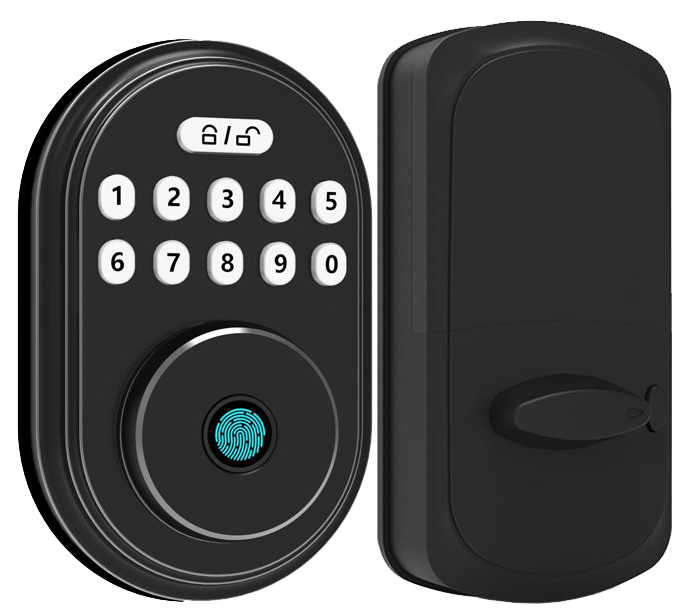
Ever wish your front door knew you by touch? Picture it using a biometric fingerprint sensor (a reader that checks your unique fingertip pattern). When it recognizes you, the smooth metal faceplate lights up with a soft LED glow before swinging open with a gentle click.
Say goodbye to fumbling for keys in the dark or hiding a spare under the welcome mat.
We’ve handpicked seven top fingerprint deadbolts that blend sturdy metal, lightning-fast scans, and real-time tamper alerts to boost your home’s safety.
Key Benefits of Fingerprint Deadbolt Locks
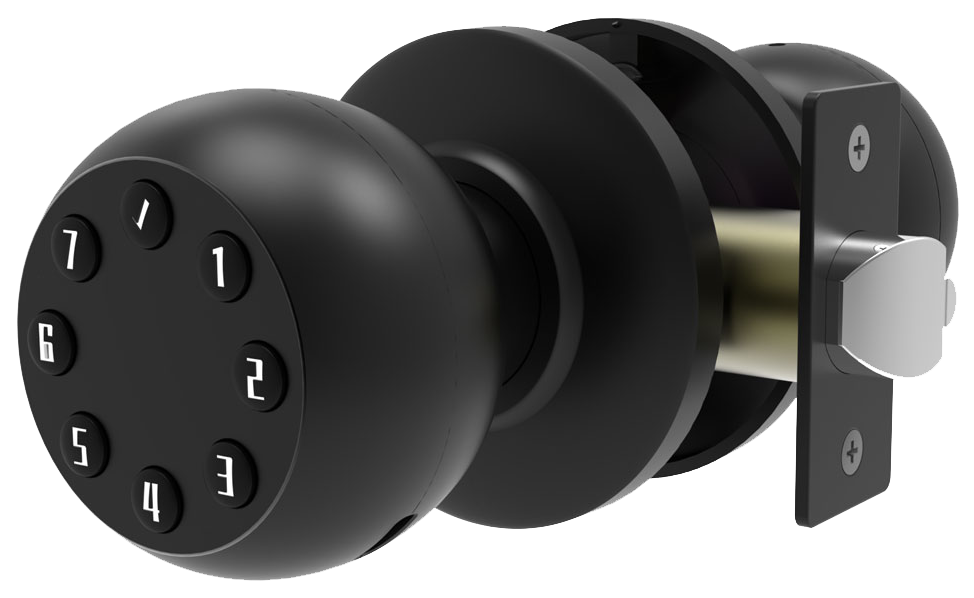
A fingerprint deadbolt lock puts a biometric fingerprint sensor (a reader that checks your unique fingertip pattern) right into the deadbolt. It replaces or teams up with your regular key cylinder, so you get keyless entry without losing that solid metal feel. Think of it as a silent guard at your front door. Only approved fingerprints can swing the bolt with a reassuring click.
These locks don’t rely on just one entry method. You can swipe your finger, tap a PIN on a backlit keypad (a little grid that lights up for code entry), or unlock through a phone app from the driveway. Many models also work with NFC fobs or Apple Home Key on your iPhone and sneak an old-school key slot behind the smooth metal faceplate. No more fumbling for keys in the dark or panicking when your phone’s out of juice.
Advanced features turn the lock into a mini control center. Send a temporary code to your dog walker or set a virtual key that expires in hours. Every entry event logs itself in the app, so you know who came and went. If someone tries to force the door, the lock sounds an audible tamper alert (a loud beep to warn off intruders) and shoots you a push notification.
Like having a round-the-clock assistant tracking every latch movement.
Key Features & Decision Criteria
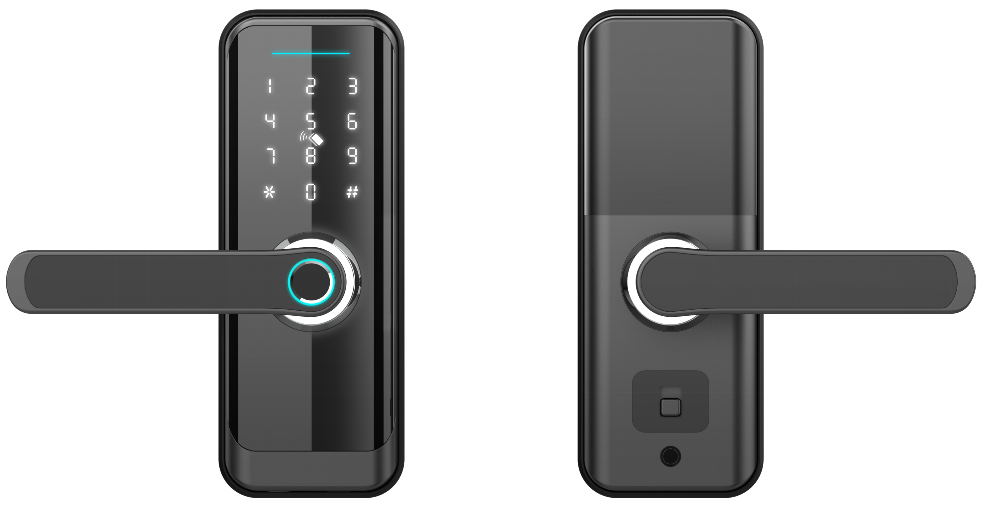
Picking a smart deadbolt is like choosing the right tool for your daily routine. A busy family might love the reassuring click of a fast fingerprint scan (it checks your unique fingertip pattern) and single-use codes for the babysitter. If you work from home, you’ll want strict user limits and AES-128 (strong data encryption) so your private files stay safe. Think about who uses the door, when they’ll come in, and how often you’ll peek at the access log.
Accuracy in your fingerprint reader and keeping data safe go hand in hand. Look for a biometric fingerprint sensor (a reader that checks your fingertip) with a False Acceptance Rate under 0.0001% (tiny chance a stranger slips in) and a False Rejection Rate below 1% (rare misreads). Encryption protects your info too, choose AES-128 or AES-256 to lock down wireless signals. Planning for family or team use? Pick a lock that stores 50 to 200 user profiles.
Battery life depends on how the lock talks to your home network. Wi-Fi gives you full remote control but drains power faster, four AA batteries usually last 3 to 6 months. Bluetooth models sip energy and run 8 to 12 months, though you’ll need a hub for off-site control.
Thread locks hit the sweet spot, often running up to a year when paired with a Thread border router. Want real numbers? Explore digital door lock for home security for battery versus range tests.
And never skip the manual backup. A mechanical key override (your good old key slot) can save you if the batteries die. Auto-lock timers give you peace of mind by snapping the bolt shut after a set time.
Anti-peep keypads shuffle the numbers on the screen so no one can guess your code by watching. Make sure your lock works with Apple HomeKit, Amazon Alexa, Google Assistant, or Matter if you already run a smart home setup.
Mini Checklist for Choosing Your Lock
- Fingerprint accuracy: FAR under 0.0001%, FRR below 1%
- Encryption: AES-128 or AES-256
- User capacity: 50 to 200 profiles for families or teams
- Power & connectivity: Wi-Fi, Bluetooth, or Thread
- Backup options: Mechanical key override, auto-lock timer, anti-peep keypad
Best Fingerprint Deadbolts by Budget Tier
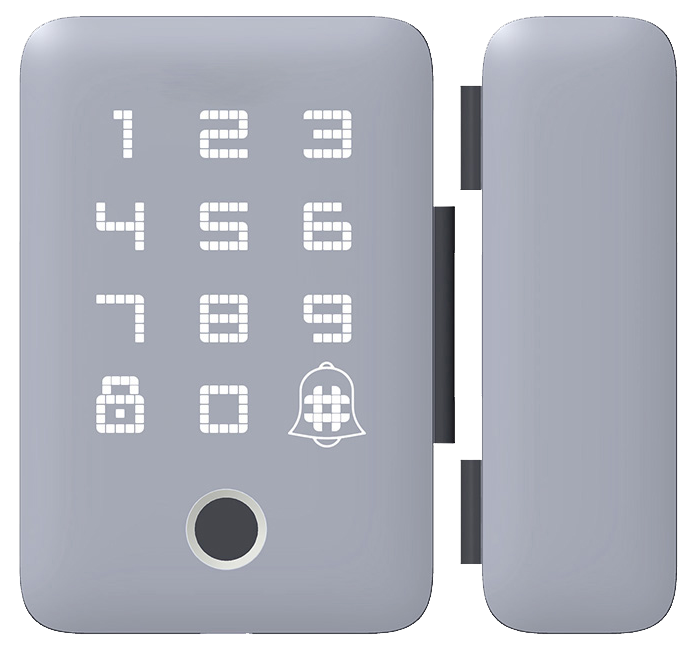
Looking for the perfect fingerprint deadbolt? It’s all about balancing cost and features. Picture the smooth metal faceplate and a reassuring click every time you lock up.
Under $150 gives you the basics, fingerprint scanning (reads your unique fingertip pattern), a keypad code, and solid weatherproofing. You’ll still have a mechanical key backup for those just-in-case moments.
In the $150–$300 range, you get extra open modes plus app control and voice commands. Tap a code, swipe on your phone, or ask your smart speaker. It’s like having multiple keys in your pocket.
Spend over $300 and you’ll see built-in cameras, palm-vein readers (scans the unique patterns in your palm), and presence sensors that know when you’re near. It’s a mini security station right on your door.
Here’s a quick side-by-side look at seven standout models.
| Model | Price | Connectivity | Access Methods | Battery Life | Security Rating |
|---|---|---|---|---|---|
| Ultraloq UL3 | ~$150 | Bluetooth | Fingerprint, keypad code, mechanical key | Up to 12 months | IP65 (weatherproof) |
| Wyze Lock Bolt | $130 | Bluetooth | Fingerprint, keypad code, app | Up to 12 months | ANSI Grade 3 |
| Yale Assure 2 Touch | $279.99 | Bluetooth; optional Wi-Fi/Z-Wave | Fingerprint, keypad code, key, app, voice, Apple Home Key | 6–12 months | ANSI Grade 2 |
| Kwikset Halo Select | $279.99 | Wi-Fi or Matter-over-Thread | Key, keypad code, app, voice | 6–12 months | ANSI Grade AAA |
| Nuki Smart Lock | ~$300+ | Bluetooth; optional Wi-Fi bridge | Mechanical key, app, voice | Rechargeable (months) | Grade 2 |
| Aqara U300 | $230 | Thread, Matter | Fingerprint, keypad code, Apple Home Key | Up to 10 months | Grade 2 |
| Eufy FamiLock S3 Max | $400 | Wi-Fi via HomeBase | Key, palm-vein, keypad code, app, voice | 5 months | Grade 2 |
| Starlight Smart Lock S300 | $220 | Wi-Fi | Fingerprint, keypad code, NFC, app, voice | 8–12 months | ANSI Grade 2 |
Sure, the pricier locks cost more up front. But their batteries last longer and warranties are rock solid. Over five years you’ll swap batteries less often and end up saving time and money. Solid return on investment. Exactly.
Step-by-Step DIY Installation of Fingerprint Deadbolt Locks
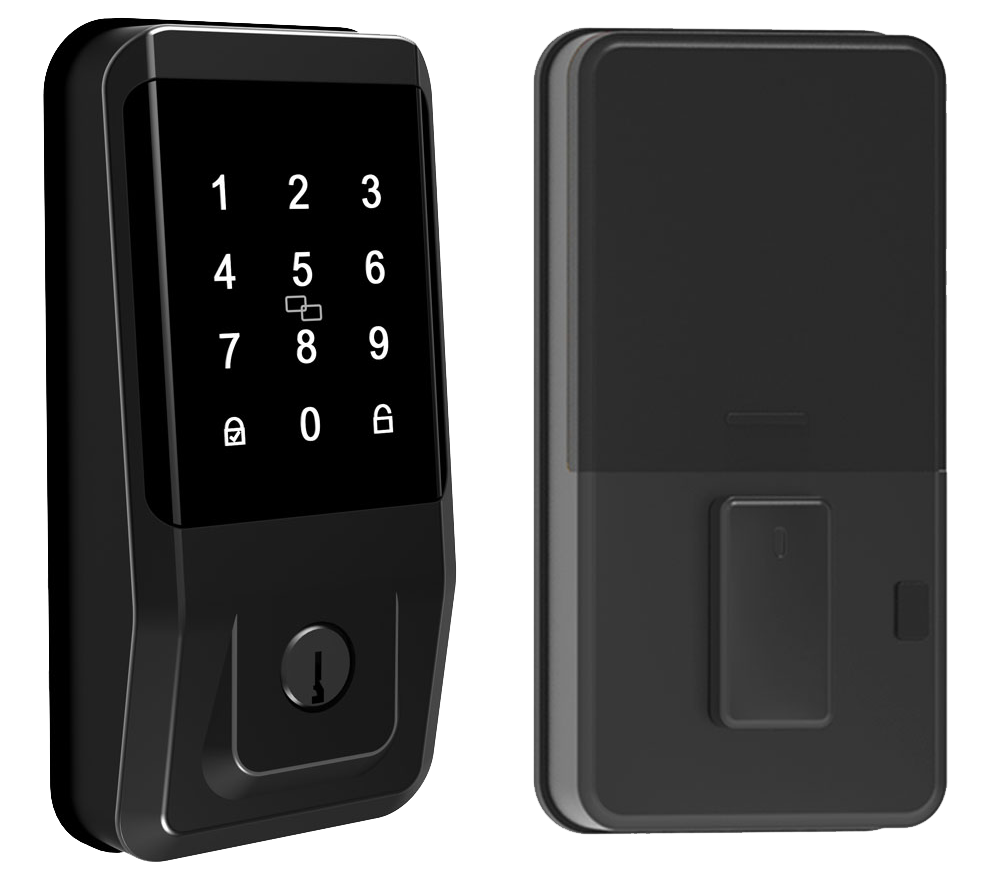
Ready to skip the locksmith? Installing a fingerprint deadbolt lock (a deadbolt is a strong metal bar that slides into the door frame) on your own is surprisingly simple. Most installs take around 30 minutes. All you need is a Phillips head screwdriver, a level, and the lock kit. Let’s do this.
-
Remove the old lock.
Unscrew the outside and inside parts. Pull out the metal bolt and give the door a quick wipe. -
Prep the door.
Clear away any dust or bits of wood. If the metal latch (the part that moves in and out) won’t sit flat, use a chisel to carve a shallow groove. -
Fit the new latch.
Slide the shiny metal latch into the door edge. Line up the faceplate, then tighten the screws until it feels snug. -
Mount the outside unit.
Feed the fingerprint scanner cables (thin wires that carry power and data) through the holes. Press the unit flat against the door and check that it’s level. -
Attach the inside module.
Plug the wires into the control box on the inside. Slide on the housing and secure it with screws. -
Secure the cover plate.
Snap or screw on the decorative plate to hide the wires and protect the parts. -
Test the deadbolt.
Turn the thumb turn or use a key. Listen for that reassuring click as the bolt slides smoothly. -
Register your fingerprints.
Follow the on-screen prompts or open the companion app to enroll fingers. You’ll see a soft LED glow when the scan is good.
Quick tip: if your door frame is on the softer side, add a metal reinforcement kit around the strike plate (the metal piece on the frame) for extra strength. And always test each finger and any PIN code to catch hiccups early.
Hmm, that reminds me, older doors sometimes need a tiny chisel touch so the bolt glides freely. You’re all set for secure, keyless entry.
Security Ratings and Encryption Standards for Fingerprint Deadbolt Locks
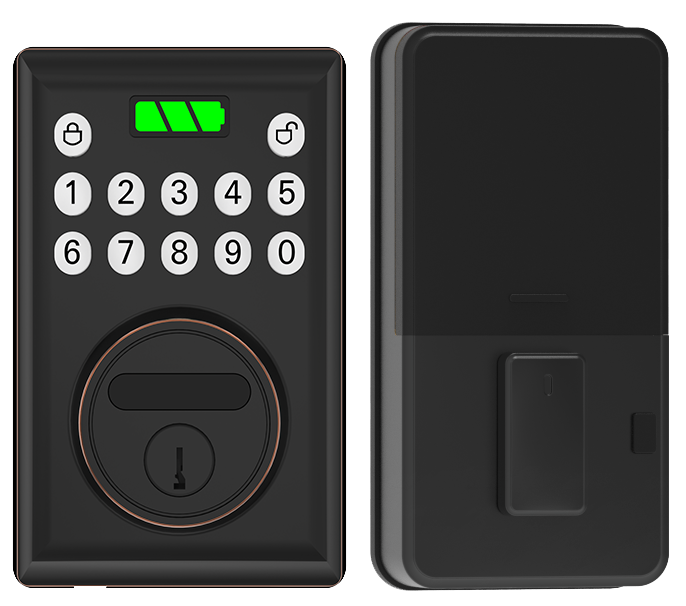
Residential fingerprint deadbolts usually meet ANSI/BHMA Grade 2. That means they shrug off moderate force and basic lock-picking tools. Think of a solid latch and a reassuring click. Many retrofit kits stick with Grade 3 for renters or low-risk doors. Simple, but still secure.
Commercial spaces need ANSI/BHMA Grade 1. These locks use heavier metals and pass high-impact tests. They’re built tough for busy entryways and lots of foot traffic.
Those Grade 1, 2, and 3 labels tell you how much torque (twisting force), drilling, and picking the lock can handle. It’s like checking a lock’s workout score so you know it’s up to your door’s demands.
Wireless unlock commands move through encrypted tunnels. AES-128 or AES-256 (Advanced Encryption Standard) scrambles your phone’s unlock request into a code only your lock can read. SSL/TLS (Secure Sockets Layer/Transport Layer Security) adds another layer, like a tunnel under a busy street.
Some smart locks also ask for your app password plus a one-time PIN code. That double check is two-factor authentication, or 2FA. Want to know a secret? 2FA is a game-changer.
These locks guard against hands-on tampering too. Anti-pick pins inside the cylinder (where you slide in a key) block shim tools from slipping by. A hardened steel anti-drill plate sits behind the smooth metal faceplate and stops power drills in their tracks.
Too many wrong PIN entries lock the keypad for a few minutes. If someone yanks or twists the lock, a loud tamper alarm rings out. You get a sharp beep and a heads-up, which usually scares off intruders.
Solid protection.
Troubleshooting Common Issues with Fingerprint Deadbolt Locks
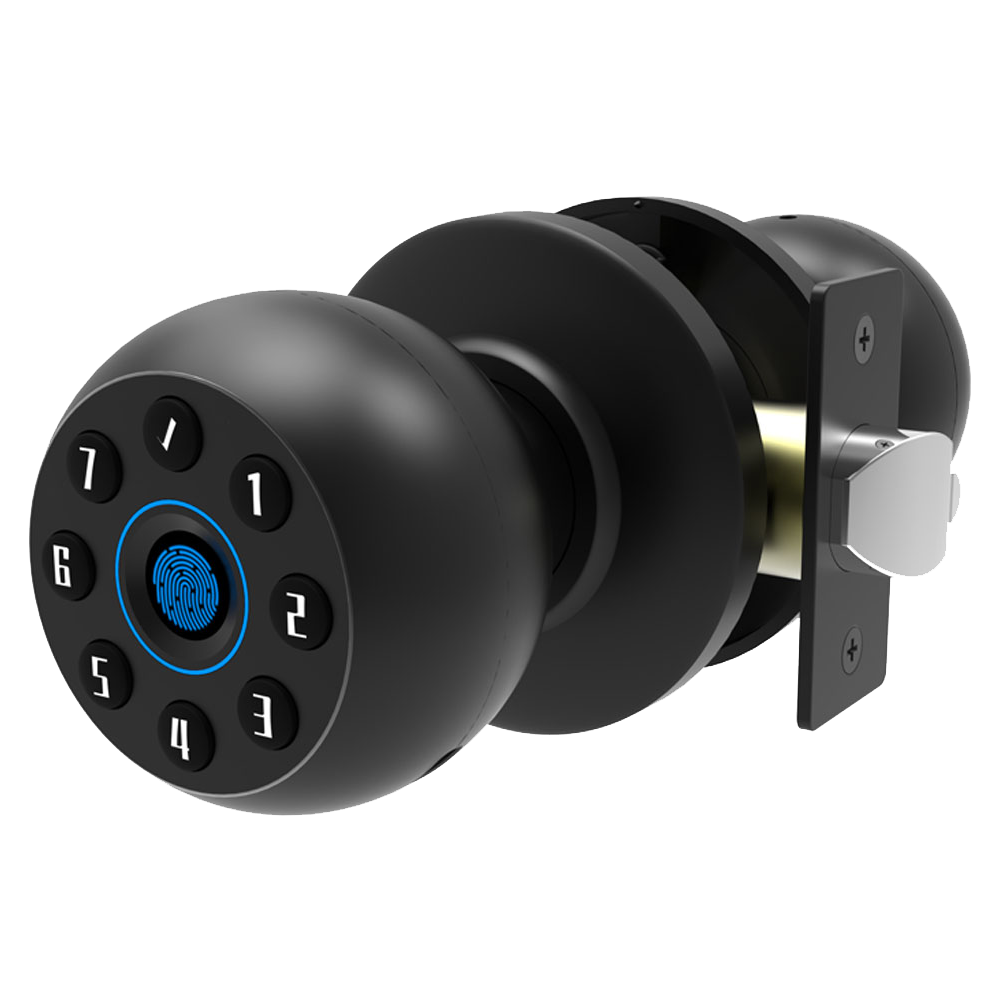
When your fingerprint lock goes quiet, it’s often a low battery. Most models run on four AA batteries (standard household cells) that last about three to twelve months. Spot the low-battery light or hear two quick beeps? Slide open the battery cover, swap in fresh cells, and snap it shut.
Some locks have a rechargeable pack with a USB-C port (the same plug you use on your phone). Others offer 9-volt backup terminals. Just plug in a cable or clip on a 9-volt battery for a fast top-up. Pro tip: keep spare batteries handy so you’re never locked out!
If your lock skips right past enrolled prints or misreads every fingertip, the sensor might need a tune-up. Grab a soft cloth dampened with isopropyl alcohol and gently wipe the smooth metal reader (the part that scans your fingerprint). That clears away oils and dust.
Next, run the lock’s calibration routine or re-enroll your prints on the onboard panel or companion app. Don’t forget to check the app for firmware updates, they often squash bugs and boost accuracy. Still acting wonky? A factory reset can clear corrupted settings, though you’ll need to add your fingerprints again.
Sometimes it isn’t the electronics at all but the latch. A misaligned strike plate or loose screws can make the bolt jam. Open the door and watch how the bolt enters the frame. Loosen the strike plate screws, shift it slightly, or carve a deeper mortise groove so the bolt glides smoothly.
For sticky bolts, rub a little graphite or silicone lubricant on the metal. If the trim kit looks off-kilter, unfasten the interior and exterior covers, realign them, then tighten the screws, firm but not over-tight. Test the thumb turn until you hear that reassuring click.
Now you’re all set to fly through your door with confidence!
Final Words
After exploring how fingerprint deadbolt locks elevate front-door security with biometric ease, multiple access modes and instant tamper alerts, we dug into sensor accuracy, battery life and smart-home integration.
Then we compared budget-friendly to premium models and guided you through a straightforward DIY install.
Now you’re equipped to choose and fit the right smart solution for frictionless guest check-in, fewer unauthorized entries and smooth system integration.
Tiny steps. Big peace of mind. Enjoy the reliable confidence of Fingerprint Deadbolt Locks.
FAQ
What are the best fingerprint deadbolt locks?
The best fingerprint deadbolt locks include Lockly Visage, Ultraloq UL3 and Starlight Smart Lock S300. They use a biometric fingerprint sensor (a reader that checks your unique fingertip pattern), keypad codes and app control.
What types of fingerprint door locks suit different needs?
The types of fingerprint door locks suit different needs by offering key-override models, camera-equipped units, bedroom-privacy handles and rugged business-grade options. They vary by user capacity, tamper alerts and weather sealing.
Are fingerprint deadbolts secure?
Fingerprint deadbolts are secure thanks to AES-128/256 encryption (strong data protection), a biometric fingerprint sensor (a reader that checks your unique fingertip pattern) with FAR <0.0001% accuracy and hardened steel components.
What are the disadvantages of fingerprint door locks?
The disadvantages of fingerprint door locks include misreads when sensors get dirty, the need for occasional calibration, battery swaps and possible lockouts during power loss or sensor glitches.
Where can I buy fingerprint door locks?
You can buy fingerprint door locks at home centers like Lowe’s, online retailers such as Amazon and directly from manufacturers’ websites, which often host digital guides and customer support.
Is there a manual for fingerprint deadbolt locks?
Most fingerprint deadbolt locks include a printed manual and a digital download on the brand’s site, covering installation steps, user enrollment and basic troubleshooting tips.
What locks do police recommend for doors?
Police recommend ANSI Grade 1 or Grade 2 deadbolts with hardened steel strike plates, anti-pick pins and reinforced frames to resist forced entry and tampering.

