
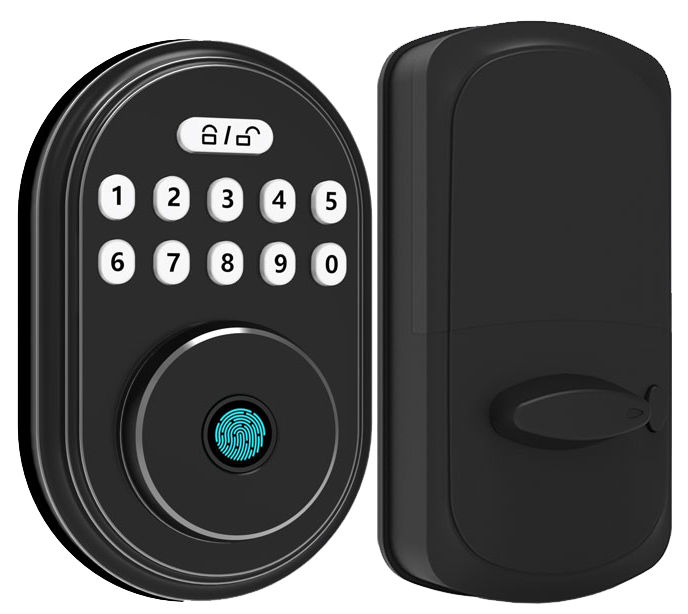
Imagine a burglar copying your house key in under two minutes. Scary, right? Old-school deadbolts can’t keep up. But keyless deadbolts stop that risk cold.
We’ve rounded up five top keyless deadbolts, each with a smooth metal faceplate and a reassuring click. You’ll find a crisp LED-lit keypad that feels like tapping a phone screen, a biometric fingerprint sensor (a reader that checks your unique fingertip pattern), and even Wi-Fi/Bluetooth models that send door alerts straight to your phone. Installation? A breeze with no extra wiring required.
Keyless Deadbolt Lock Types and Quick Purchase Guide
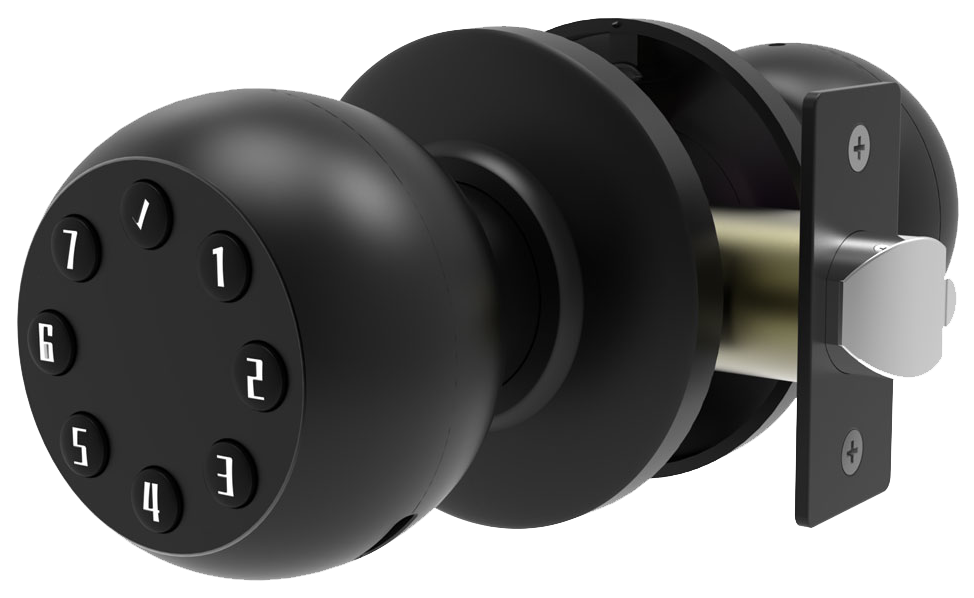
Keyless deadbolts come in three options, each with its own perks and performance level. The basic keypad lock sits on a smooth metal faceplate with a soft LED glow. Biometric fingerprint models add a fingerprint scanner (a reader that checks your unique fingertip pattern) for extra security. And smart deadbolts hook into Bluetooth or Wi-Fi so you can lock, unlock, and get alerts from an app.
Keypad-only models earn an ANSI Grade 3 rating. You pick a PIN and press the crisp keypad buttons, then hear the reassuring click. They handle multiple codes and the backlit numbers shine bright at night. And it installs in minutes on a standard door hole.
No app needed.
Biometric locks aim for ANSI Grade 2. They pair that fingertip scanner with a keypad and a backup key slot. If a print doesn’t scan, you can still punch in a code. Many store up to fifty prints and codes, so guests and family members have quick access.
It’s peace of mind.
Smart deadbolts hit ANSI Grade 1 (the top tier for homes and small offices). They join your Wi-Fi or Bluetooth to send entry logs and low-battery alerts. You can tap your phone or talk to a voice assistant to lock up.
Setting it up is easy. Think of pairing like connecting your headphones to your phone. Built-in alarms and a nine-volt backup terminal help if the batteries run low.
Starlight Smart Locks recommendations at a glance:
| Model | Price | ANSI Grade |
|---|---|---|
| Budget keypad | $120 | 3 |
| Midrange biometric | $199 | 2 |
| Premium Wi-Fi/Bluetooth | $249 | 1 |
Each model comes with a two-year warranty, a DIY install guide, and clear diagrams. Pick the one that fits your door, your routine, and your budget.
Keyless Deadbolt Lock Features: Connectivity, Access Methods, and Security
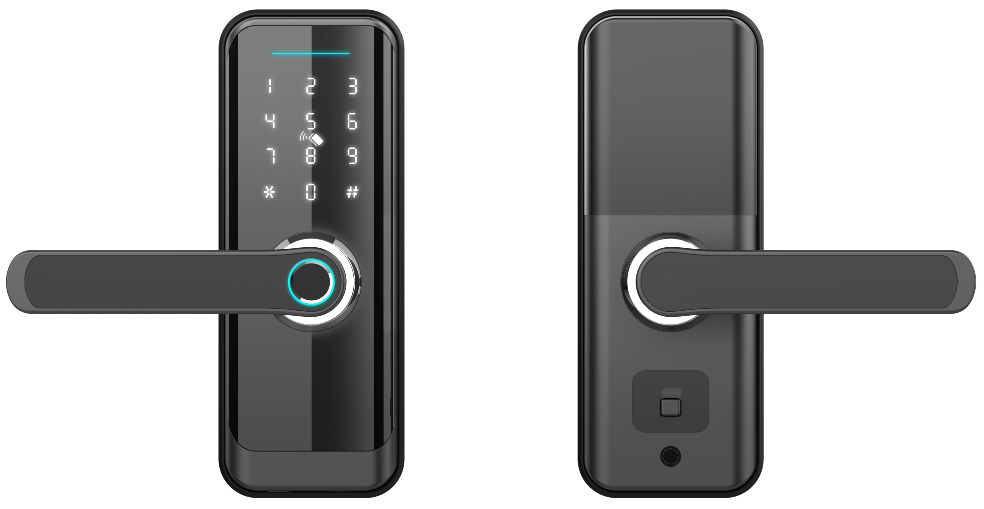
Ever wanted to control your lock from across the street, or across the world? Smart deadbolts now offer rock-solid connections. The Schlage Encode talks directly to your home WiFi and stores up to 100 codes, plus it has a built-in alarm. Want another option? The Kwikset Halo Touch pairs over Bluetooth (short-range wireless link) and needs a WiFi bridge to go online. It even has a biometric fingerprint sensor (a reader that checks your unique fingertip pattern) and works with Alexa or Google Home.
Keypads come in two flavors. The Yale Assure SL hides its touchscreen behind a sleek metal faceplate for a flush look on your door. As you tap your code, a soft LED glow guides your finger. The Schlage BE365 uses softly lit buttons that give off a gentle glow at night and click nicely under your fingertip. Both let you save up to 19 user codes and beep a warning when the battery is running low.
And then there’s remote access, like turning your deadbolt into a mini security hub. Geofencing auto-unlock swings the door open as you walk up. One-time or expiring codes let your dog walker, cleaner, or neighbor in without a real key. For example, the Eufy Smart Lock Touch can hold 30 codes that vanish after 24 hours. It keeps an activity log and sends a ping if someone punches in the wrong PIN too many times. Peace of mind? Check.
Every lock in our Starlight lineup uses 128-bit AES encryption (a strong code that keeps hackers out). You can manage codes, lock status, and firmware updates right in our app. Need to lock the door hands-free? Just ask your Amazon Echo or Google Home. For a complete lock system, check out digital door lock for home security.
Keyless Deadbolt Lock Installation Guide: Tools, Steps, and Best Practices
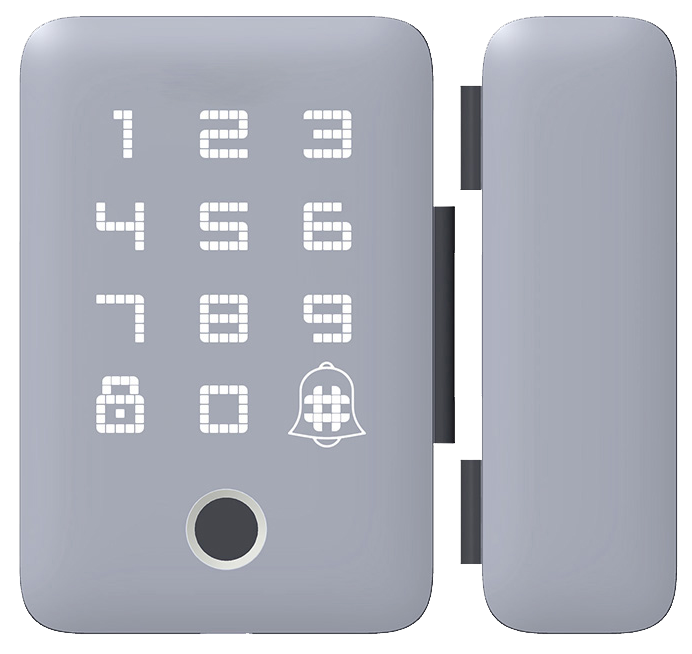
When you install a keypad deadbolt, the first step is prepping the door. Most homes need a 2 3/8″ or 2 3/4″ backset (the distance from the door edge to the center of the lock hole) and a door at least 1 3/4″ thick. Grab your tape measure and double-check before you drill. Next, strip off any old hardware and peek inside the bore hole for debris or jagged edges. If the latch plate, the smooth metal faceplate on the edge of the door, doesn’t sit flat, use a chisel (a tool for shaving wood) to tidy it up.
A clean start saves you time and headaches. Most installations take between 20 and 60 minutes depending on how handy you are. And it keeps your new lock from binding or feeling gritty when you slide the bolt in and out. Solid.
Ready for a quick upgrade? A retrofit deadbolt, like the Yale Approach mount that fits over your existing lock, can go on in about 20 minutes with zero new holes. It’s perfect for renters or busy homeowners. If you’d rather watch a pro, expect a locksmith to charge around $200 to $400. But with our guide, a Phillips screwdriver, a drill bit, and our clear instructions, you’ll get the same results yourself.
We’ve even put together a tool checklist, step-by-step manuals, and video tutorials for every model. Want a secret? Having everything laid out makes the job feel like butter sliding in.
Next, gather your tools:
- Phillips screwdriver (cross-head driver for your screws)
- Measuring tape
- Chisel (tool for shaving wood and smoothing edges)
- Drill bit: 1/8″ pilot bit (small guide hole bit for latch plate screws)
Then follow these steps:
- Place the paper template on your door and mark each hole.
- Drill 1/8″ pilot holes at your marks.
- Slide the latch assembly (the part with the bolt) into the edge bore and align it.
- Screw the deadbolt housing onto the door with the supplied screws.
- Attach the external keypad or touchscreen unit to the door face.
- Test your lock by sliding the bolt in and out a few times.
Back to our fingerprint lock… Oh, wait, wrong guide. You’re all set. Enjoy that reassuring click.
Power Management and Troubleshooting for Keyless Deadbolt Locks
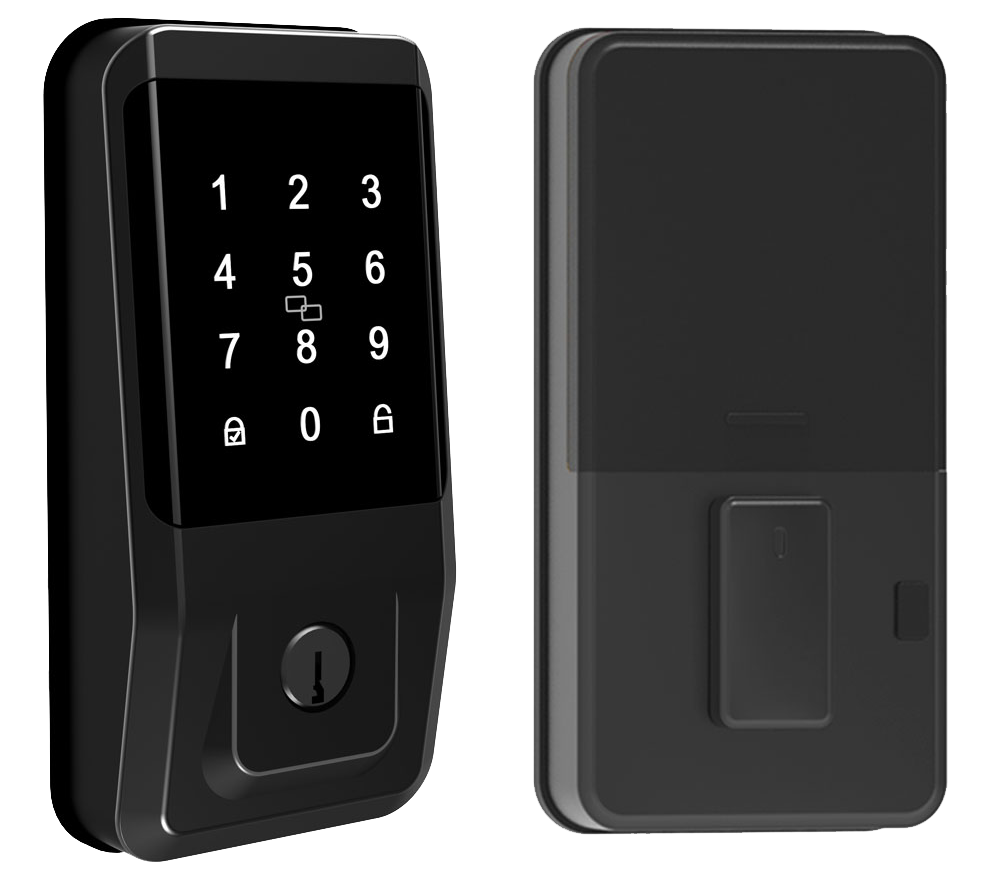
Most keyless deadbolts run on four AA cells. That smooth metal faceplate hides the tiny power system that keeps it running. You’ll get six to twelve months before your keypad flashes a low battery warning.
Some locks, like the Schlage BE365, let you clip on a 9-volt backup pack (small battery you attach). That can stretch your lock’s life to about two years! The Eufy model uses a rechargeable pack (battery you plug in again). It usually lasts around six months per charge.
When your power drops near twenty percent, some locks enter a power-saving mode, kind of like your phone’s low-power setting. It buys you a few extra hours before you see that blinking light.
Changing batteries is quick. Just:
- Remove the interior cover to find the battery compartment.
- Slide out the old AA cells or unplug the 9-volt pack or rechargeable module.
- Pop in fresh batteries, making sure the plus and minus match the markers.
- Snap the cover back on, enter your code, and listen for the soft click.
Five wrong code tries and the lock alarms or flashes an error code. Keypad dark? Um, swap in fresh cells and punch in your code to wake it up.
Ever worried about a dead lock at midnight? There’s a backup key slot (emergency override) for those moments. Keep the key nearby and swap in fresh cells before you miss that reassuring click.
Solid.
Back to low-battery signs: that flashing keypad is your cue to change batteries. Trust me, you’ll thank yourself later.
Integrating Keyless Deadbolt Locks with Smart Home Systems
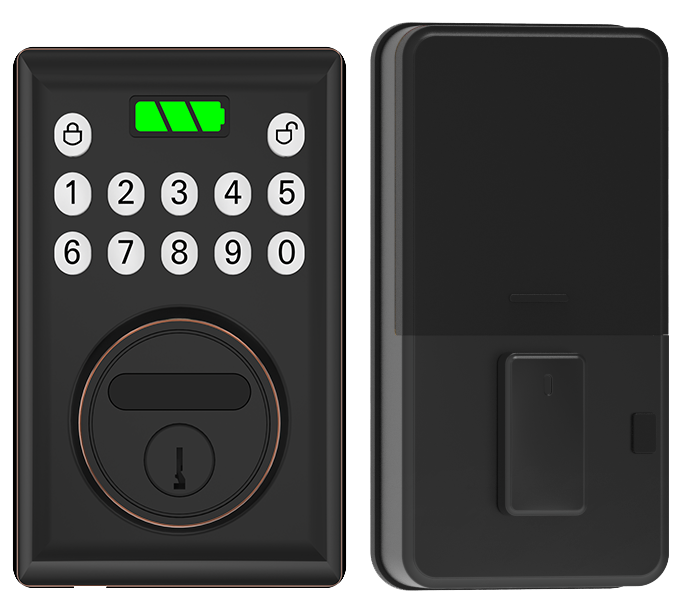
Imagine slipping a Wi-Fi deadbolt onto your home network as easily as pairing headphones to your phone. Just open the Starlight app, find your lock, and tap connect. You’ll hear a reassuring click and see a soft LED glow, confirmation that it’s live. Now you can lock or unlock with Alexa or Google Home. Solid.
So you’re an Apple fan? A HomeKit enabled deadbolt gives you extra perks. Ask Siri to lock the door or check its status on your iPhone. The smooth metal faceplate lights up to confirm. It’s a bit like magic, and even your kids can feel like tech wizards with a quick Siri command.
Got a Z-Wave deadbolt module (a device that adds Z-Wave connectivity to your lock)? No sweat. Plug it into a hub, SmartThings, Hubitat, or any Z-Wave/Zigbee box, and follow the quick-start guide. Preconfigured profiles handle all the tech jargon so you don’t have to dive into menus. No extra firmware downloads. Your lock just works.
Once it’s paired, the Starlight app becomes your control center. Lock or unlock remotely, set schedules, and peek at activity logs. Firmware updates roll out in the background, keeping your encryption (data-scrambling process) strong and your firmware fresh. You’ll get real-time notifications when someone comes or goes. Smart home compatibility isn’t just about voice control, it’s about total peace of mind.
Security Standards and Certification for Keyless Deadbolt Locks
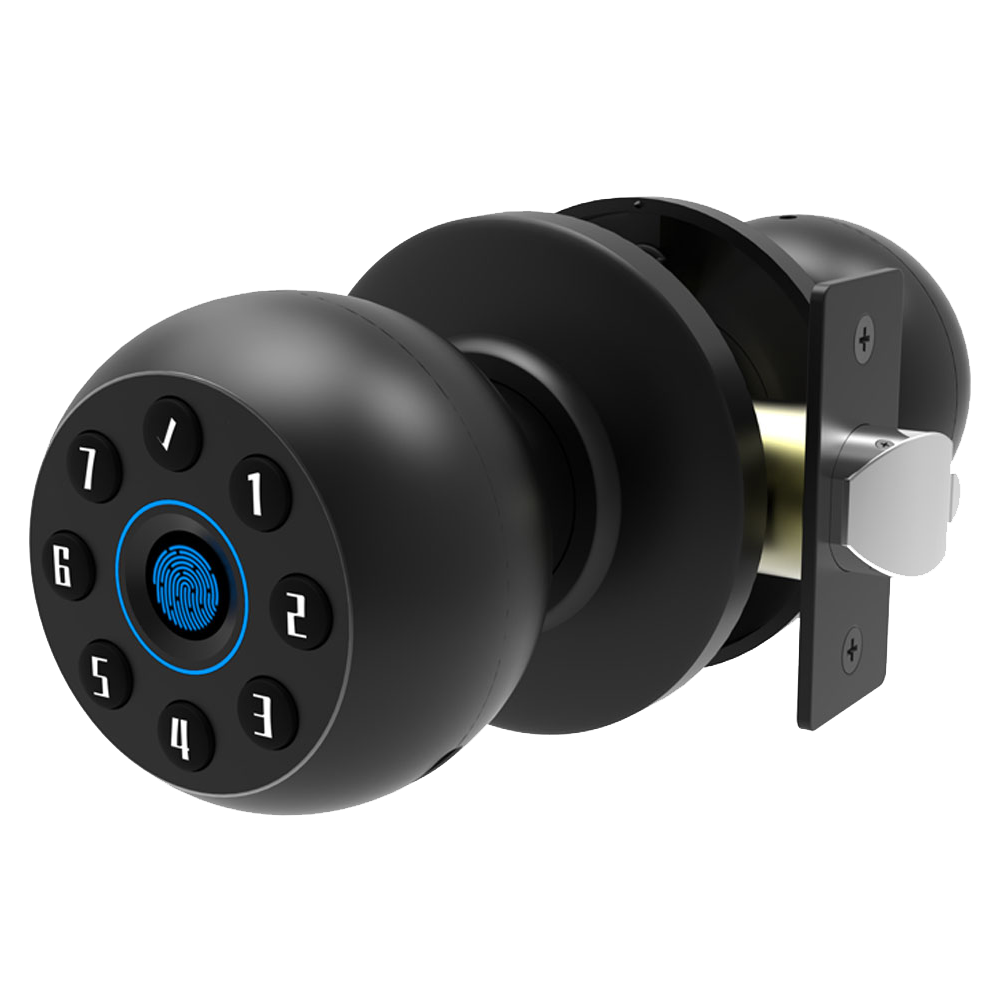
ANSI Grades 1 to 3 show how tough a lock is. Grade 1 is the top pick for both homes and businesses. Grade 2 fits most houses and small shops. Grade 3 covers places like sheds or gates that need basic protection. Then there’s the BHMA A/AAA rating (Builders Hardware Manufacturers Association). It checks security, durability, and finish. Many smart locks also earn UL certified status (tested for electronic safety and fire resistance).
And anti-tamper design makes all the difference. A bump-resistant pin stack (tiny metal pins that resist forced entry) absorbs shock and stops bump keys. The drill-resistant shield feels smooth under your fingertips while blocking drill bits. Want extra peace of mind? You can add an intrusion-sensor alarm that pings you if someone’s jiggling your lock. Check out the anti-theft smart lock for homes to see sensors in action.
Then there’s pick-proof protection. Tight tolerances and hardened steel foil lock-picking tools at the door. Take the Schlage Encode , it’s ANSI Grade 1 with a built-in alarm that sounds if anyone tries to mess with it. Our Starlight Smart Locks also meet Grade 1 specs, carry the BHMA A/AAA badge, and include UL certified electronics. Reliable performance you can count on.
Solid defense. Peace of mind.
Keyless Deadbolt Pricing and Model Comparison
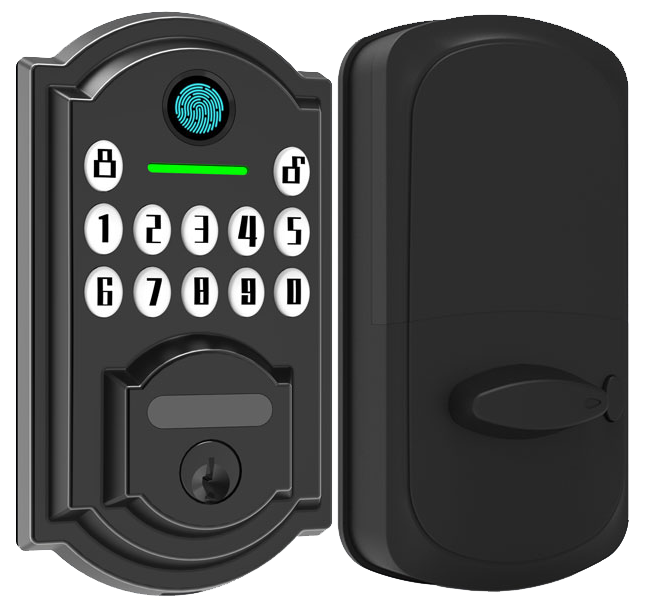
Let’s break down the cost. You’ll find keyless deadbolts in three spots. Entry-level models cost under $100. Midrange ones sit between $150 and $200, and premium locks start around $250.
Here’s a quick look at how our Starlight locks stack up against a top-rated competitor.
| Model | Price | Key Features | Security |
|---|---|---|---|
| Starlight Basic Keypad | $120 | Backlit keypad, 6 user codes, low-battery indicator | ANSI Grade 3 (basic residential level) |
| Starlight Biometric | $199 | Fingerprint scanner (reads your unique fingertip pattern), keypad, key override | ANSI Grade 2 (mid-level protection) |
| Starlight Wi-Fi Premium | $249 | Wi-Fi/Bluetooth connectivity (wireless control), app control, voice-assistant integration (works with Alexa and Google) | ANSI Grade 1 (top-tier security) |
| Schlage Encode | $279 | Direct Wi-Fi (no hub needed), 100 user codes, built-in alarm | ANSI Grade 1 (top-tier security) |
Maintenance and Firmware Updates
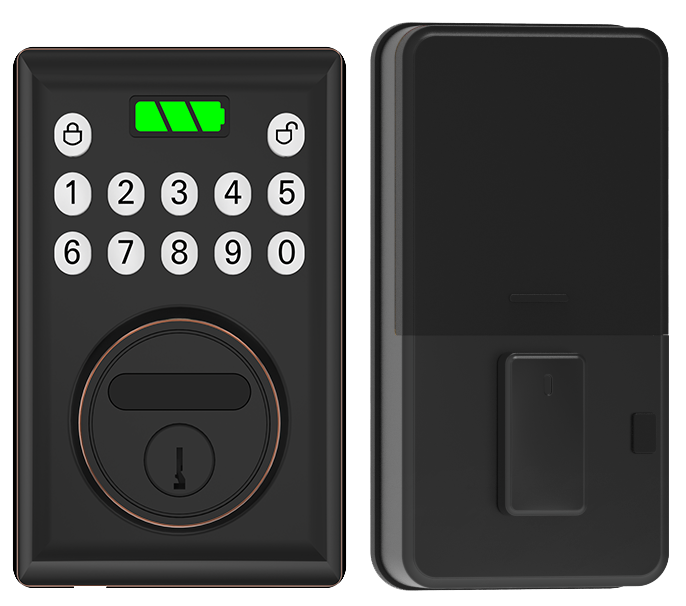
Think of a yearly tune-up as a spa day for your smart lock. Use a soft, lint-free cloth to wipe the smooth metal faceplate and the PIN pad (the button panel where you punch in your code). Give the cylinder (the part where the key goes) a light spray of silicone-based lock lubricant (it keeps the tiny pins gliding with a reassuring click). Dust and stiffness don’t stand a chance.
Firmware (the software running inside your lock) updates arrive right in the palm of your hand through the Starlight app. Open the app, select your lock from the list, tap the Firmware Update button, and follow the simple prompts. It’s as easy as pairing your headphones to your phone. Before you know it, your lock is up to date and even more secure.
Warranty & Support
Every Starlight lock includes these support features:
- Two-year limited repair or replacement period
- 24/7 customer support via the app or phone
- Audit-log access (tracking every lock and unlock)
- Guest-code scheduling for up to 99 users
We’ve got your back, day or night.
Final Words
In the action of exploring keypad-only, biometric fingerprint, and Bluetooth/Wi-Fi smart deadbolts, we covered choices for every budget and security grade.
We walked you through step-by-step installation tips. Then battery checks, backup keys, and quick fixes kept you prepared.
We also touched on pairing locks with home systems, and how ANSI, BHMA, and UL ratings protect your door.
Starlight’s guide helps you pick, install, and trust your Keyless Deadbolt Locks. Here’s to simpler access and stronger peace of mind.
FAQ
- Are keyless deadbolts more secure than traditional locks?
- Keyless deadbolts reduce picking and bumping risks with features like AES-128 encryption and tamper alerts. They still rely on battery power and correct installation for optimal safety.
<dt>What is the best keyless deadbolt lock?</dt>
<dd>The premium Wi-Fi/Bluetooth smart deadbolt rated ANSI Grade 1 offers top-tier protection, remote access, and audit logs. Our $249 model balances security and smart features.</dd>

<dt>What are the disadvantages of keypad locks?</dt>
<dd>Keypad-only locks rank ANSI Grade 3, but they show wear over time, lack remote management, and rely on batteries. Code smudges can reveal entry sequences.</dd>

<dt>What locks do police recommend for doors?</dt>
<dd>Police often recommend ANSI Grade 1 deadbolts with bump-resistant pin stacks and drill shields, offering pick-proof performance that meets rigorous safety tests.</dd>

<dt>Can I still use a key with a keyless deadbolt lock?</dt>
<dd>Most keyless deadbolts include an emergency key override (a backup metal cylinder) so you can open the door if batteries die or electronics fail.</dd>

<dt>What types of keyless deadbolt locks are available?</dt>
<dd>There are three main types: keypad-only locks for basic access; biometric fingerprint locks (readers that check unique fingertip patterns); and Wi-Fi/Bluetooth smart models with apps and remote features.</dd>

<dt>Are there keyless entry locks that include a handle or camera?</dt>
<dd>Yes, some keyless entry locks combine a handle or leverset with a touchscreen deadbolt, and select models add built-in cameras for motion alerts and video monitoring.</dd>

