
Ever stepped outside and wondered if someone could just stroll through your front door? It’s a strange feeling. Traditional locks look sturdy, but a clever crook can find a blind spot. Solid.
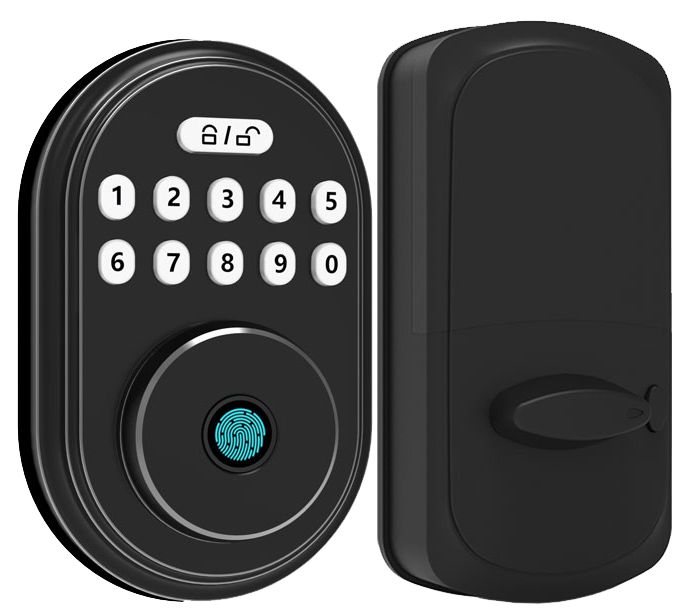
That’s why we love WiFi deadbolt locks. Picture a smooth metal faceplate that gives a reassuring click and glows softly when you tap your phone.
You can bolt up from anywhere and watch live activity on your screen. Set guest codes in seconds. Want to know a secret? You never even need a key.
They run on AES-256 encryption (a way to scramble your data securely) and last for months on a single battery charge. We’ve tested them in dusty workshops and snowy porches. They hold up.
Here are five top models that lock down your home effortlessly.
Key Benefits of WiFi Deadbolt Locks
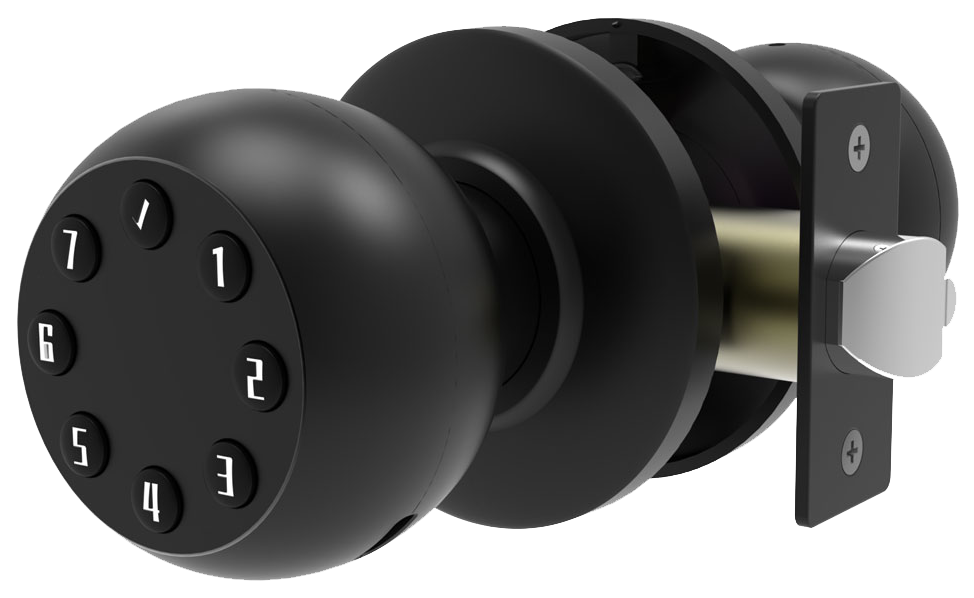
WiFi deadbolt locks put keyless entry right at your fingertips. You can lock or unlock your door from anywhere, set guest codes, and keep an eye on activity in real time.
These smart locks use AES-128 or AES-256 encryption (a secure way to scramble data) to protect your home. The smooth metal faceplate and a reassuring click in auto-lock mode make every use feel solid.
You’ll get about 3–6 months of battery life on four AA batteries, with low-battery alerts so you’re never caught off guard. And if the power really dies, a backup key slot has you covered.
Firmware updates roll out over the air, patching security holes and adding new features. Think of it like getting a fresh software tune-up without lifting a finger.
When you compare locks, focus on encryption strength and battery life. Starlight Smart Locks stand out with AES-256 encryption, six-month battery life, and fingerprint reader (a scanner that checks your unique fingertip pattern) or keypad entry, all through a seamless iOS/Android app.
Backed by over two decades of testing at smart lock manufacturer China, these locks deliver peace of mind day after day.
- Remote lock/unlock via smartphone
- Temporary and scheduled access codes
- Built-in AES-256 encryption and tamper alerts
- 3–6 month battery life with low-battery warnings
- Backup physical key slot
Comparing Top WiFi Deadbolt Locks: Starlight vs. Leading Models
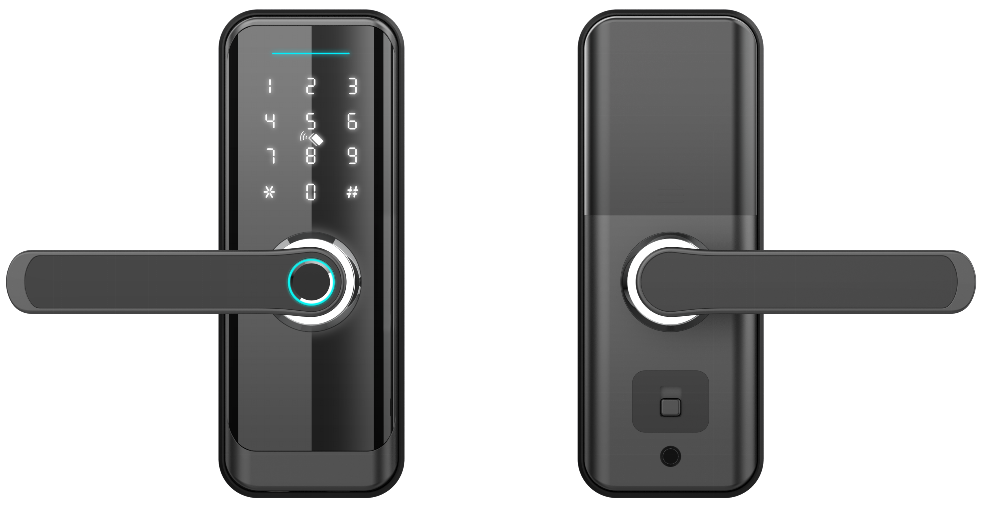
Here’s a side-by-side look at top WiFi deadbolts. We stack them by price, battery life, and smart-home fit, using real user feedback.
| Model | Price | Key Features | Battery Life | Smart-Home Compatibility |
|---|---|---|---|---|
| Starlight Pro Series | $249 | AES-256 encryption (strong data scramble); fingerprint sensor (checks fingertip pattern); IPX4 rating (splash resistant) | About 9 months | HomeKit, Alexa, Google Assistant |
| Yale Assure 2 Touch | $279.99 | Built-in fingerprint sensor; optional WiFi or Z-Wave modules (about $80) | 6–12 months | Siri, Alexa, Google Assistant |
| Ultraloq U-Bolt Pro | ~$150 | Keypad and fingerprint sensor; IP65 rating (dust and water resistant) | About 12 months | Alexa, Google Assistant |
| August WiFi Smart Lock | $250 | Retrofit design; auto-lock mode; DoorSense sensor (checks door status) | 2–3 months (rechargeable) | Alexa, Google Assistant, HomeKit |
Battery life is king. The Ultraloq U-Bolt Pro can hum along for about a year on AA batteries. The Starlight Pro Series runs close to nine months thanks to its low-power firmware and efficient wireless module.
Price and features shift a lot. Yale Assure 2 Touch has a higher base price and adds $80 for WiFi or Z-Wave modules (radio protocol). August WiFi Smart Lock lets you keep your existing deadbolt and key. But um, its rechargeable battery needs a top-up every few months.
All these locks balance convenience and security. But if you want strong AES-256 encryption (strong data scramble), long battery life, and voice support out of the box, the Starlight Pro Series really shines in real-world tests. Solid.
WiFi Deadbolt Lock Installation: Step-by-Step Guide
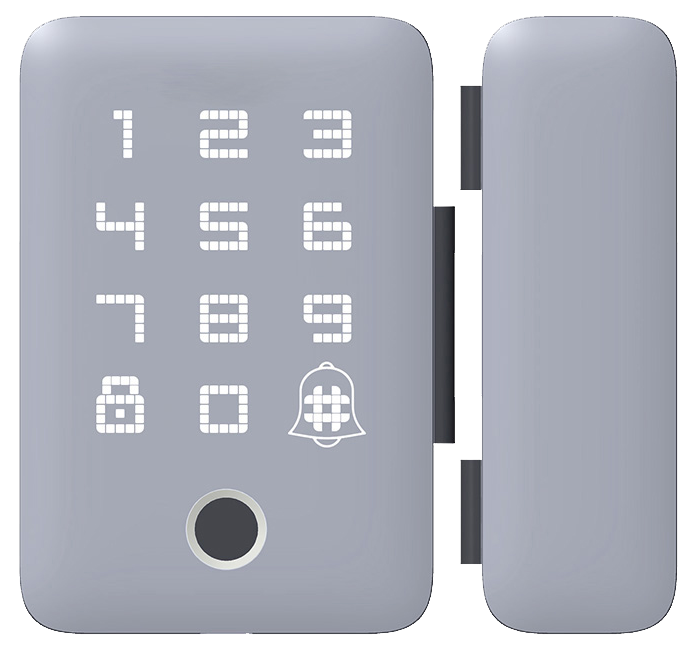
Let’s start by gathering your tools and running through a quick checklist before you dive in. You’ll need a Phillips screwdriver (the one with a cross-shaped tip), a drill for any new holes, and the mounting screws that came with your lock. Measure your door’s backset (that’s the distance from the edge to the center of the hole, usually 2 3/8" or 2 3/4") and its thickness (1 3/8"–2"), then confirm the bore hole matches your new deadbolt. Want to know a secret? Good prep is a game-changer.
Next, remove the old deadbolt hardware. Pull out the latch from the door edge and take off the strike plate (the metal piece on the frame). Now, position the exterior keypad assembly (the smooth metal faceplate with buttons) on the outside, feeding its thin cable through the hole. On the inside, fit the interior housing (the part with the thumb turn) and tighten the screws, just snug, not over-tight.
Now let’s get your lock talking to your home network. Most locks include a small Wi-Fi bridge (a little box that plugs into an outlet) to pair with your 2.4 GHz router. Plug it in, open the lock’s companion app, and follow the on-screen prompts to update firmware (the lock’s internal software). Sit back for a minute as it downloads the latest patch, this step makes remote unlocks rock-solid.
Finish up with an alignment check and a few lock-unlock cycles. If the latch doesn’t glide smoothly into the strike plate, loosen those screws and nudge the plate until you hear a reassuring click. Test both the manual turn and the app command. About 30 minutes later, you’re all set for secure, keyless entry.
Security Features of WiFi Deadbolt Locks
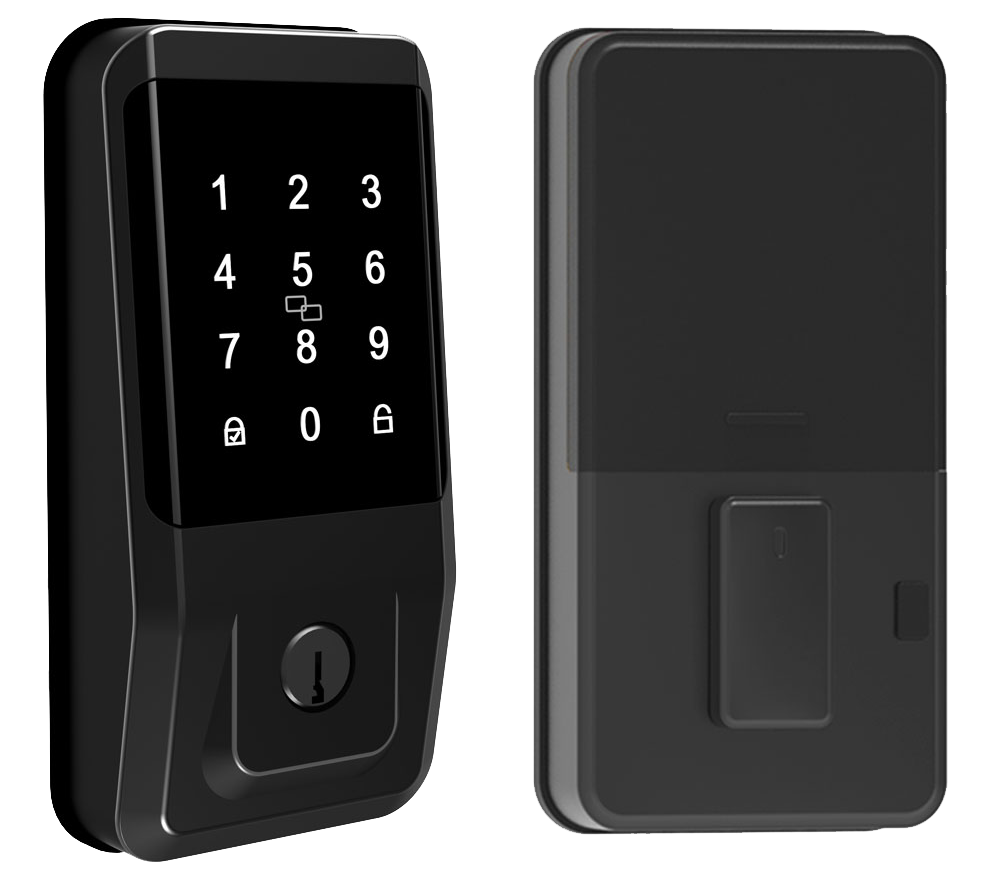
WiFi deadbolt locks use AES-128 or AES-256 encryption (a secure method that scrambles your data). That keeps every unlock command private. Many models also offer two-factor authentication through an app or keypad. You enter a code then confirm on your phone. A soft LED glow on the keypad shows you both steps went through before the bolt clicks open.
These locks earn ANSI/BHMA Grade 2 or Grade 3 ratings for strength. They even include built-in tamper alarms and forced-entry alerts. You’ll get a ping if someone jiggles the latch or tries to pry it open. It’s like a silent guard watching your door. Plus it has an anti-theft smart lock for homes feature tucked inside.
Every WiFi deadbolt has a hidden key slot behind its smooth metal faceplate. That mechanical key override saves the day if the batteries die or the signal drops. Reinforced strike plates with long screws sink deep into your door frame for extra muscle.
Want to know a secret? Firmware updates roll in over the air while you sleep, patching holes and adding new tricks so your lock stays tough against fresh threats. Solid.
Smart Home Integration with WiFi Deadbolt Locks
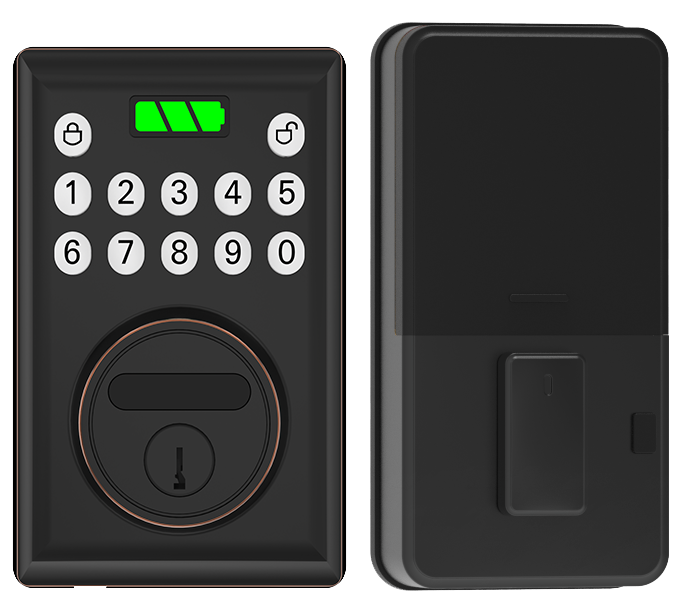
Most WiFi deadbolt locks talk to voice assistants like Alexa, Siri, and Google Assistant. You just say, “Alexa, lock the front door,” or ask Siri to double-check. “Hey Google, is the back door closed?” feels like chatting with a friend over coffee. You’ll hear a soft click and see a reassuring LED glow.
Setting up Alexa is easy. Plug in a Wi-Fi bridge (a small box that links your lock to your home network) and enable the skill in the Alexa app. For Google Home, open the Google Home app, tap Add Device, and follow the prompts.
HomeKit setup is just as simple. Scan the code with the Apple Home app, assign a room, and Siri handles lock or unlock commands. Each path takes just a few minutes with clear, step-by-step guidance.
New standards like Matter (a universal smart-home protocol) and Thread (a low-power network system) boost compatibility across brands. Think of Matter as a universal adapter, locks, lights, and sensors all speak the same language. Thread’s mesh network keeps devices talking without draining batteries. Mix and match gear today and be ready for tomorrow.
And there’s more. Starlight’s app puts smart routines and geofence triggers (location-based commands) at your fingertips. Set your door to auto-lock when you drive away and auto-unlock as you pull into the driveway.
You can create guest codes or digital passes in the cloud (online storage) with time limits for pet sitters or housekeepers. Temporary access is a breeze. All under your thumb.
Troubleshooting and Maintenance Tips for WiFi Deadbolt Locks
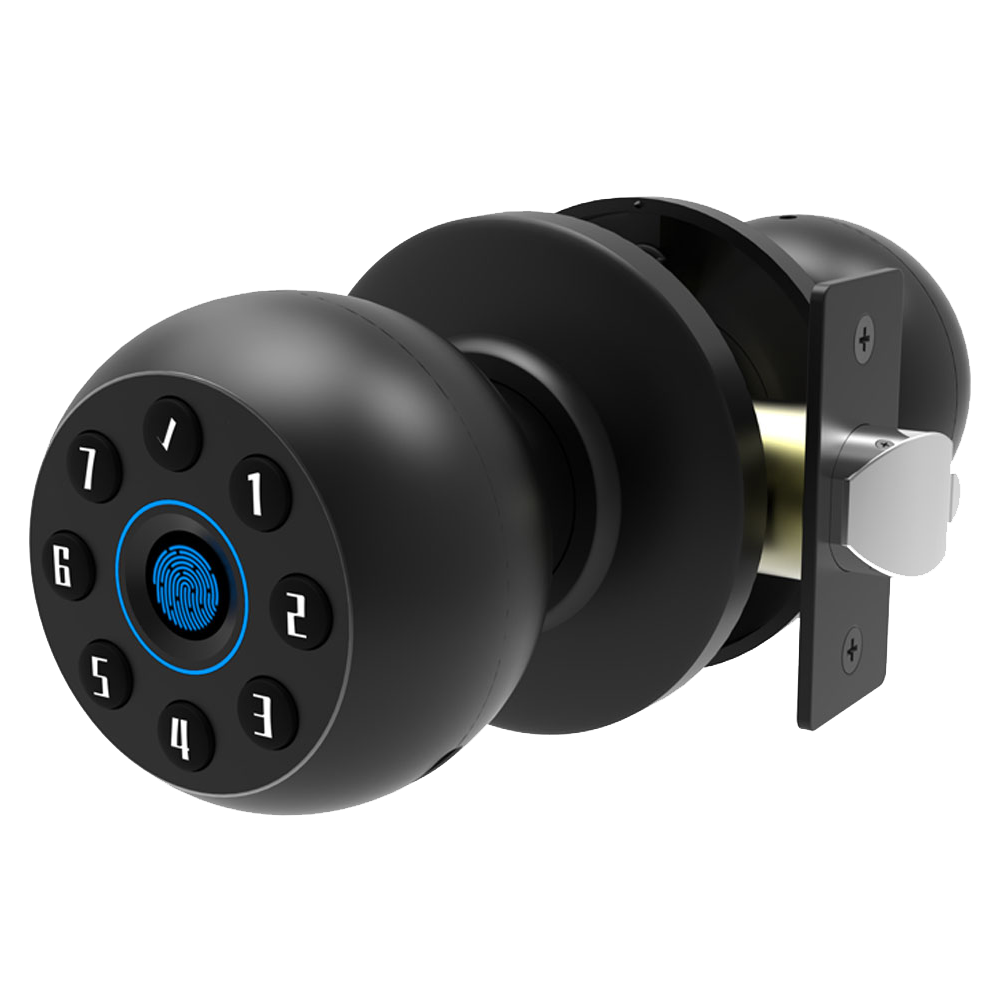
Even the best locks hiccup sometimes. Troubleshooting often starts with your Wi-Fi. Check the 2.4 GHz signal (the common Wi-Fi band). Walls, appliances, or just distance can weaken it. Frustrating.
If the app shows a stale status or ignores a lock command, that’s a sync issue. The bolt usually still works by hand so you can still get in. And if you ping the lock too often or leave constant monitoring on, those AA batteries will run down faster. It’s like leaving your phone screen on all day.
Routine care keeps things smooth. Four AA cells usually power a lock for 3 to 6 months. Add a bridge (a small device that links your lock to Wi-Fi) or switch to Thread-only mode (a low-power mesh network) and you can get 8 to 12 months. Want the bolt to slide like butter? Wipe the metal faceplate and strike plate with a soft, dry cloth. Then spray silicone lubricant once a year. No sticking. No fuss.
Firmware updates are your friend. They patch bugs, boost stability, and sometimes bring new tricks. Don’t skip them.
Still stalling? Try a quick reset. Press and hold the reset button for about 10 seconds until the soft LED glow blinks. Then open the app and pair the lock again. Cycle the deadbolt by hand a few times to clear any jam and verify alignment. Like a mini tune-up.
- Check Wi-Fi strength and router proximity
- Update lock firmware in the app
- Replace AA batteries or recharge a battery pack
- Re-pair the lock and confirm it’s on your 2.4 GHz network
- Manually cycle the deadbolt to clear jams
Pricing and Buying Guide for WiFi Deadbolt Locks
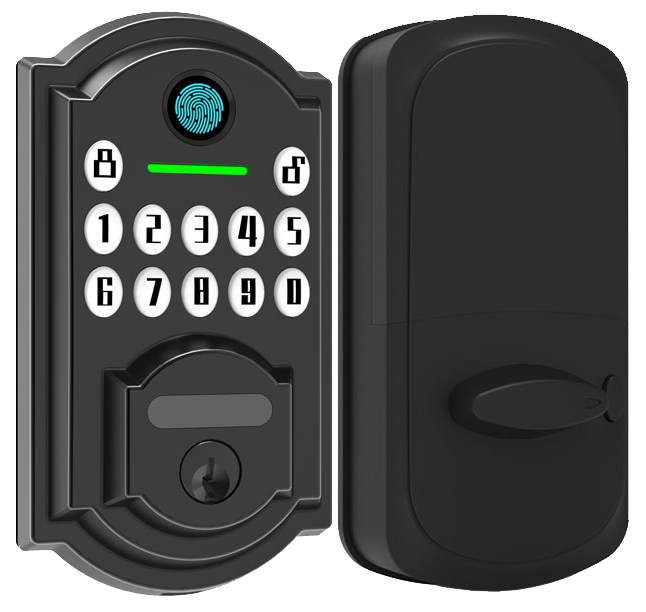
At about $70, entry-level WiFi deadbolts slip into your budget. Models like the Tapo DL100 and the Wyze Lock Bolt offer a simple keypad and an app that locks and unlocks your door with a tap. They use AES encryption (a method that scrambles your data), include a manual key backup, and run six to twelve months on a set of batteries. You’ll see a soft LED glow on the smooth metal faceplate and hear a reassuring click each time it locks.
Easy to find online or at your local home security shop.
Solid performance without stretching your wallet.
Lock in more features for $150 to $300. Want to know a secret? Our auto-lock feature saves you an extra step each time. Options like the August WiFi Smart Lock, Yale Approach Lock, and our Starlight Basic Series come with temporary guest codes and a tidy app control on both iOS and Android.
We’ve designed them for smooth installation so you won’t fumble with wires, and they offer the same AES encryption (data scrambling) you trust. And if you ever need help, our support team is ready and responsive.
No extra fees here.
Go premium for locks over $300. You’ll find fingerprint sensors (a reader that checks your unique fingertip pattern), facial recognition, and Matter protocol support (a universal smart home standard). Look at the Lockly Visage, Eufy Video Smart Lock S3, or the Starlight Pro Series for that top-shelf feel. A Wi-Fi bridge (connects your lock to your network) or a cloud subscription can add another $30 to $80.
Virtually hands-free entry awaits.
Final Words
In the action, this post walked through why WiFi deadbolt locks stand out, from handy remote unlock and guest codes to solid AES encryption and physical key backups.
Next, we compared top models, guided you through easy DIY setup, and explained how these smart locks tie into Alexa, HomeKit, or a hotel PMS.
Troubleshooting tips and budget breakdowns wrap it up so you’re set to pick and maintain the perfect lock.
Here’s to smoother check-ins, fewer security scares, and a bright future with WiFi Deadbolt Locks.
FAQ
What is a Wi-Fi deadbolt?
A Wi-Fi deadbolt is a lock with built-in Wi-Fi that lets you open your door via smartphone app and set PIN codes, while still offering a physical key backup.
Is a smart lock better than a deadbolt?
A smart lock often builds on a sturdy deadbolt, adding app control, PIN codes, and auto-lock features for extra convenience and security.
Do smart locks void insurance?
Smart locks don’t usually void insurance when they meet local safety standards and UL listings, but you should check your policy or ask your insurer before installation.
Why are smart locks a bad idea?
Smart locks can be a bad idea if weak Wi-Fi, dead batteries or outdated firmware leave you locked out or open to hacking, but regular updates and key backups reduce those risks.
Which are the best Wi-Fi deadbolt locks?
The best Wi-Fi deadbolt locks combine robust security and ease of use—top picks include Schlage Encode, August Wi-Fi, Yale Assure, Ultraloq U-Bolt Pro, and Starlight Pro Series.
What types of smart door locks are available?
Smart door locks come in deadbolt-only, deadbolt-handle combo, keypad or touchscreen, biometric fingerprint sensors, and keyless entry via app.
Which smart locks are best for Airbnb?
The best smart locks for Airbnb let you create timed guest codes, manage entries remotely, and view activity logs—with top options like August Smart Lock, Schlage Encode, and Starlight Basic Series.
Which smart locks work with Google Assistant?
Many smart locks work with Google Assistant voice commands—models such as Schlage Encode, Starlight Pro Series, August Wi-Fi, and Yale Assure integrate smoothly through the Google Home app.
Which smart locks are suitable for commercial use?
Commercial smart locks offer higher user capacity, audit trails, and heavy-duty hardware—popular choices include Starlight Pro Series, Schlage Commercial, Assa Abloy Aperio, and Yale Commercial.

